Unified Device Management for Modern Fleets
Enroll, monitor, and control every device type. Enroll, monitor, and control every device type. Quantem is designed for IT teams managing distributed fleets that cannot afford downtime.

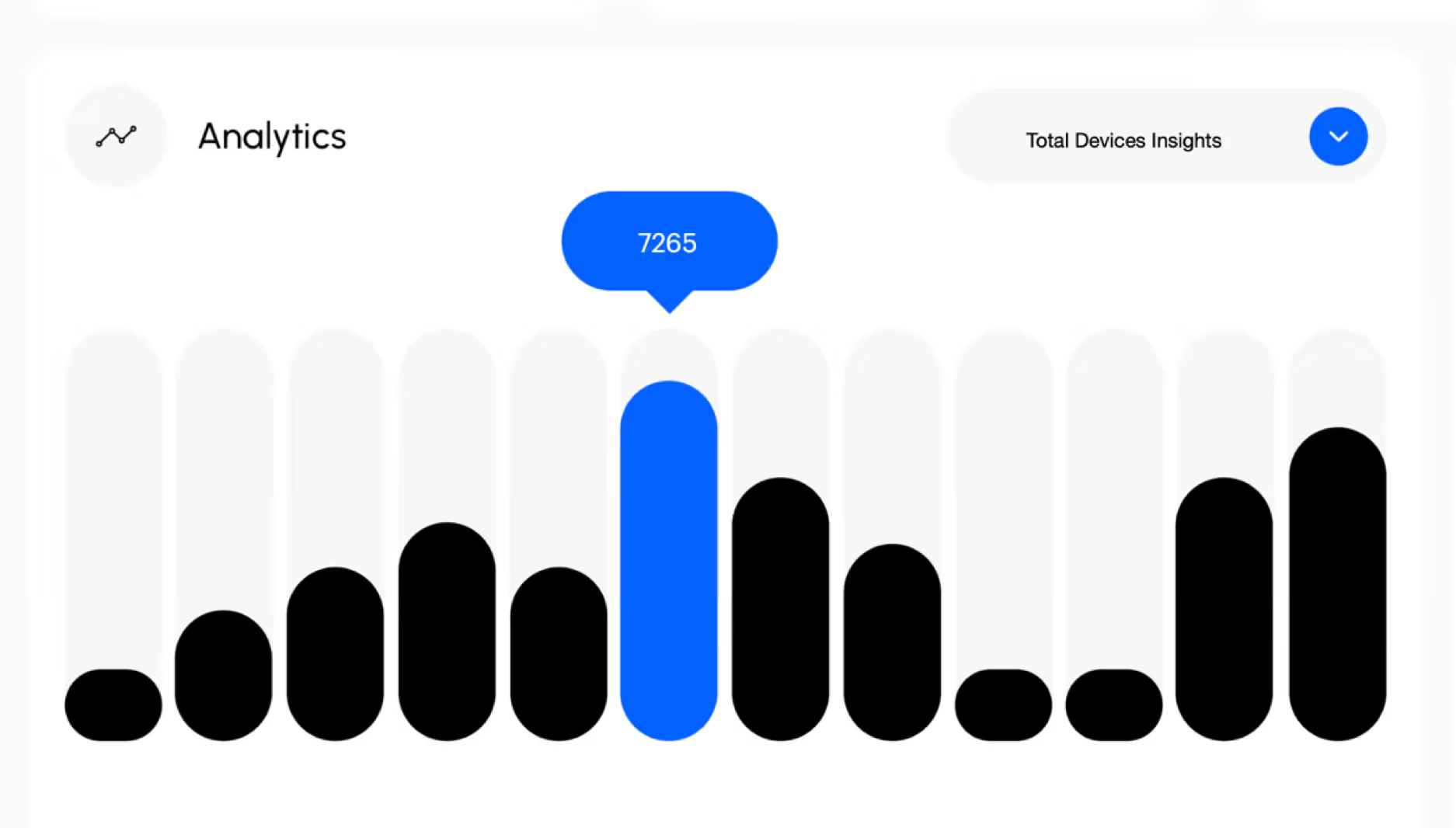
Modern Device Management
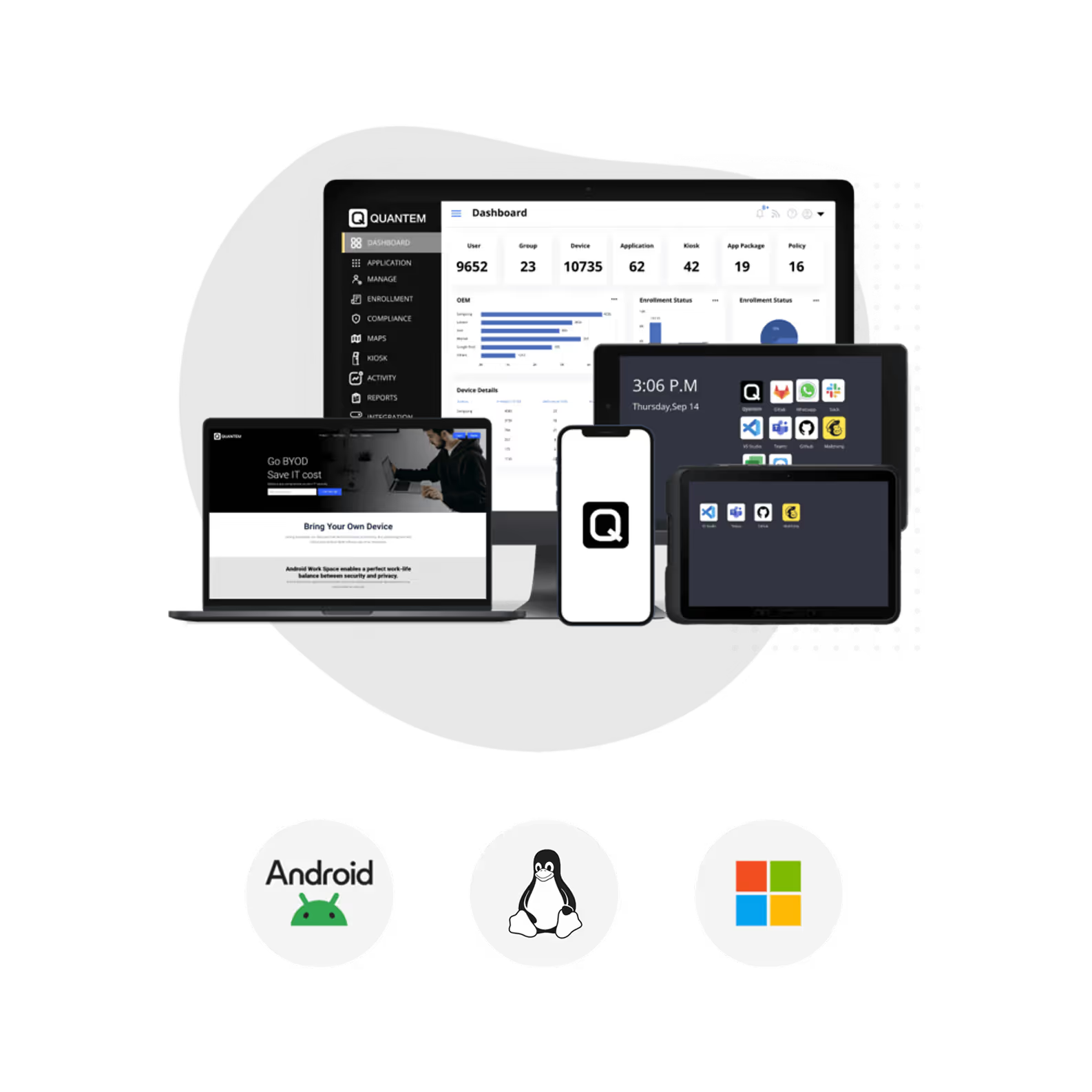
Full visibility of every scanner, tablet, and terminal in your operation. You can control every device and location from one place.
Application Management
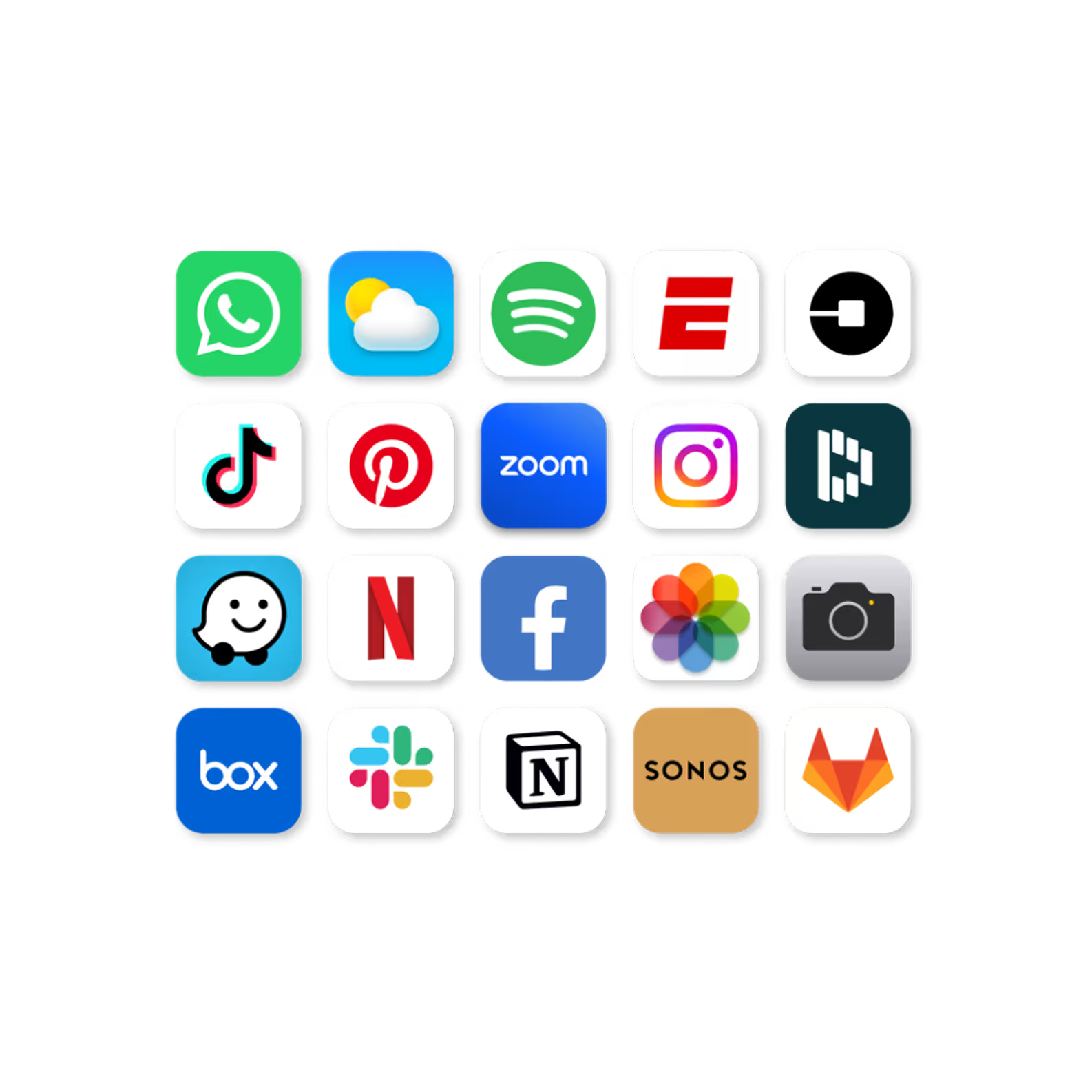
Deploy or update any app for your entire fleet in one shot. One push reaches all devices regardless of how many locations you have.
Kiosk Solution
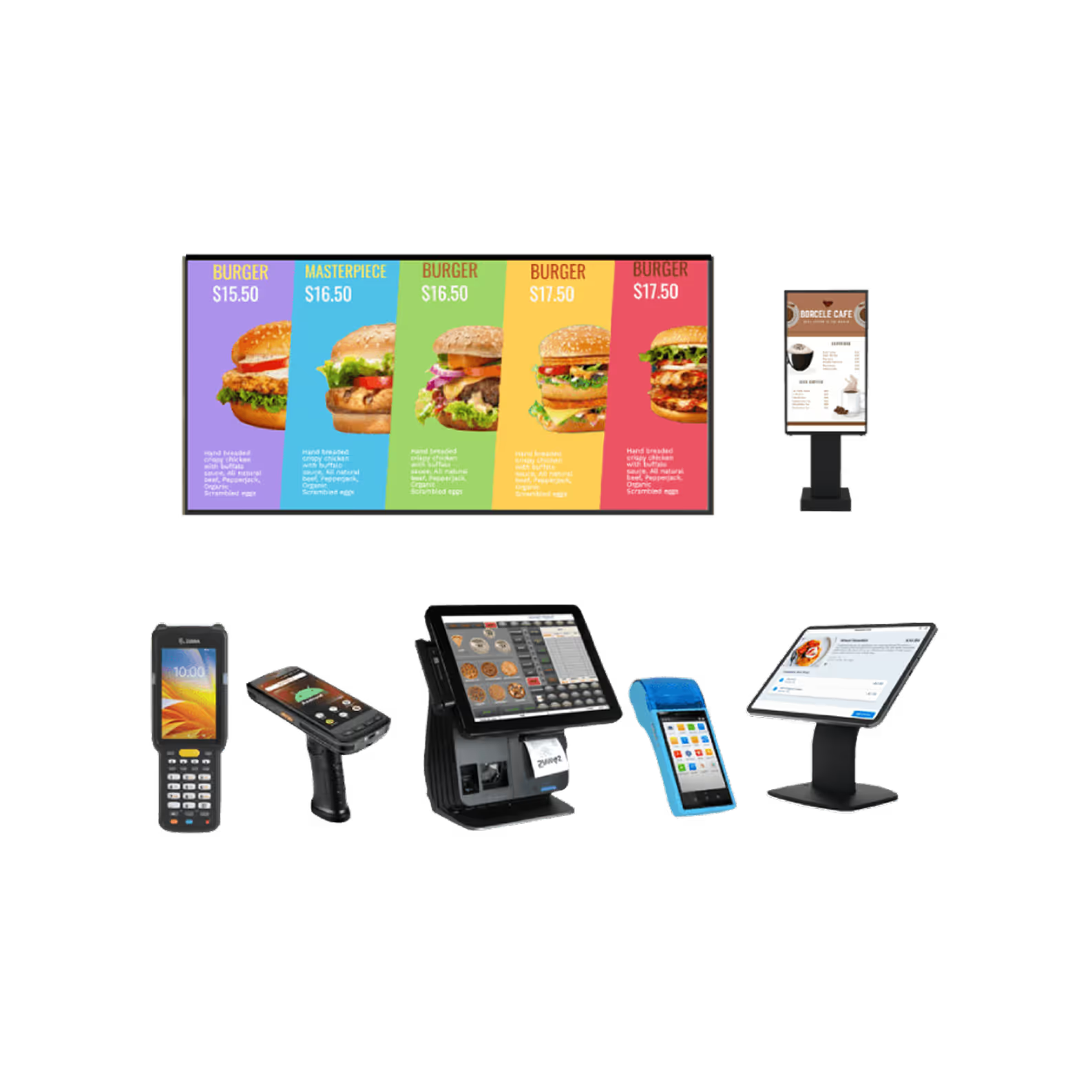
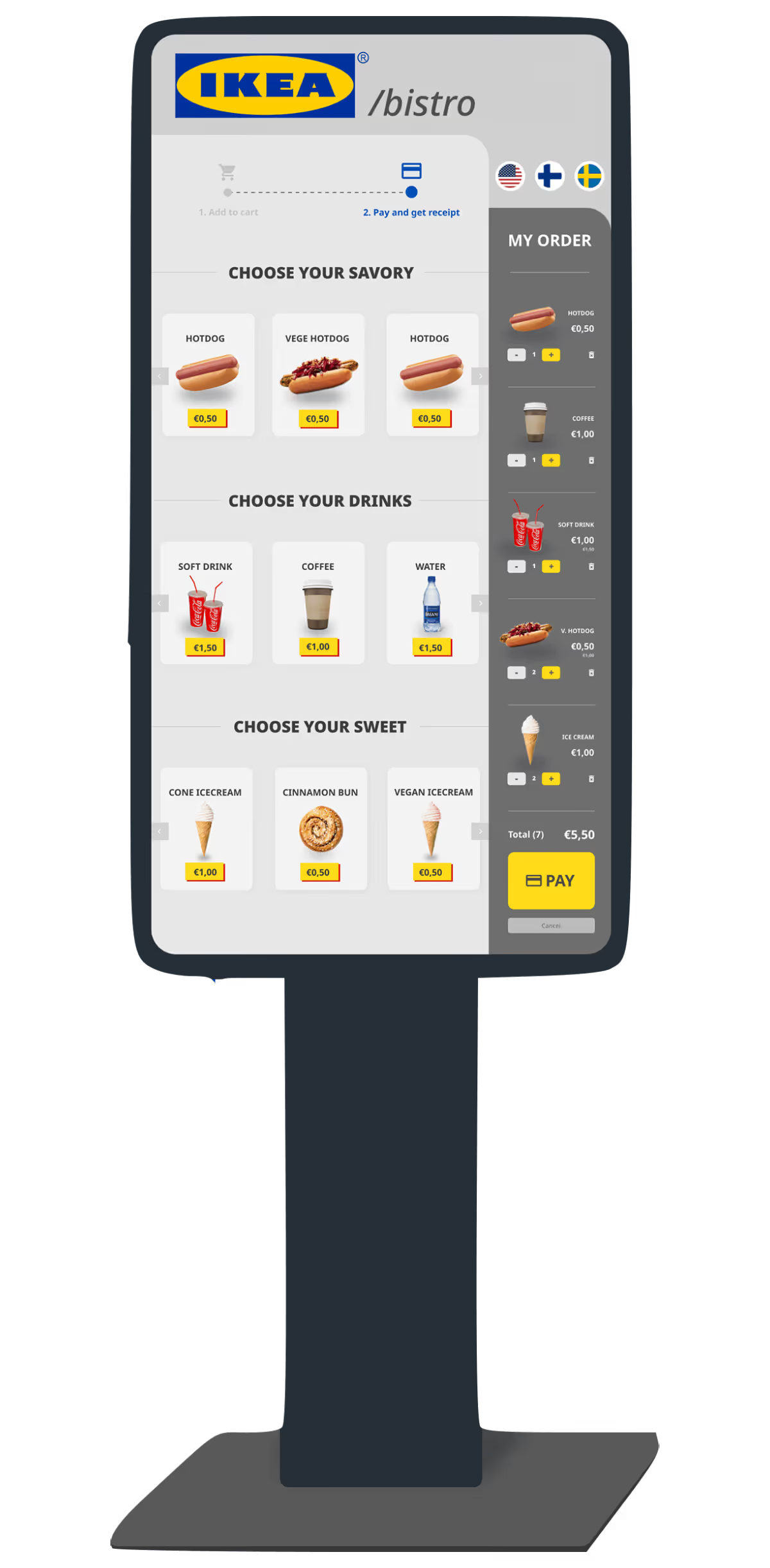
Lock any Android device to a task and turn it into a terminal. No custom hardware, no IT visit to the location.
Work-profile / BYOD
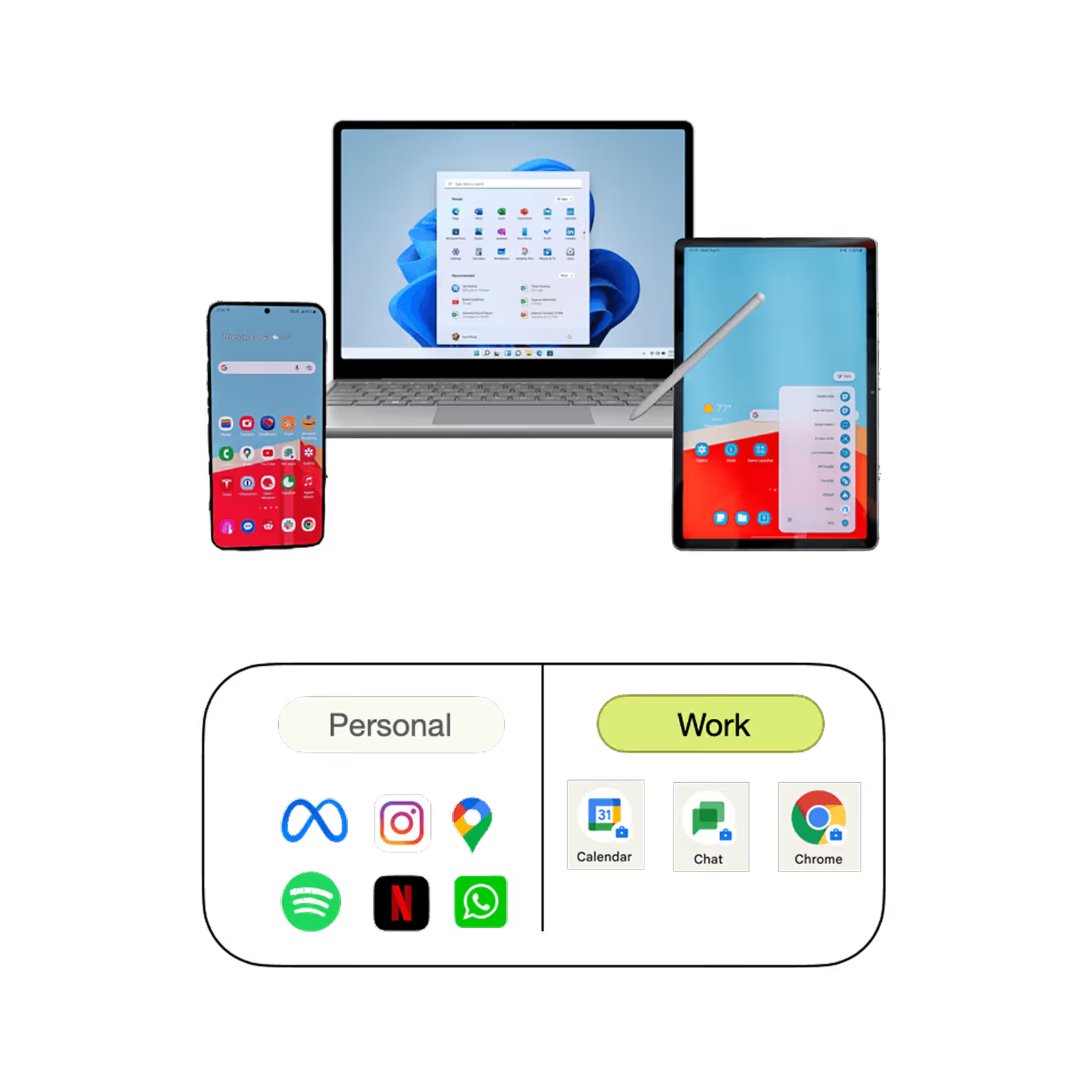
Secure corporate apps on associate and driver personal devices with structural separation built into the architecture that separates business data from all other data.
Total fleet control, wherever you operate
The MDM platform your whole team will actually use
Everything you need to manage devices at scale
Deploy
Zero-touch enrollment sends devices to any store, depot, or warehouse pre-configured. Your IT team never needs to be on site to get a location running.
Secure
120+ policy controls ensure compliance across every device in your fleet automatically, without gaps.
Resolve
See any device's live screen, run diagnostics, and close the issue remotely before it reaches the floor or disrupts a route.
Scale
Open new locations at the speed of your business. Devices ship pre-configured and come online fully compliant, no matter how fast you're growing.
Kiosk Mode

Locks the device to a specific task, ideal for store terminals and order stations.
App Installation

Restricts installs to your approved app catalog across the entire fleet.
GPS Location Tracking

Real-time device location across every store, depot, and route.
Factory Reset

Prevents device users from wiping and resetting devices in the field.
Application Management
Every app across your fleet, under your control
App Catalog
Your internal tools and every public app in one catalog. Push your routing software or inventory management app to the entire fleet without touching a single device individually.
App Blocking
You can block any app on all the devices in your warehouse or just on certain store terminals. Just two clicks and the policy is applied right away to every device you want.
Custom & In-House Apps
Publish private and public apps through a unified app catalog. Manage app versions with ease, test updates before deployment, and quickly roll out fixes to keep your devices running smoothly.
Staged Updates
Validate a new routing app version on ten driver phones before it reaches five hundred. If something breaks in the field, rollback is immediate and fleet-wide.
App Data Wipe
Clear app data silently across device shifts without interrupting any active user. Keeps scanners and handhelds running at full capacity, automatically, without a manual process.
Usage Analytics
See which ones are running, where they're being used, and on what devices. This helps you spot potential issues before they cause problems. You can identify areas where you're not meeting requirements or where tools aren't being used enough.
Kiosk Solutions
Turn any Android device into a dedicated kiosk
Lock any phone or tablet to a single purpose and manage it across every location from your dashboard
Single App Kiosk
Lock down a device to a single app or function. Ideal for self-checkout kiosks and scanners, it prevents misuse, reduces errors, and ensures a simple, reliable user experience.
Multi App Kiosk
Give your store staff or warehouse workers the tools they need to do their job, all in one safe place. Use the right apps for the task at hand, without being able to access anything else.
Custom Launcher
Give your Android devices a consistent look and feel, no matter where they are or who set them up. Replace the standard Android launcher with a customized one that shows your brand on every screen. Your identity stays the same across all stores and locations, making it easy to recognize and use.
Digital Signage
Push promotional content, pricing updates, and operational messaging to every display across your estate simultaneously. Changes go live across every screen the moment you publish them.
Integrated Kiosk units
Ready-to-deploy kiosks for retail, warehouse, and customer service environments, built for business-critical operations where reliability matters.

Dozens of industries trust Quantem to manage their mission critical device fleet.



Work profile
Protect your business without compromising your employees' privacy
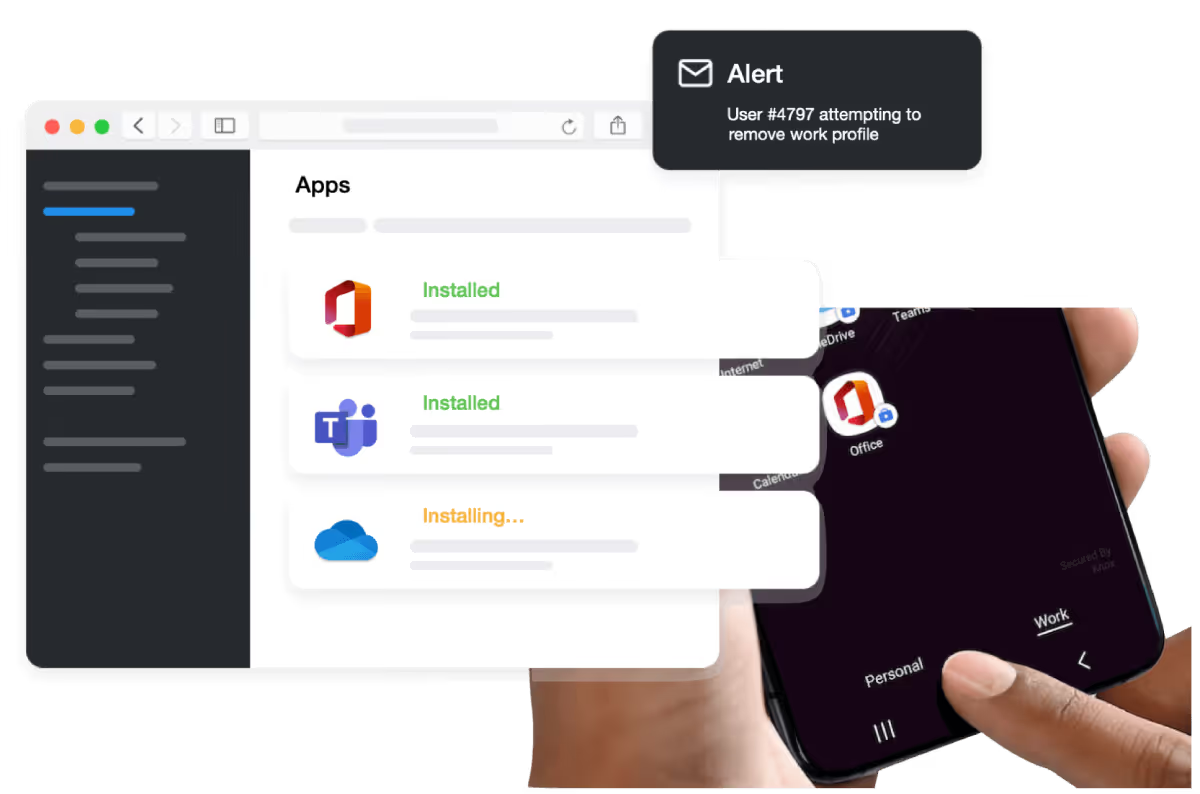
Quantem's work profile keeps corporate data structurally isolated from an employee's personal content, by design. For delivery drivers and store associates using personal devices, your business data is protected and their privacy is intact. When someone leaves, wipe the work profile remotely and their personal content is never touched.
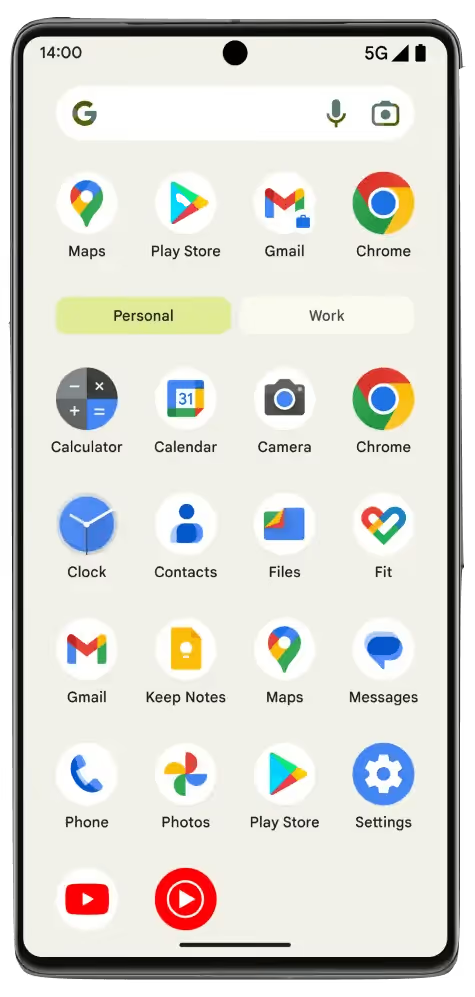
Personal
The organisation has zero access to personal apps, messages, or data. Employees stay private. Your compliance posture stays intact.
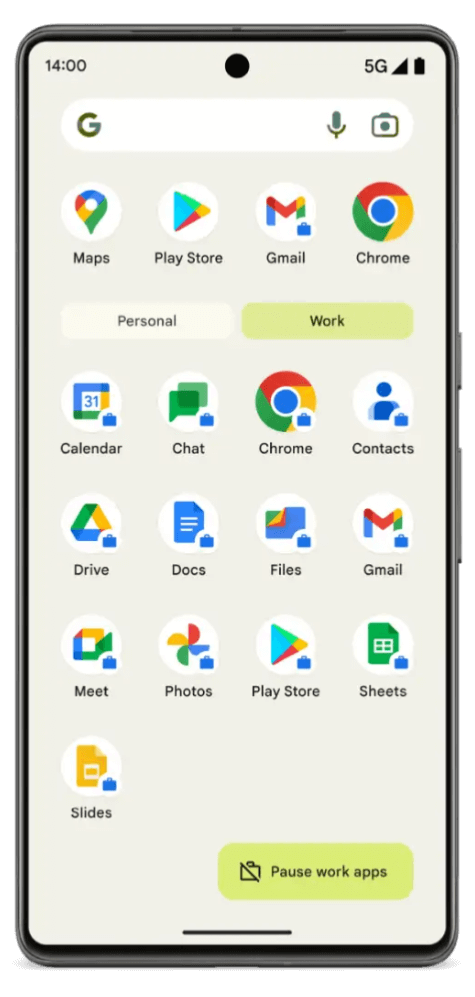
Work
Push work apps, enforce policies, and revoke access from any device in your fleet with a single action. Changes take effect immediately across every enrolled device.
Integrations
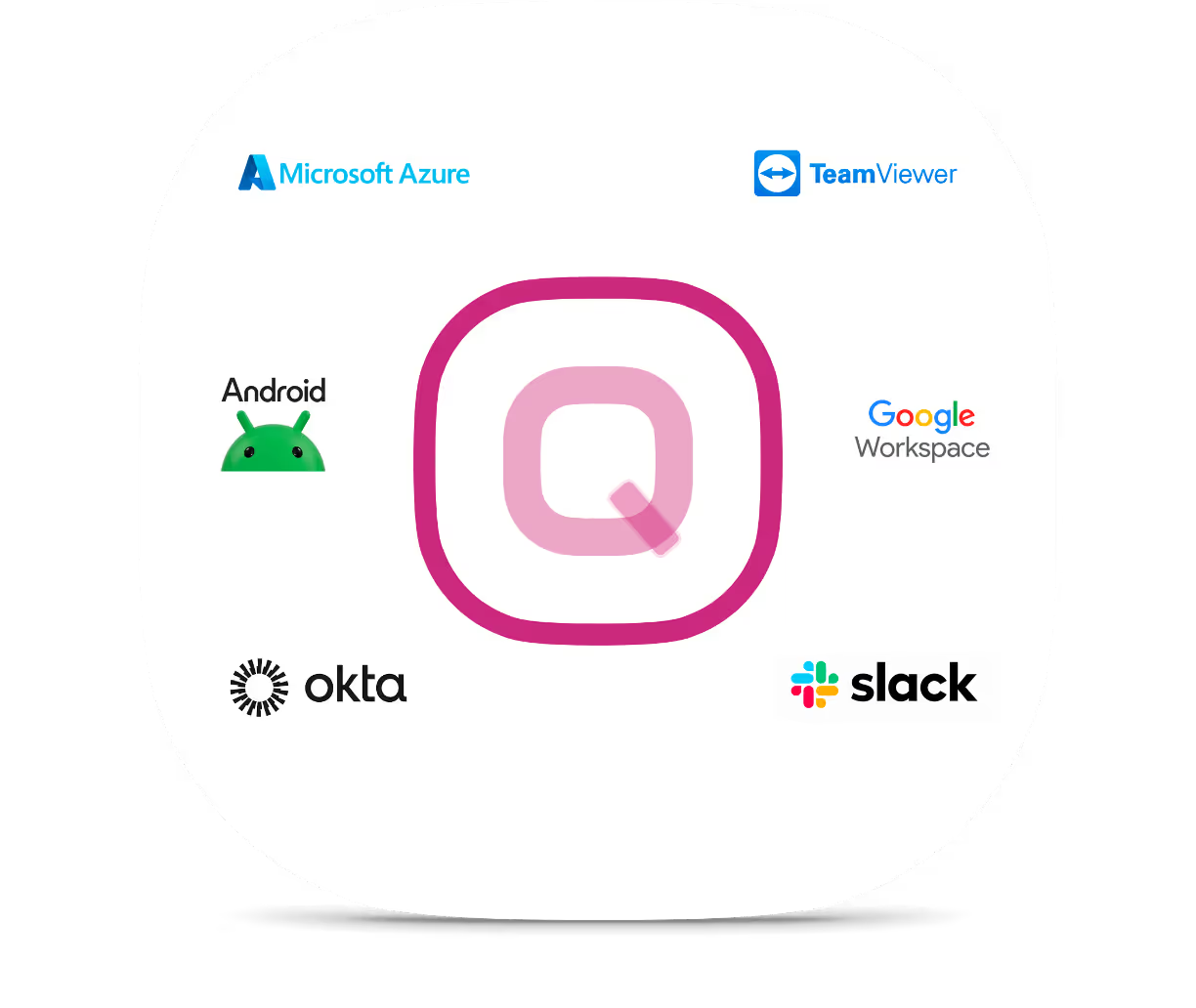
Connect Quantem to the platforms your retail and logistics stack already depends on.
Save 50% on all plans for lifetime
Get the best MDM solution in market at best price
Per month billed yearly
Per month billed yearly
Per month billed yearly
The platform your IT team, ops team, and store managers can all rely on
Quantem adapts to how each role works: plain dashboards for business teams, API access for developers, zero-touch workflows for IT admins.

Sys or IT Admin
Zero-touch enrollment, policy toggles, profile management, all without writing a single script. Provision and deploy at scale, from your desk.

Software Developer
Full API access to integrate Quantem with your internal tools, automate rollouts, stage builds for QA, and push to thousands of devices without a single manual step.

Business Owner
Real-time device health, location tracking, and custom reports, all at a glance. Know exactly what your fleet is doing, without needing to ask IT.
Built for every team across your entire operation
A full REST API built for how developers actually work
Integrate Quantem with your internal tools, automate device workflows, and build custom dashboards using a clean, well-documented API. From geofencing to app deployment, every platform capability is accessible programmatically.
curl --request POST \
  --url https://api-dev.getryt.in/usr/api/v1/api/create/geofence \
  --header 'Accept: application/json' \
  --header 'Content-Type: application/json' \
  --header 'x-quantem-api-key: ' \
  --data '{
  "name": "string",
  "displayName": "string",
  "description": "string",
  "organisationId": "string",
  "locationDetails": {
    "locationCoordinates": {
      "latitude": 0,
      "longitude": 0,
      "timestamp": 0
    },
    "address": {
      "administrativeAreaLevel1": "string",
      "administrativeAreaLevel2": "string",
      "country": "string",
      "locality": "string",
      "route": "string",
      "latitude": 0,
      "longitude": 0,
      "radius": 0
    }
  },
  "geofenceTargetType": [
    "DEVICE",
    "GROUP",
    "USER"
  ],
  "geofenceTargetList": [
    {
      "targetId": "string",
      "targetType": "string",
      "targetName": "string"
    }
  ],
  "alertEmails": [
    "string"
  ],
  "userId": "string",
  "action": [
    "LOCK",
    "SET_PASSWORD",
    "ALARM",
    "NO_ACTION"
  ],
  "password": "string",
  "createdBy": "string",
  "updatedBy": "string",
  "radius": 0,
  "radiusType": [
    "KM",
    "M",
    "MI"
  ],
  "version": 0,
  "allowNotification": true,
  "emailNotification": true,
  "consoleNotification": true
}'
Support
Always available support for teams that are always on
From initial enrollment to full fleet deployment, Quantem's team is with you at every step and every hour. When a device issue surfaces mid-shift or a new location needs to come online fast, you will always reach someone who can resolve it.