
Bring Your Own Device (BYOD) Management Solution
Empower employees to securely use their personal devices for work with the Quantem BYOD management solution. Protect business apps and data, preserve employee privacy, and enforce security policies across Android, Apple, Windows, and Linux devices from a single platform.
Supported Platforms
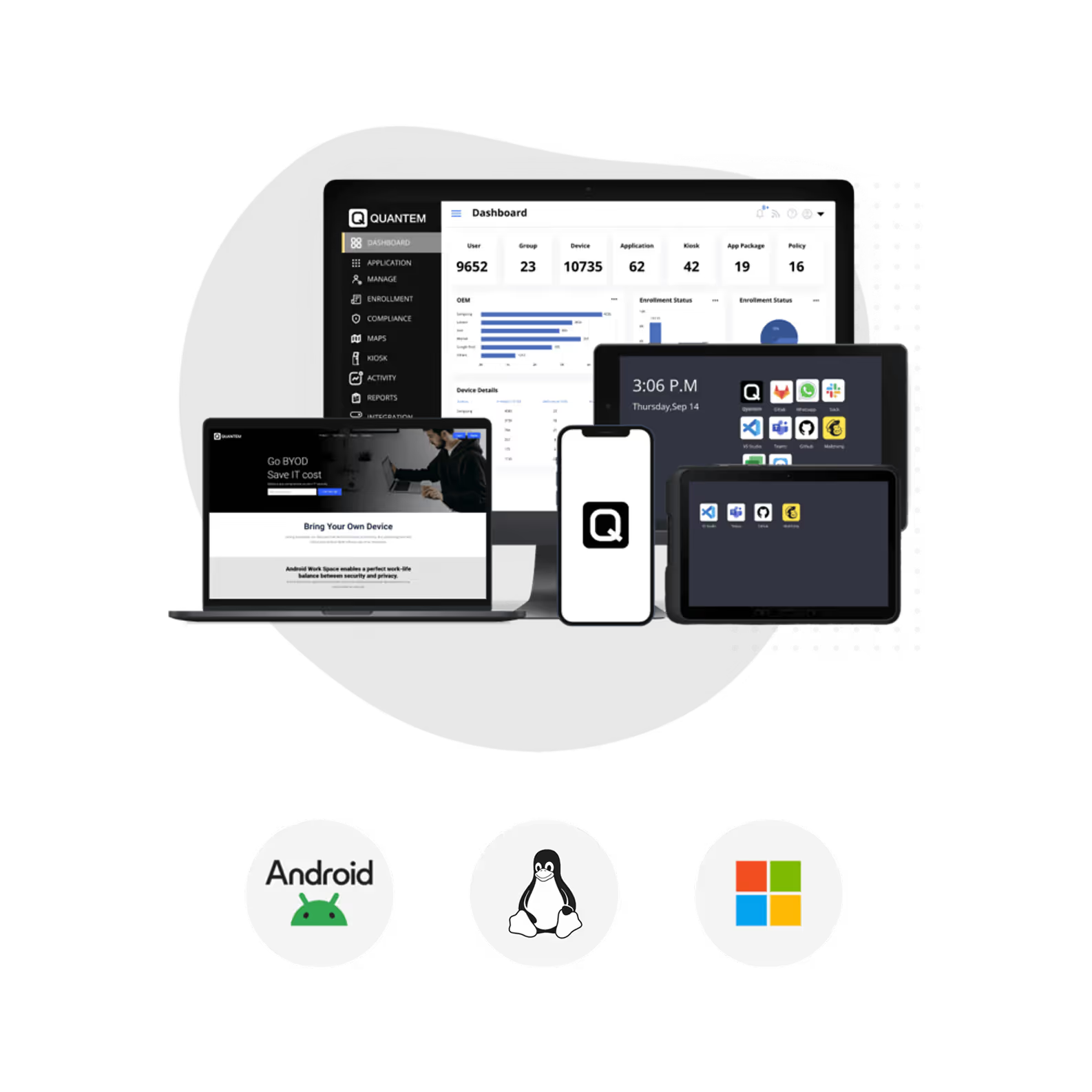
BYOD Management Software for Every OS
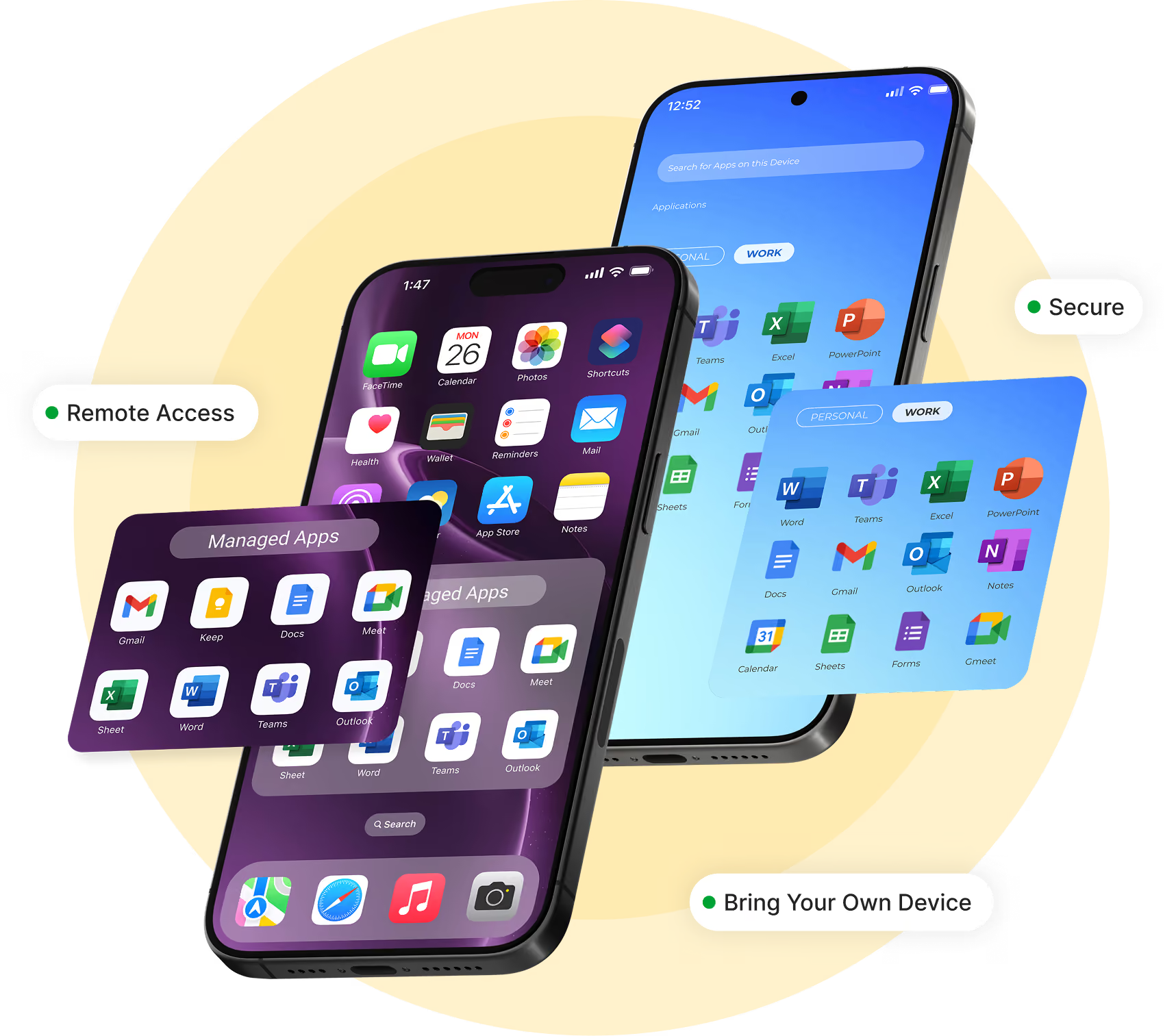
Manage employee-owned devices across Android, Apple, Windows, and Linux with BYOD management software that delivers consistent security, policy enforcement, and centralized visibility from one platform.



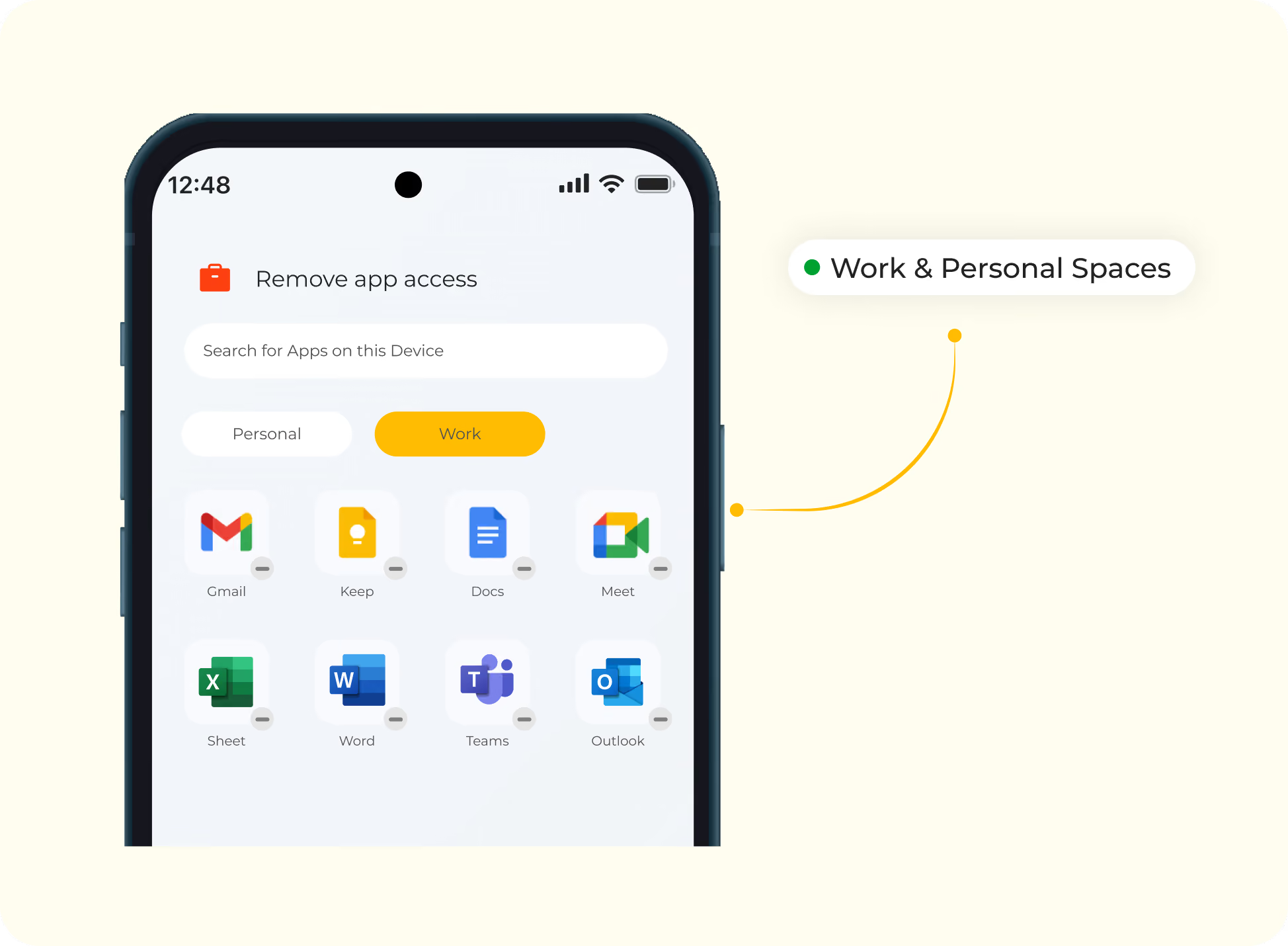
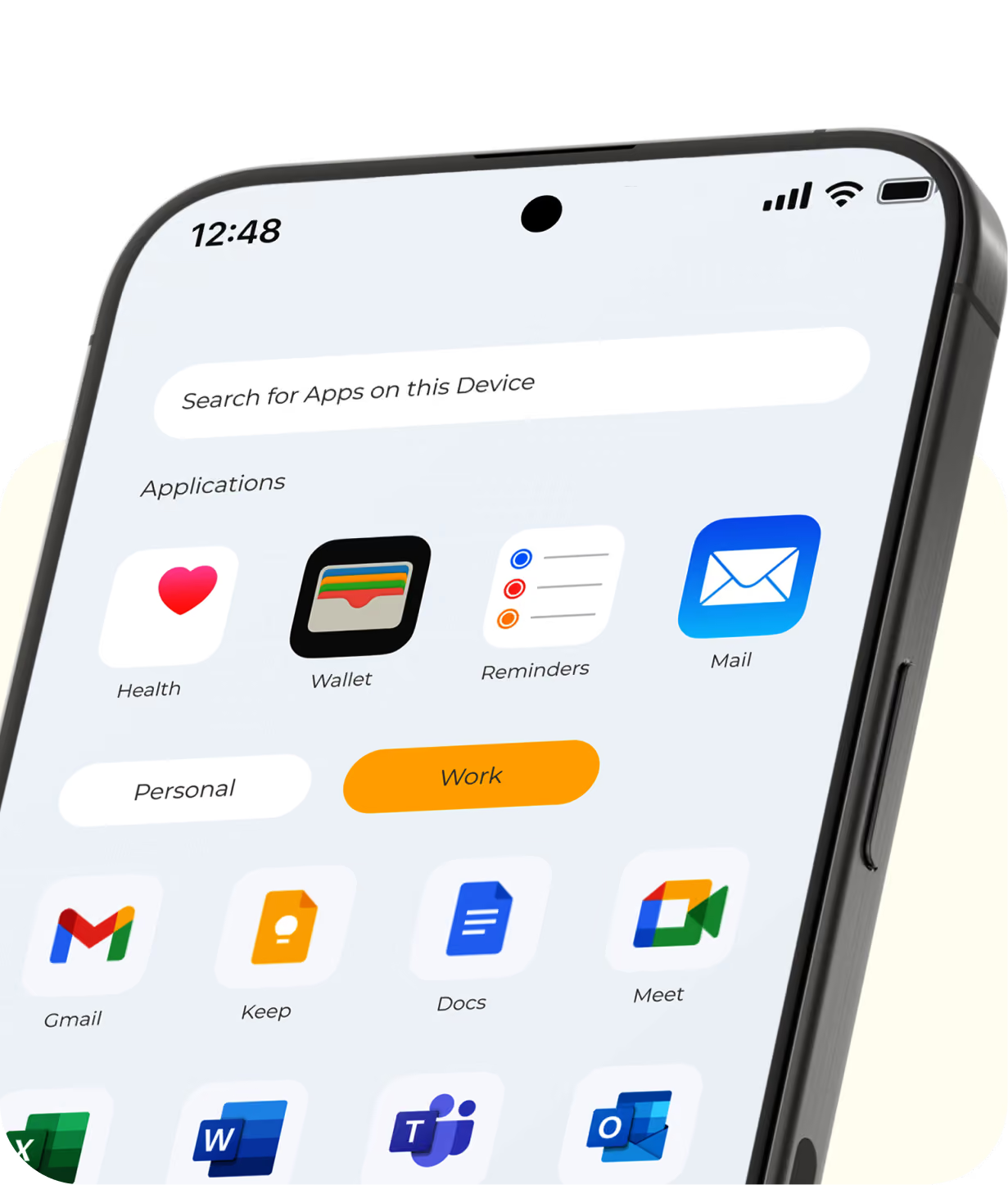
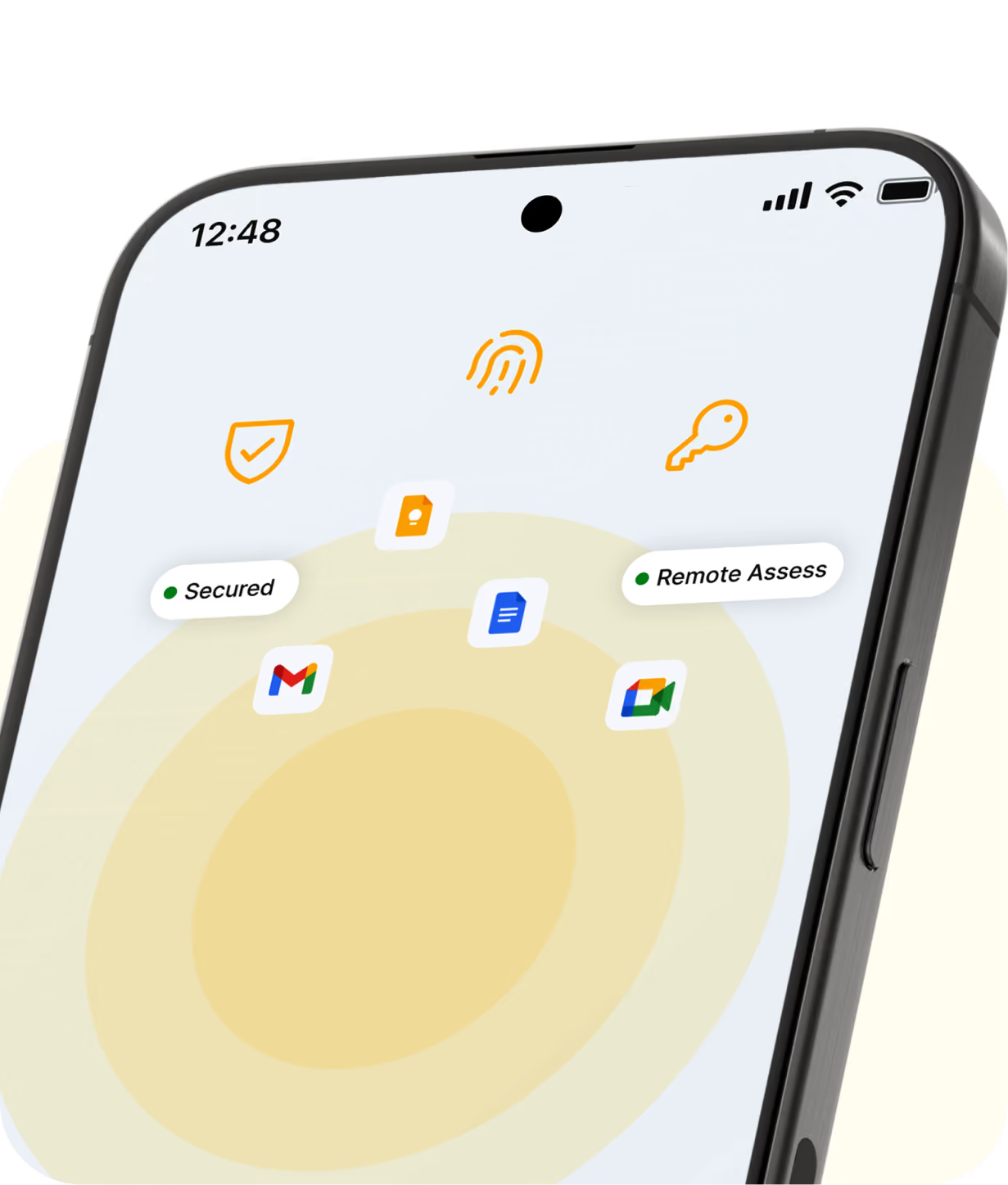
BYOD Security Without Compromise with Work & Personal Containers
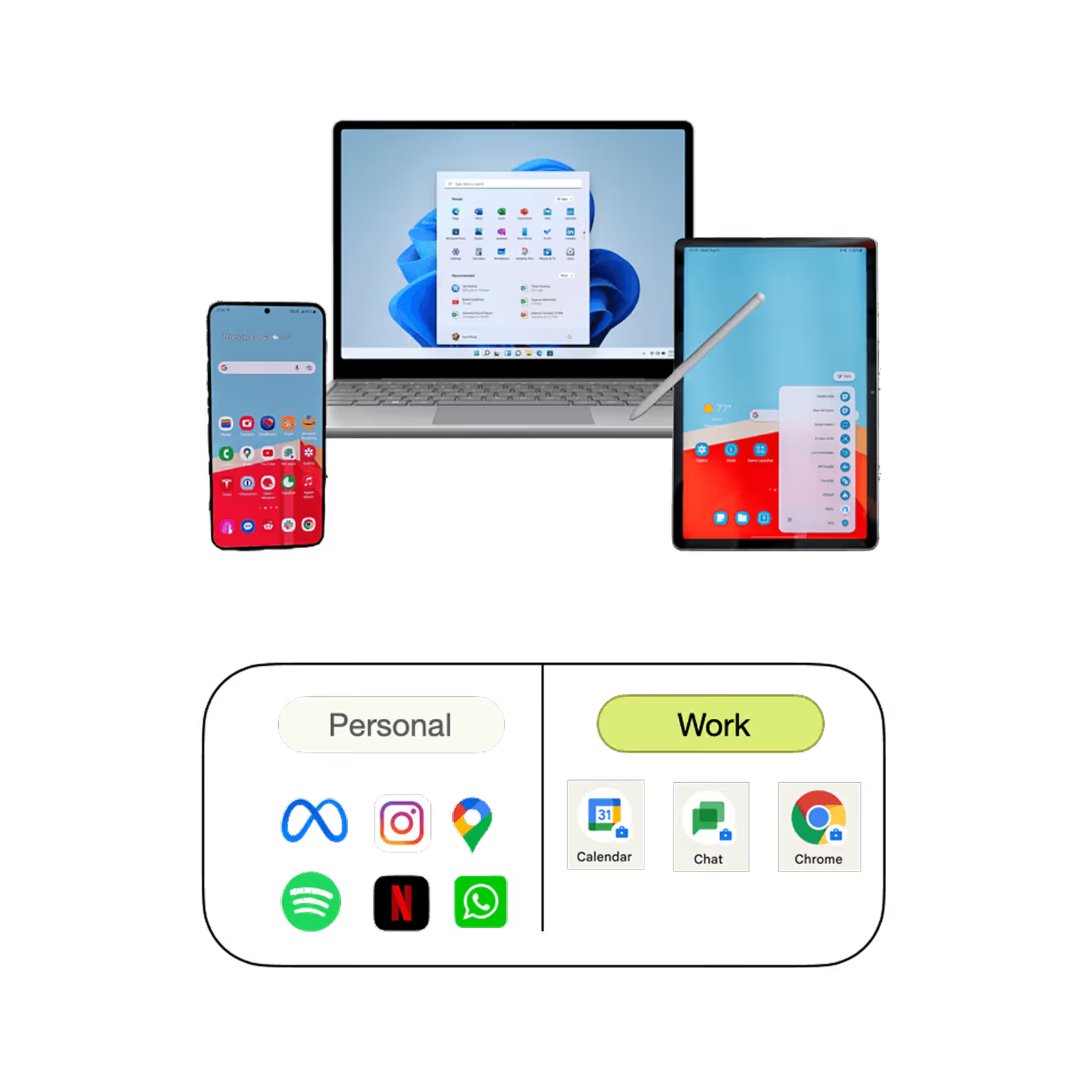
Empower employees to work confidently on their personal devices while keeping corporate data protected. Quantem creates a secure boundary between work and personal information, giving IT complete control over business data without intruding on employee privacy.
- Separate work and personal data with secure containers.
- Block data sharing between work and personal profiles.
- Restrict personal email accounts from accessing work applications.
- Prevent unauthorized file transfers and data leakage.
- Enforce a secure boundary for business apps and corporate data.
BYOD Management Made Simple
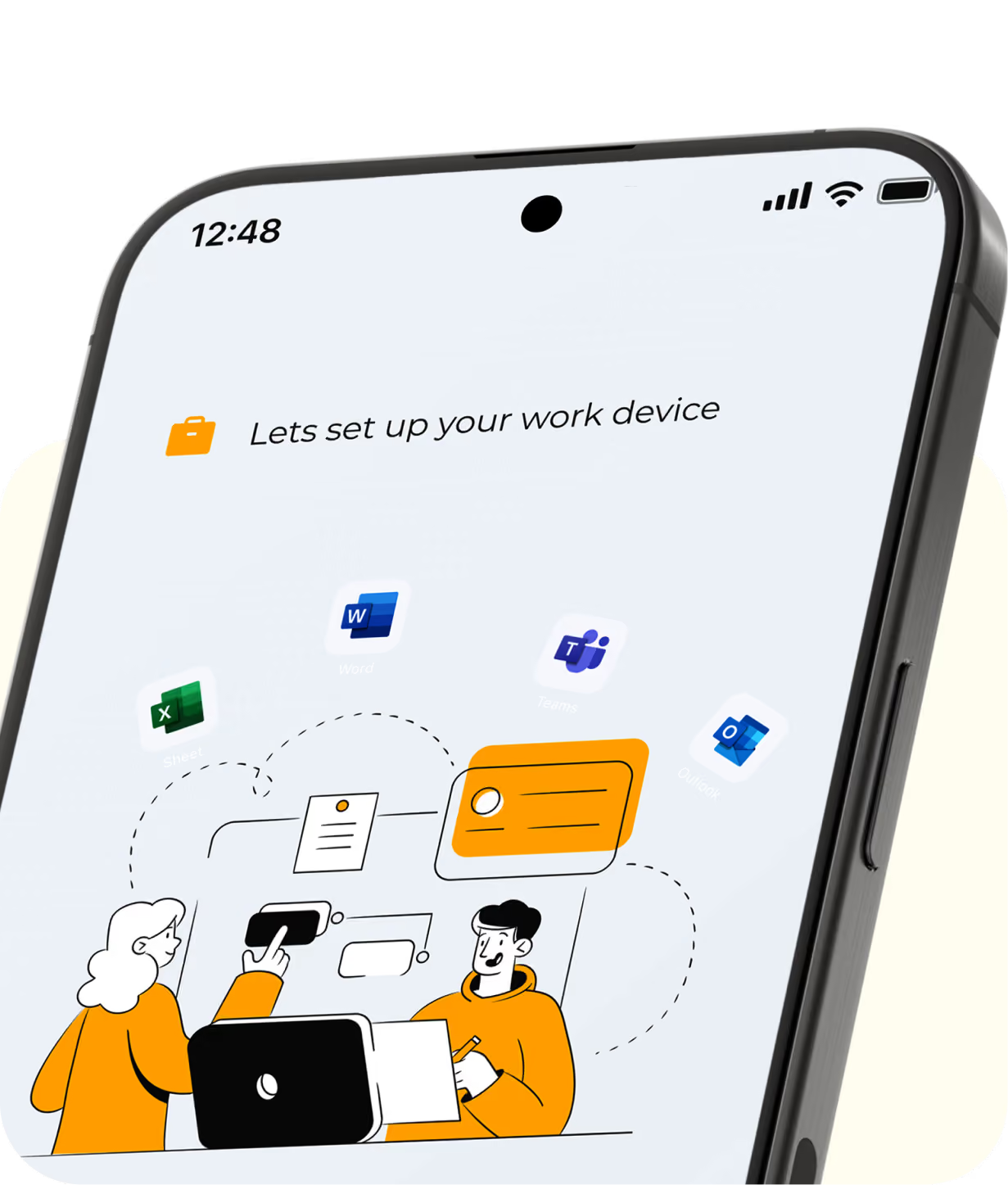
Support employee-owned devices with secure onboarding, automated configuration, policy-based protection, and seamless offboarding from one centralized platform.
.webp)
.webp)
.webp)

.webp)
Fast Enrollment Methods to Get Devices Ready from Day One
Choose the right BYOD enrollment method to onboard employees quickly while securely separating work and personal data from the very first login.

Bulk User Enrollment
Enroll large groups of employees in a single deployment and automatically configure work profiles, business applications, and security policies. This approach reduces manual effort and accelerates organization-wide rollouts.

QR Code-Based Enrollment
Employees simply scan a QR code to create their secure work profile. The enrollment process is fast, intuitive, and designed to protect personal information throughout setup.

Email-Based Enrollment
Send employees a secure enrollment invitation through email and let them complete device registration independently. Guided setup ensures consistent policy enforcement across every enrolled device.

Apple User Enrollment (AUE)
Enable employees to securely enroll their personal Apple devices using Apple User Enrollment. Business data remains isolated from personal content while giving IT complete control over corporate resources.
Manage BYOD Devices Without Sacrificing Employee Privacy
Protect business data, simplify device management, and empower employees to work securely on their own devices with Quantem BYOD Management.
Key Features of Quantem BYOD Management Solution
Secure employee-owned devices with powerful BYOD device management features that protect business data and preserve employee privacy.

Granular Security Policies
Protect business data with comprehensive BYOD policies across managed work profiles. Enforce passwords, deploy enterprise certificates, block screenshots, restrict additional Google accounts, and prevent Bluetooth sharing to reduce security risks.

Work–Personal Data Separation
Keep corporate data isolated from employees' personal information using secure work containers. Restrict data sharing between profiles, block personal email access to work apps, and prevent unauthorized file transfers without affecting personal content.

Time-Based Work Profile Access
Allow employees to use their personal devices for work while controlling when they can access business apps and data. Restrict work profile access outside business hours to improve security and support a healthy work–life balance.

Application Management
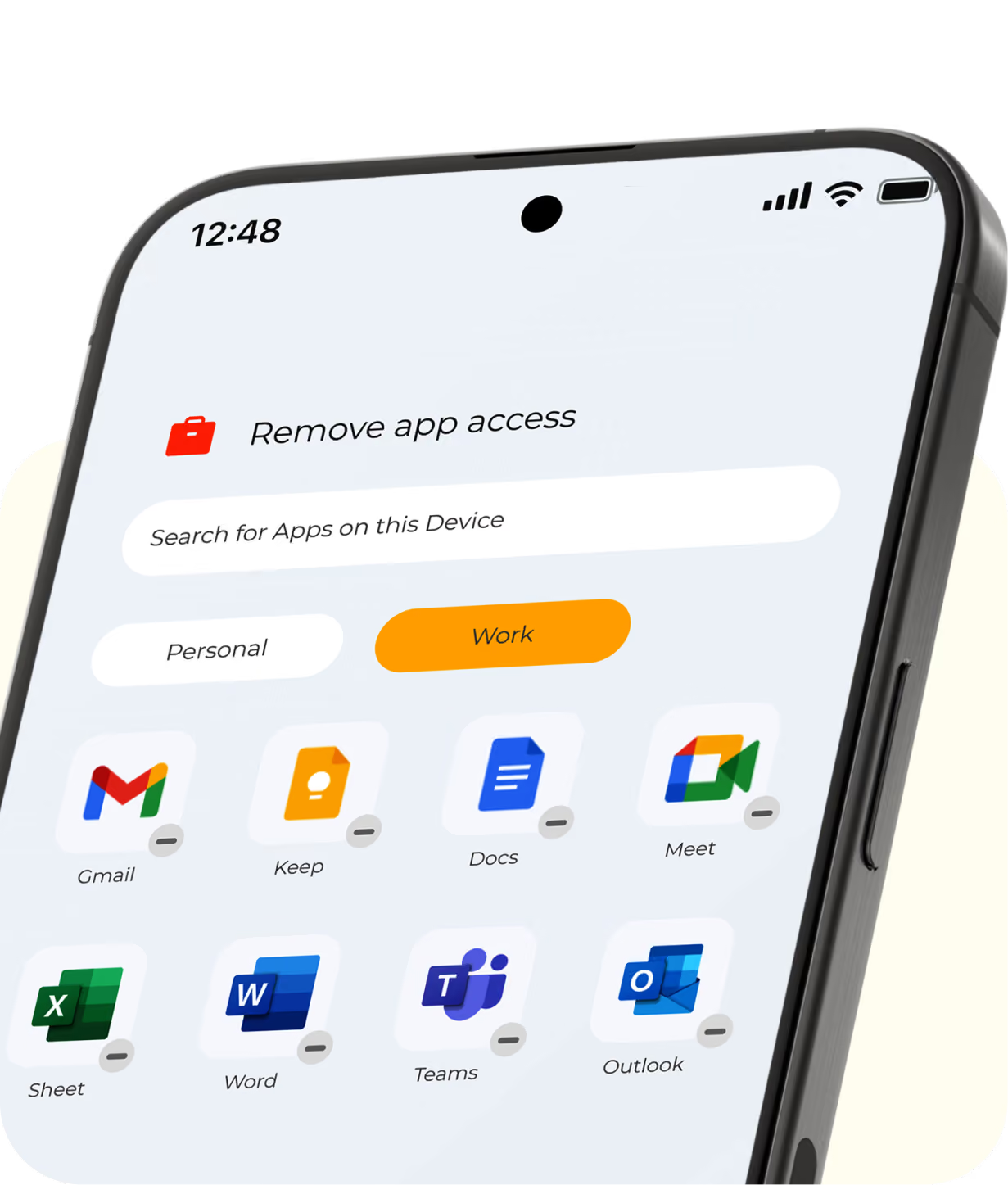
Deploy the right business applications to the right users with centralized app management. Install, update, configure, and remove enterprise apps remotely to improve productivity and maintain compliance.

Content Management
Distribute business documents and essential resources securely to employee-owned devices. Ensure employees always have access to the latest content while keeping sensitive information protected.

Remote Troubleshooting & Selective Wipe
Resolve device issues remotely with secure troubleshooting to minimize downtime and reduce IT effort. Selectively wipe business data when a device is lost, stolen, or retired, while keeping personal data intact.
Secure BYOD Devices Without Limiting Productivity
Empower your workforce with a secure BYOD solution that protects corporate data, respects employee privacy, and simplifies device management at scale.
BYOD MDM Solution for Every Industry
Protect business data on personal devices across every industry with a powerful BYOD MDM solution.

Healthcare
Enable clinicians to securely access electronic health records, patient information, and healthcare applications from their personal devices. Protect sensitive healthcare data and support HIPAA compliance with strong security policies.

Education
Secure student and staff devices used for digital learning, collaboration, and campus communication. Deliver educational apps and resources while keeping institutional data protected.

Retail
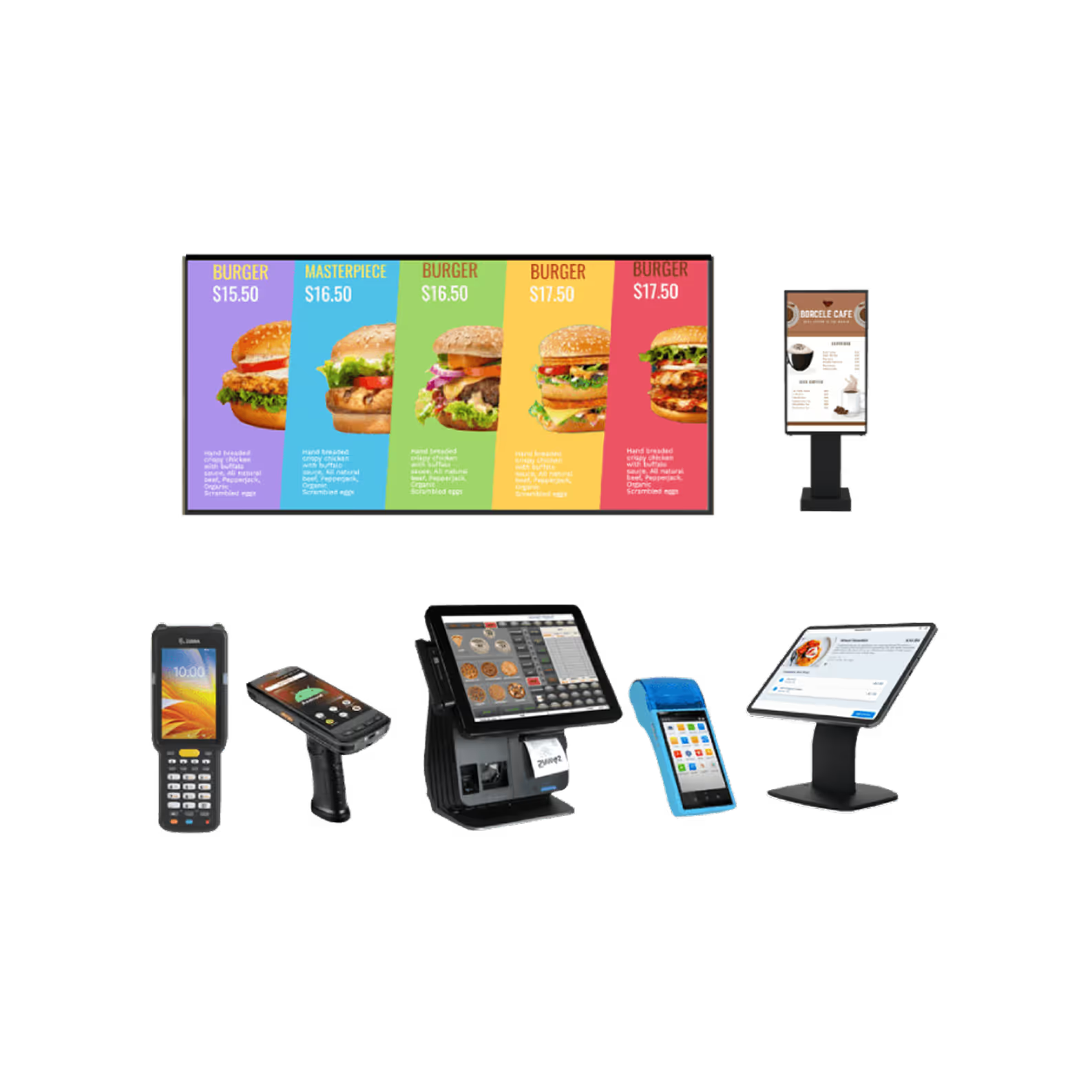
Empower employees with secure access to mobile POS systems, inventory applications, and communication tools on their own smartphones. Improve customer experiences without compromising business security.

Logistics & Transportation
Give drivers and field teams secure access to routing, delivery, fleet management, and scanning applications from anywhere. Maintain visibility and enforce security policies across every managed device.

Hospitality
Support hotel staff with secure access to booking platforms, guest services, and internal communication tools. Protect business information while enabling seamless employee mobility.

Non-Profit Organizations (NPOs)
Allow volunteers, field workers, and remote teams to securely access organizational resources from their personal devices. Reduce IT overhead while maintaining strong protection for donor and organizational data.
Why Choose Quantem MDM for BYOD Management?
Balance enterprise security and employee privacy with Quantem BYOD Management.

Ease of Use
Get started in minutes with an intuitive platform built for both IT administrators and end users. Simplify device management with centralized controls, detailed reporting, and responsive support.

Pay as You Grow
Scale your deployment as your organization grows without unnecessary complexity. Flexible licensing ensures you only pay for the devices you manage.

Compliance Ready
Protect sensitive business data with security controls designed to support regulatory compliance. Quantem helps organizations strengthen governance with support for SOC 2, GDPR, and CCPA requirements.