
Complete control over apps Align Define Distribute
We don't talk over the air. Test us
Transform the way you distribute and manage software
Application and patch management are really heavy lifting for IT operations & security teams
Quantem made it easy for everyone
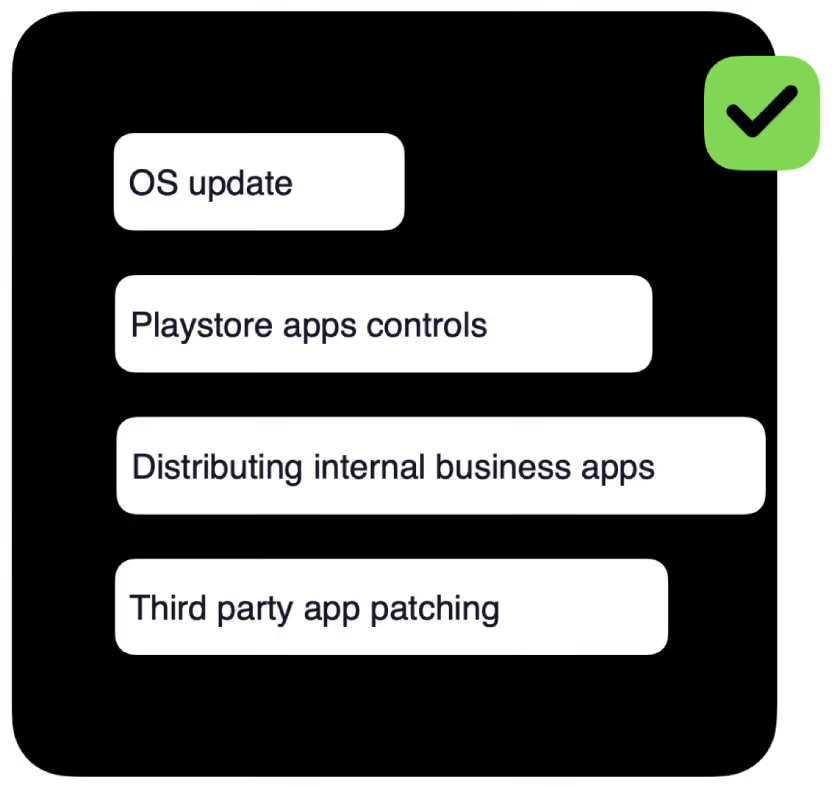
Ensure users are always running the right software versions without you running individual patch management and app deployment.
Seamlessly deploy, update, and remove applications
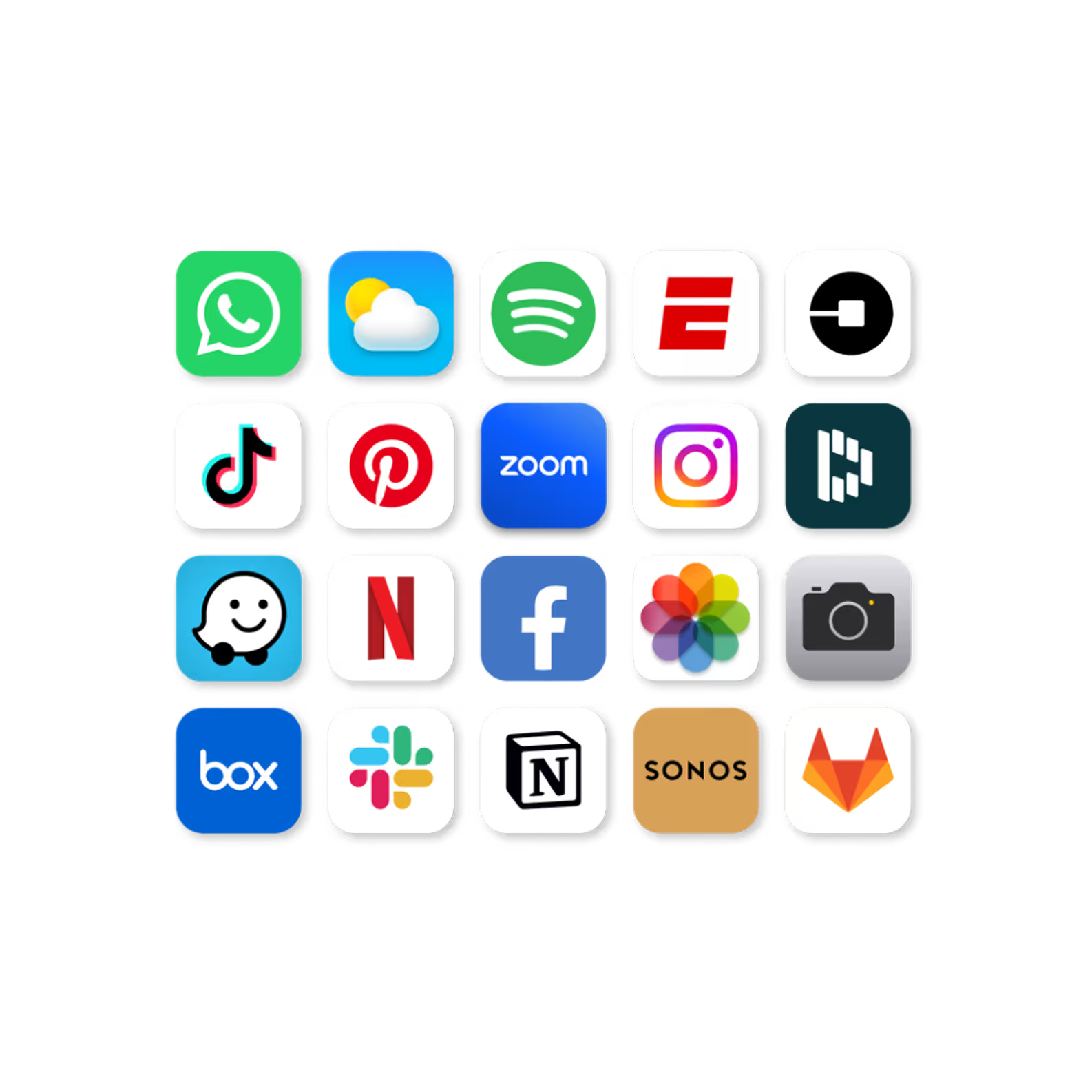
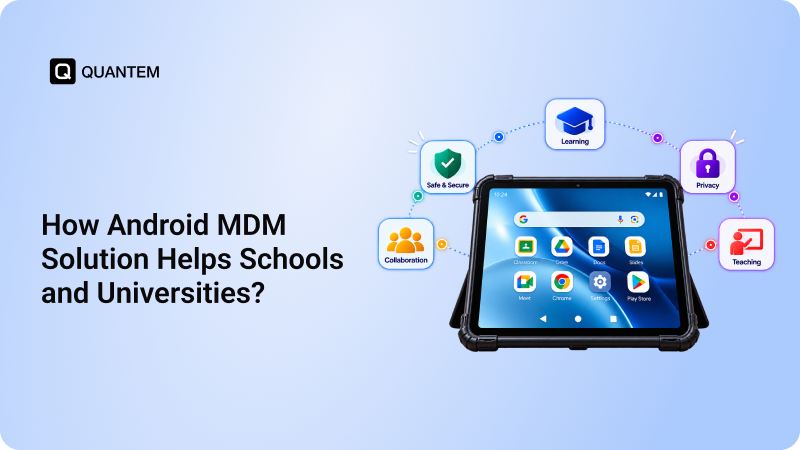
Personalised catalog for your organisation from play store, app store and your private business application with multiple versions.

Gone are the days of installing apps one by one to every device.
Distribute single or multiple apps to a device or fleet of devices with necessary app settings to meet the security standards of your organisation.
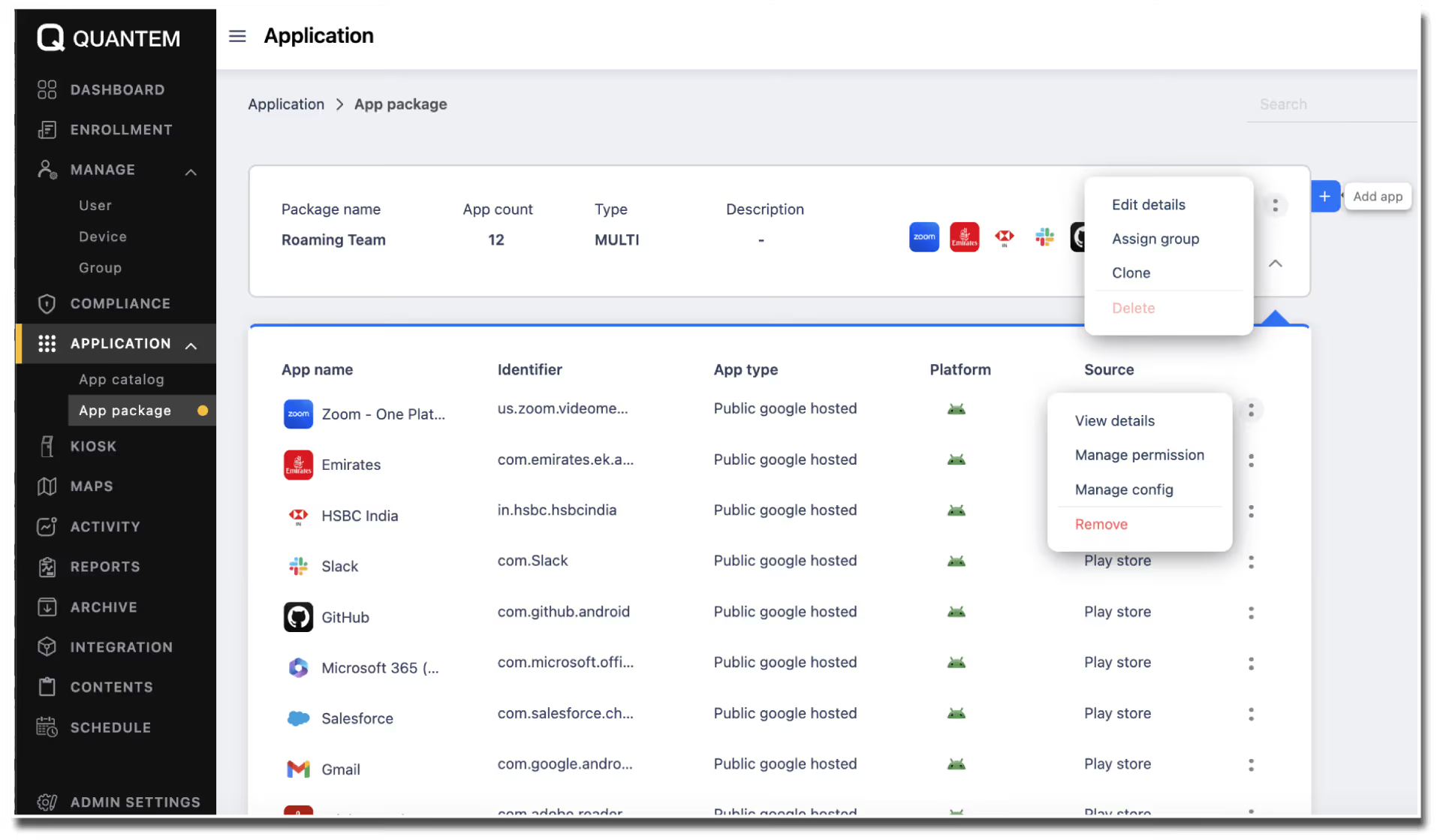
Restrict apps for entire fleet or a subset with just a few clicks.
Easy configuration of app-level settings and security policies made unimaginably easy Just in less than a minute.

Auto Update
Not all. We know some apps you don't want to get updated and interpret the performance. You can stage it before its rolled for everyone.
Custom Apps
Manage the apps made for your internal use under single pan of glass. You may maintain multiple version or a patch its upto your convenience.
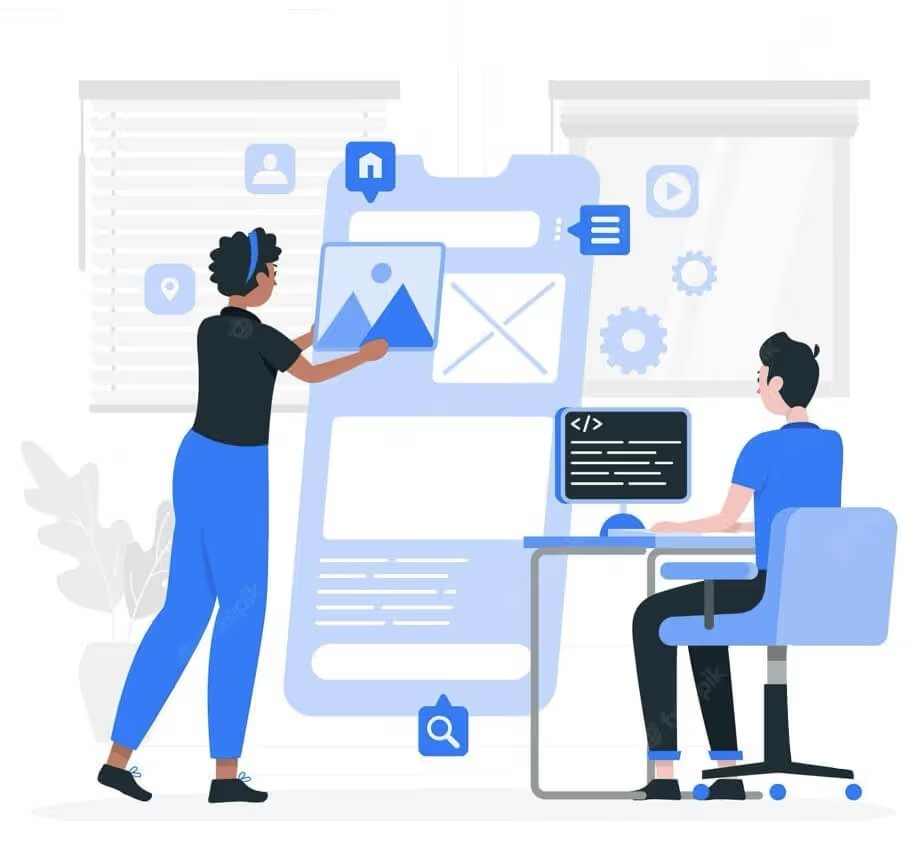
Clear app data
Clear app data without user interruption. Run auto schedule for periodic clean up.
App usage reports
Get app usage reports and schedule your action as per usage patterns.

Frequently Asked Questions (FAQs)
The Application Management software allows for the effortless deployment of applications with top-tier application management. It provides administrators with enhanced control and organization of app versions, ensuring a seamless user experience.
The Automated App Updates feature eliminates the tedious task of manually deploying patches and updates to each device. It empowers administrators with uniformity in app versions and enables effortless execution on supported devices through automation.
The Attractive App Packages feature simplifies the process of deploying a standard set of apps to multiple devices. By creating customized packages of desired apps, users can experience hassle-free app deployment, saving time and effort.
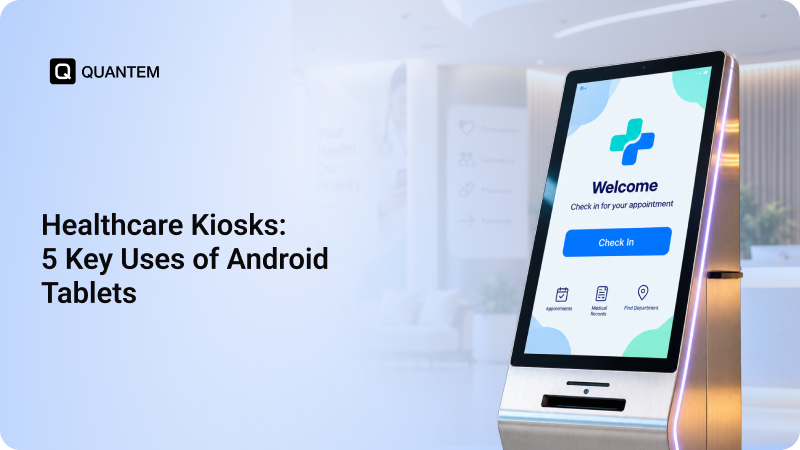
The DIY App Catalog is one of the best MAM benefits as it alleviates significant workload on IT teams. It does so by enabling end users to become self-sufficient in app installations. By providing a centralized catalog of applications, users can choose and install relevant apps without requiring IT assistance, enhancing productivity.
Auto OS updates, a feature of the mobile application management software ensure that outdated operating systems don't hinder productivity. By automatically updating to the latest OS versions, organizations can enjoy enhanced security, improved compatibility, and a seamless user experience, without the need for manual intervention.