
Android Kiosk Mode to Lock Devices into Dedicated Kiosks
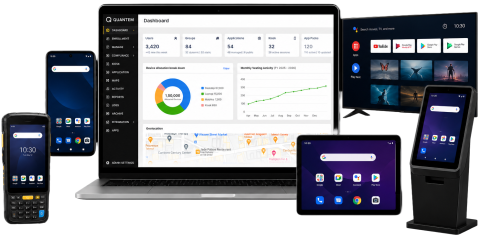
Transform Android smartphones and tablets into dedicated business devices with Quantem Android Kiosk Software. Lock devices into Single-App or Multi-App Android Kiosk Mode, control device usage remotely, and simplify Android kiosk management across your organization from a centralized dashboard.
Android Kiosk Mode for Every Business Need
Deploy Single-App or Multi-App Android Kiosk Mode to convert Android devices into purpose-built kiosks for employees, customers, and frontline teams.
Single-App Kiosk Mode
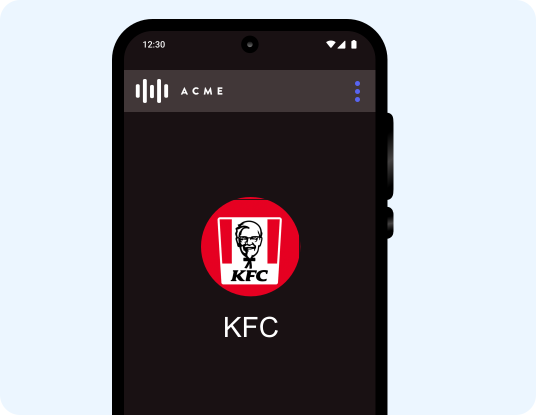
Lock Android devices to a single business application, preventing users from accessing other apps, device settings, or navigation controls. Perfect for self-service kiosks, digital signage, visitor check-ins, and dedicated business workflows.
Multi-App Kiosk Mode
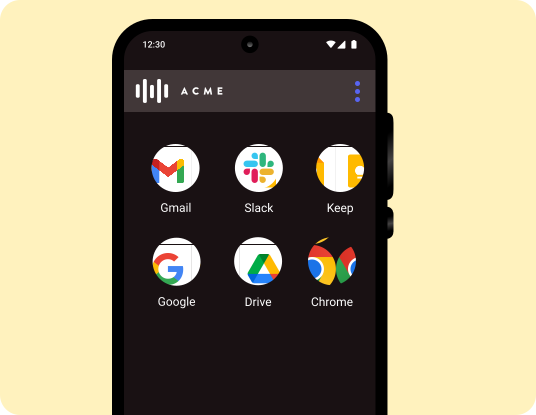
Allow users to access only approved business applications while
blocking everything else on the device. Ideal for frontline employees,
retail associates, healthcare staff, logistics teams, and shared Android
devices.
Devices Supported
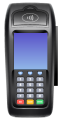
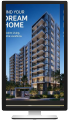
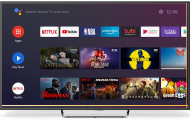
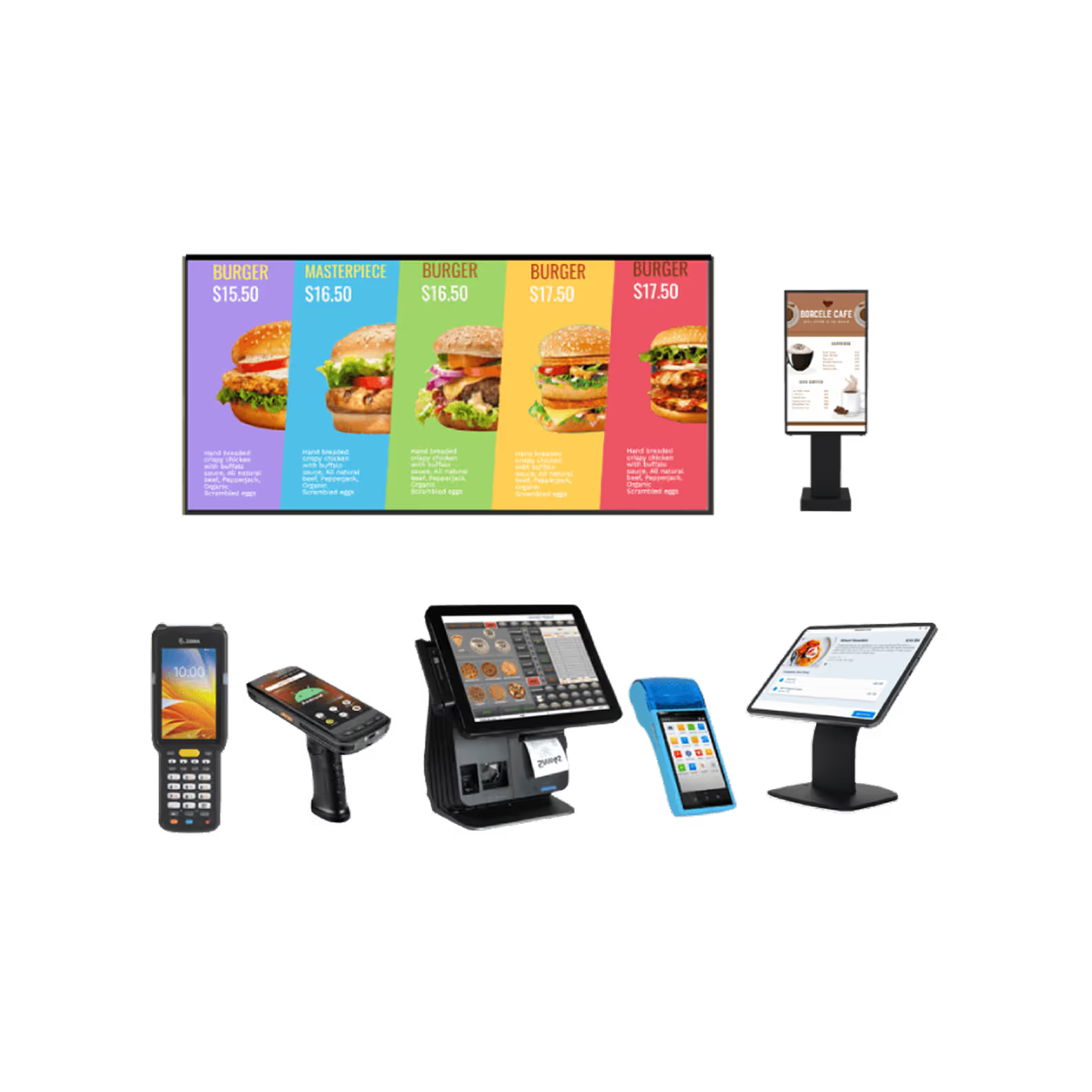
Android Kiosk Mode Supported Devices
Deploy Android Kiosk Mode across a wide range of dedicated Android devices from a single management console.


Key Features of Kiosk Mode in Android
Manage and secure every Android kiosk device with powerful features designed to simplify deployment, strengthen security, and improve operational efficiency.
Enhanced Device Monitoring
Monitor the health, security, and performance of every Android kiosk device from a centralized dashboard. Track device status in real time, receive actionable insights, and remotely wipe lost, stolen, or retired devices to protect business data.
- Monitor battery, storage, and mobile data usage to identify issues before they affect business operations.
- Track the real-time location of every Android kiosk device from a centralized dashboard.
- View device health, security incidents, and downtime across your entire Android device fleet.
- Remotely wipe business data from lost, stolen, or retired devices to prevent unauthorized access.
- Perform selective wipe on BYOD devices to remove corporate data while preserving personal information.
Comprehensive Device Security
Protect Android kiosk devices with advanced security controls that prevent unauthorized access and safeguard sensitive business data. Enforce security policies remotely to keep every managed device compliant.
- Restrict unauthorized Google accounts from accessing devices after a factory reset.
- Block screenshots in work applications to protect sensitive business information.
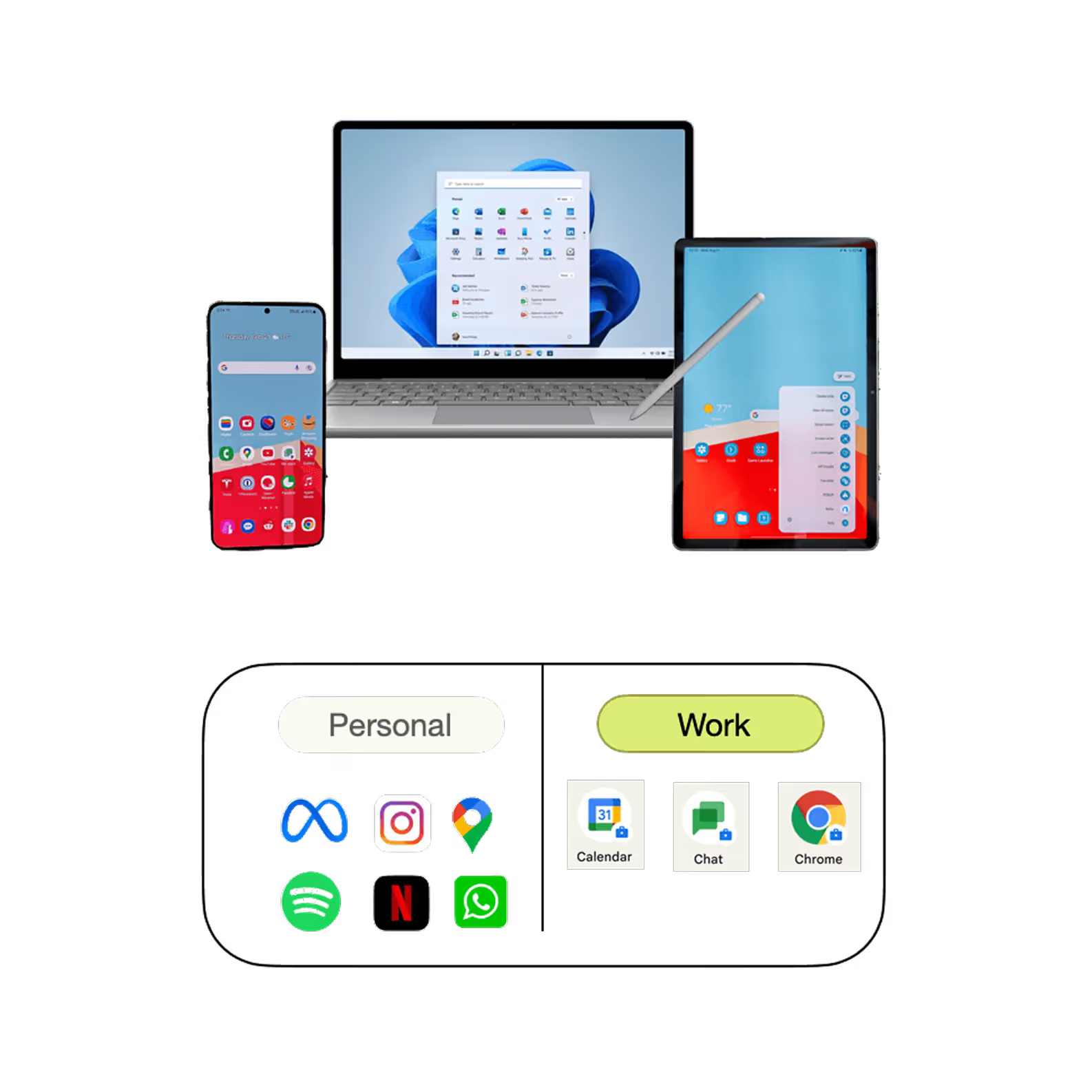
- Prevent data sharing between work and personal apps to reduce the risk of data leakage.
- Disable hardware buttons, navigation keys, and notification bar to keep users within the kiosk experience.
- Enforce security policies consistently across all managed Android kiosk devices.

Remote Device Management
Manage Android kiosk devices remotely from a centralized admin console without requiring physical access. Configure devices, networks, browsers, and email settings from anywhere.
- Push configuration changes remotely to thousands of Android devices in just a few clicks.
- Block non-business websites with browser restrictions and website whitelisting policies.
- Configure secure browser settings for safe and distraction-free device usage.
- Deploy Wi-Fi, hotspot, VPN, and network settings across managed Android devices.
- Configure work email and Exchange settings without requiring end-user intervention.
Application Management
Deploy, update, and manage business applications throughout their lifecycle from a single dashboard. Deliver the right applications to every device while reducing administrative effort.
- Install business applications remotely from Managed Google Play without user interaction.
- Upload and publish private APK files securely across Android kiosk devices.
- Schedule application deployments and updates based on business requirements.
- Configure application settings remotely for different users, groups, or device profiles.
- Control application update policies to ensure consistent app performance across devices.
Content Management
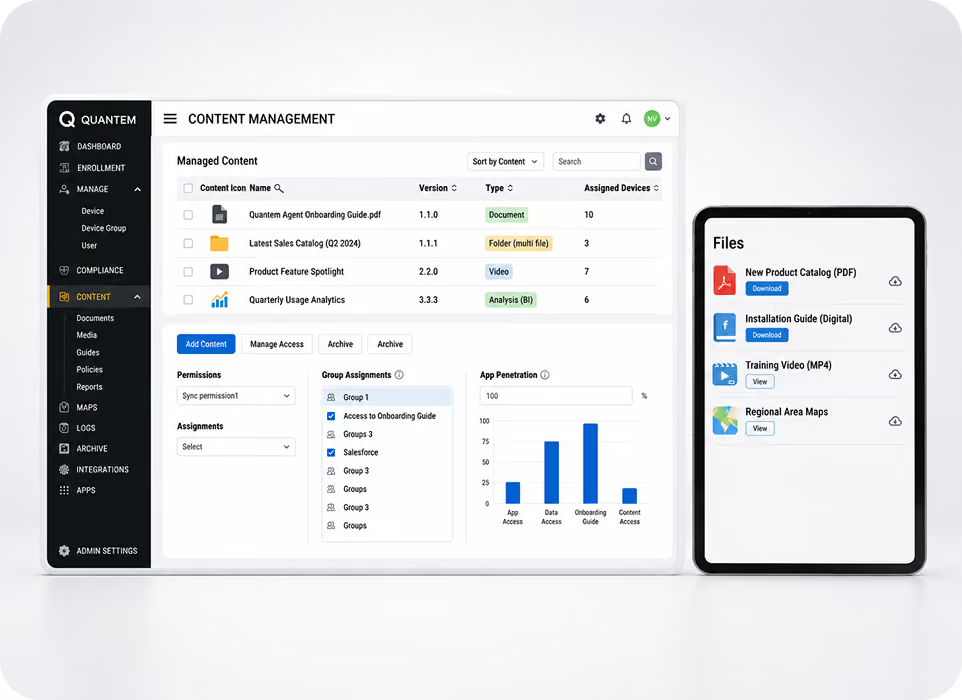
Turn Android kiosk devices into centrally managed digital signage for sharing business content. Publish and update content remotely without requiring physical access to devices.
- Publish presentations, documents, videos, and media remotely from one centralized platform.
- Turn Android devices into professionally managed digital signage displays.
- Schedule content updates to keep information accurate and up to date.
- Securely distribute business documents and media across all managed devices.
- Control content publishing and updates without disrupting end users.
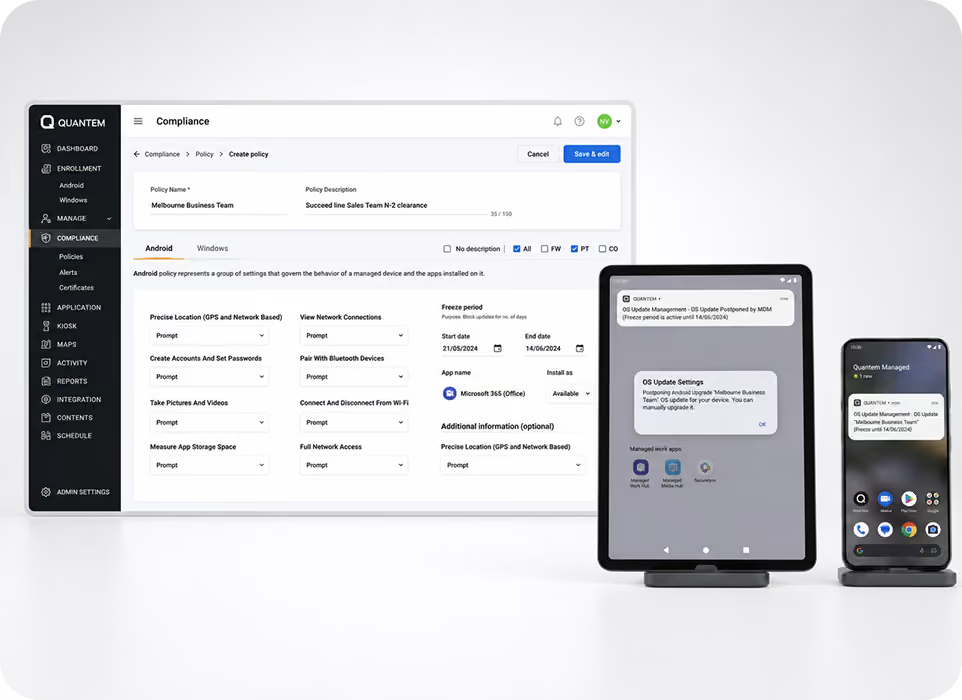
OS Update Management
Keep Android kiosk devices secure and compliant by managing operating system updates from a centralized dashboard. Control when updates are deployed to minimize downtime.
- Monitor available Android OS updates across every managed device.
- Schedule update deployments during maintenance windows to reduce operational disruptions.
- Configure update sync intervals based on business requirements.
- Apply flexible update policies across different device groups.
- Maintain device security and compliance with timely operating system updates.
Remote Troubleshooting
Resolve Android kiosk issues quickly with remote screen viewing and troubleshooting capabilities. Reduce downtime by diagnosing and fixing problems without visiting the device location.
- View live Android device screens remotely for faster issue identification.
- Troubleshoot device problems in real time without requiring on-site IT support.
- Upload, download, and manage files remotely from the admin dashboard.
- Synchronize file changes instantly across managed Android devices.
- Minimize device downtime and improve employee productivity with faster issue resolution.
Location Tracking & Geofencing
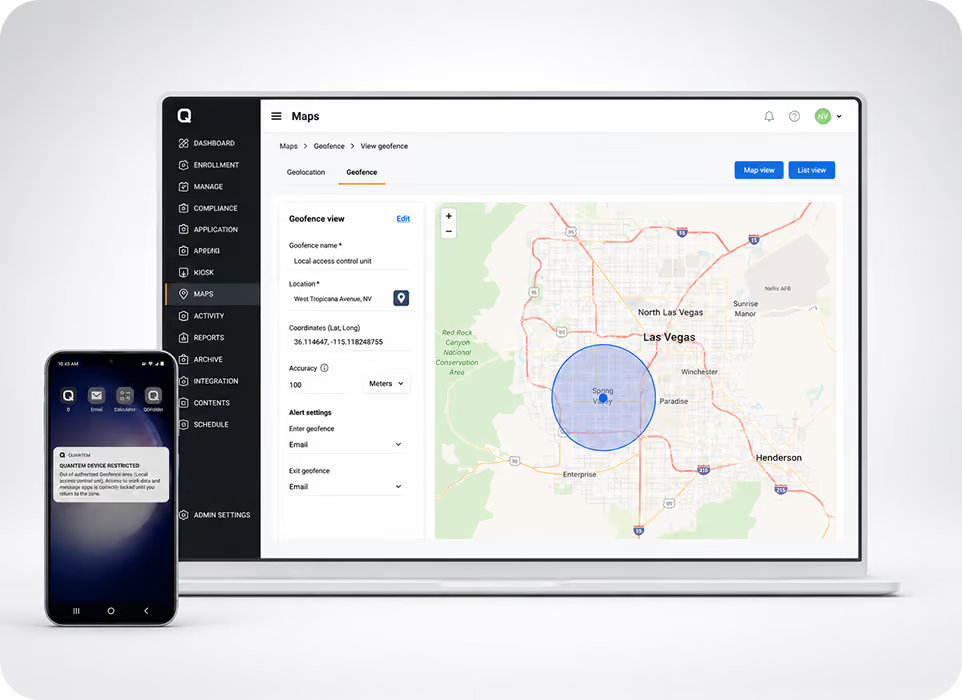
Track Android kiosk devices in real time and enforce location-based policies to improve security and operational control. Automatically respond when devices move outside approved locations.
- Monitor the live location of every managed Android kiosk device.
- Create geofences to define approved operating locations for business devices.
- Restrict device usage when it moves outside authorized geographic boundaries.
- Trigger automated actions based on location changes and policy violations.
- Improve device accountability while reducing the risk of loss or misuse.
Advanced Security Features for Your Android Kiosk Devices
Secure Android kiosk devices with enterprise-grade security and centralized policy enforcement.

Remote Wipe
Protect sensitive business data by remotely wiping lost, stolen, or retired Android kiosk devices. Perform a full device wipe or selectively remove corporate data to prevent unauthorized access while simplifying device retirement.

Factory Reset Protection (FRP)
Prevent unauthorized users from activating Android kiosk devices after a factory reset with Factory Reset Protection (FRP). Allow only approved Google accounts to reactivate enterprise-owned devices and reduce the risk of device misuse.

Passcode Policy Enforcement
Enforce strong passcode policies across Android kiosk devices to prevent unauthorized access. Configure password complexity, PIN expiration, and security requirements that align with your organization's compliance standards.

Certificate Management
Secure Android kiosk devices with digital certificates for trusted authentication across enterprise networks and business applications. Remotely deploy and manage certificates from a centralized dashboard without requiring physical access to devices.

VPN Configuration
Provide secure access to corporate networks and business applications by remotely configuring VPN settings on Android kiosk devices. Support native Android VPN protocols and trusted third-party VPN providers for encrypted connectivity.

USB Device Management
Control USB connectivity, MTP access, and USB debugging to prevent unauthorized data transfers and device misuse. Apply USB restrictions remotely to strengthen Android kiosk security without impacting business productivity.
Manage Android Kiosk Devices from One Dashboard
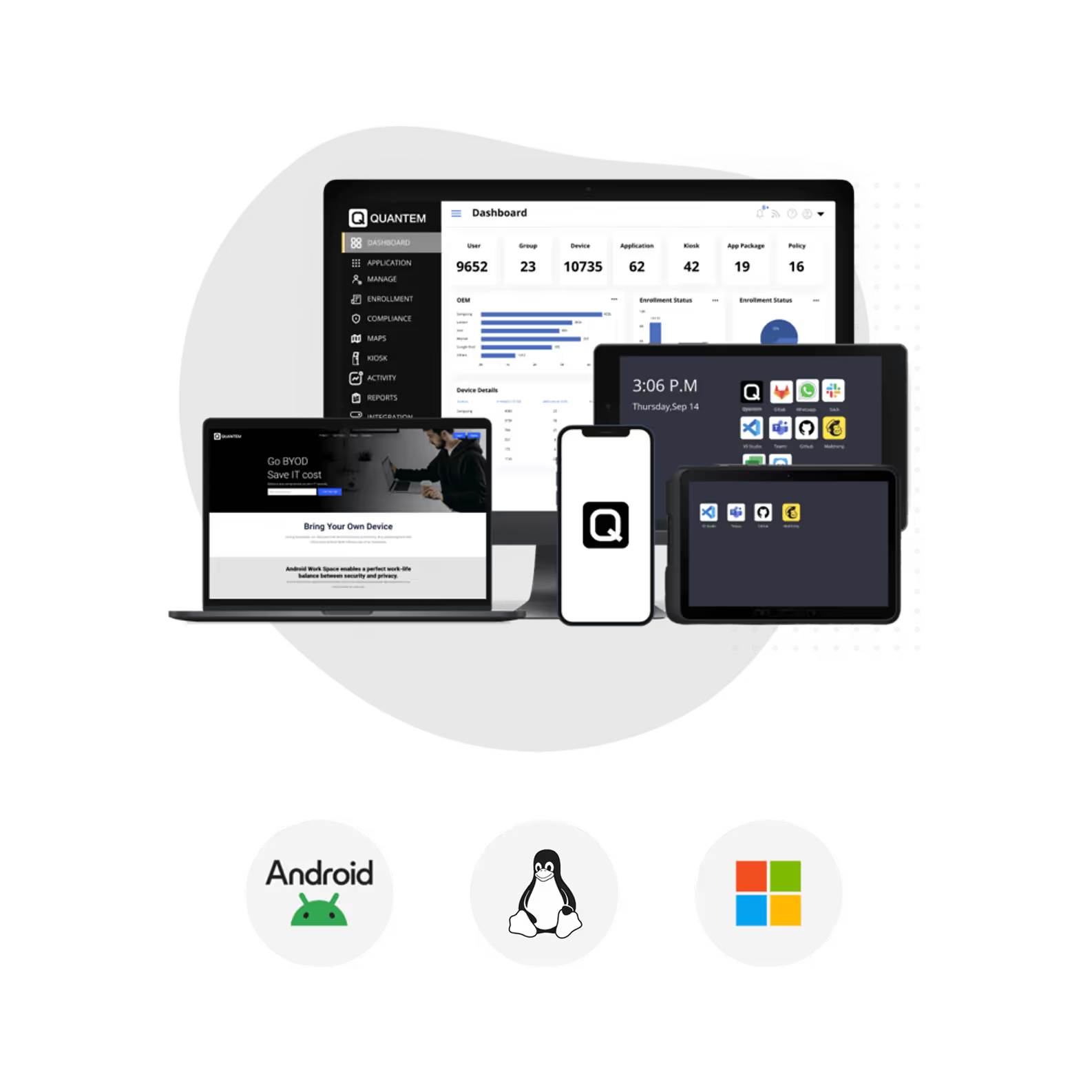
Secure, monitor, and manage Android kiosk devices at scale with centralized policies, remote management, and enterprise-grade security.
Power Every Industry with Android Kiosk Lockdown Software
Empower every industry with secure Android Kiosk Software that delivers dedicated devices, streamlined operations, and centralized device management.

Logistics
Keep delivery drivers and field teams focused by locking Android devices to route planning, proof-of-delivery, and logistics applications. Simplify fleet operations while preventing access to unauthorized apps and device settings.

Retail
Power POS systems, self-service kiosks, digital catalogs, and price-checking stations with dedicated Android kiosk devices. Deliver a secure shopping experience by allowing access only to approved retail applications.

Education
Create distraction-free learning experiences by locking student devices to approved educational apps and online assessments. Secure classroom tablets while giving educators complete control over device usage.

Healthcare
Transform shared Android devices into secure kiosks for patient check-ins, clinical workflows, and healthcare applications. Protect sensitive patient information while supporting compliance with healthcare security requirements.

Hospitality
Deliver seamless guest and staff experiences with Android kiosk devices for check-ins, room services, and internal operations. Keep devices secure and consistent by restricting access to authorized hospitality applications.

BFSI
Secure banking and financial service devices by locking Android devices to approved banking, payment, and customer service applications. Protect sensitive financial data while preventing access to unauthorized apps, websites, and device settings.
Why Choose Quantem Android Kiosk Software?
Choose Quantem to simplify Android kiosk management with enterprise-grade security, seamless scalability, and an intuitive management experience.

Easy to Deploy & Manage
Get started in minutes with an intuitive platform designed for IT teams of all sizes. Enroll, configure, and manage Android kiosk devices from a centralized dashboard without adding operational complexity.

Simple & Scalable Pricing
Scale your Android kiosk deployment as your business grows without paying for features you don't need. Our transparent pricing model helps you control costs while supporting devices across multiple locations.

Compliance-Ready Security
Protect business data with a platform built around enterprise security and compliance. Quantem helps organizations meet regulatory requirements with a platform aligned with SOC 2, GDPR, and CCPA standards.