
Mobile Device Management (MDM) for Schools
Simplify device management, improve classroom engagement, and secure student devices with mobile device management for schools. Quantem MDM for schools helps educational institutions manage, monitor, and protect devices used by students, teachers, and staff from a single dashboard.

Why Do Schools Need MDM Solutions?
Modern schools rely heavily on digital learning, making effective classroom device management essential for maintaining productivity, security, and operational efficiency.

Keep Students Focused
Students often get distracted by games, social media, and unauthorized applications during class. MDM helps educators restrict distractions and create focused learning environments.

Gain Complete Visibility
Schools often struggle to understand how devices are being used across classrooms. Centralized visibility helps administrators monitor device activity, application usage, and compliance.

Protect Student Data
Educational institutions handle sensitive student and staff information daily. MDM enforces security policies and prevents unauthorized access to school-owned devices and data.

Reduce IT Workload
Managing hundreds or thousands of devices manually can overwhelm IT teams. Automation simplifies enrollment, configuration, updates, and policy enforcement.

Manage Devices from One Place
Without centralized management, maintaining consistency across devices becomes difficult. MDM enables schools to monitor and manage all devices from a single console.

Enforce Consistent Policies
Different classrooms and departments often require different configurations and restrictions. MDM ensures policies are applied consistently across all devices and user groups.
MDM for Schools with Multi-OS Management
Manage every classroom device from a single MDM solution for schools designed to support diverse educational environments.
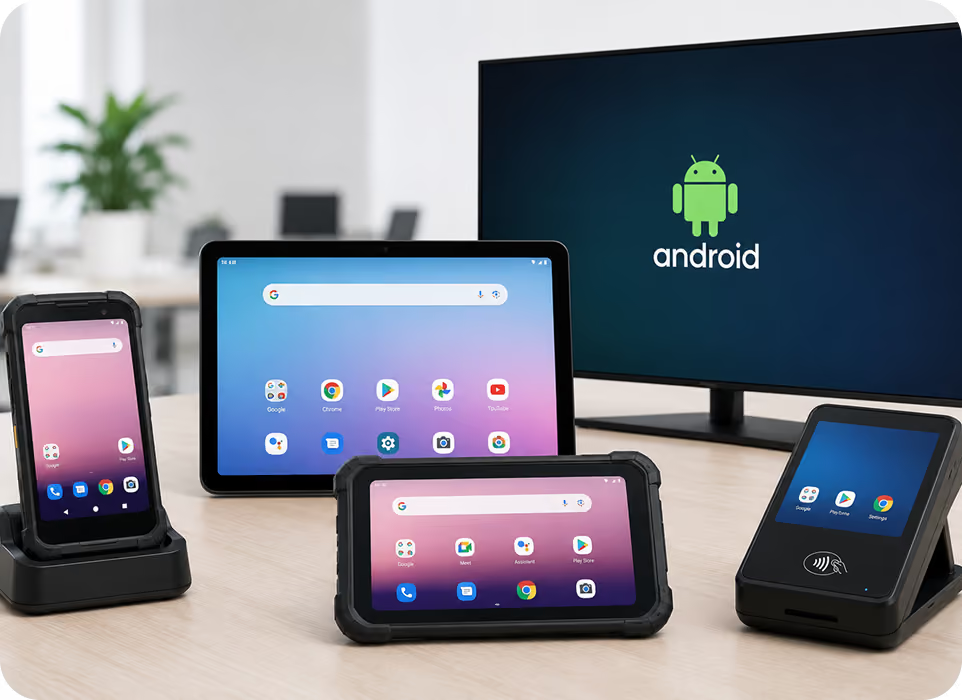
Android Device Management
Secure and manage Android tablets and smartphones used by students, teachers, and staff from a centralized platform. Maintain consistent policies while ensuring distraction-free learning experiences.
- Support Android Enterprise enrollment for school-owned devices.
- Enable single and multi-app kiosk mode.
- Manage Play Store and private applications remotely.
- Restrict device features and peripherals.
- Prevent misuse with Factory Reset Protection.
Windows Device Management
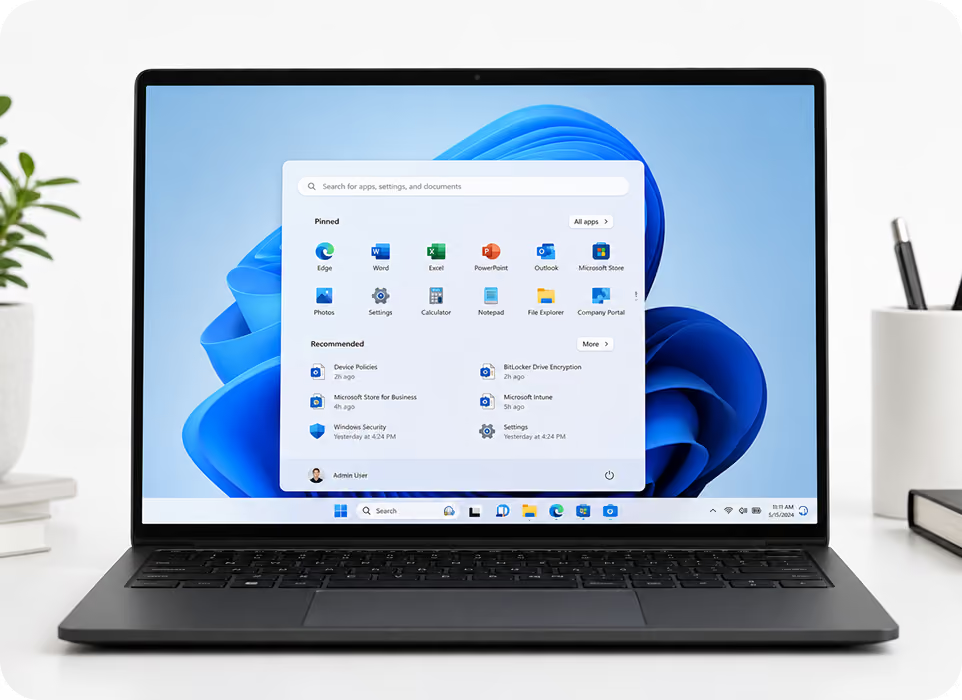
Manage Windows laptops and desktops used across classrooms, labs, and administrative departments. Enforce policies, deploy applications, and maintain visibility across all Windows devices.
- Simplify onboarding using school and work profiles.
- Enable single and multi-app kiosk mode.
- Deploy Microsoft Store and enterprise applications.
- Enforce BitLocker encryption policies.
- Configure device restrictions and settings.
macOS Device Management
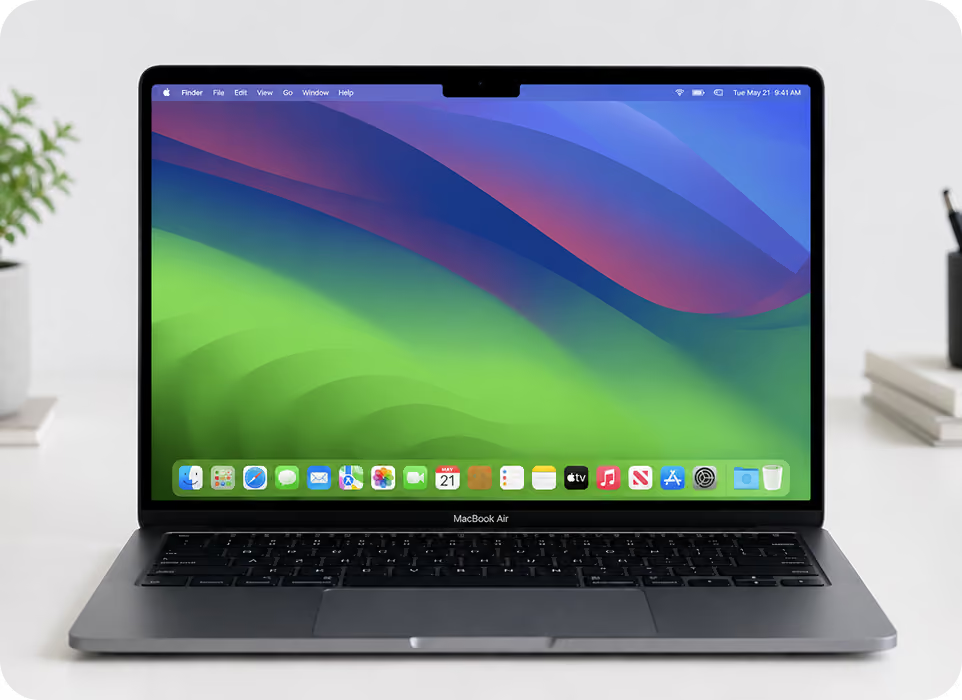
Manage macOS devices used by educators and students without increasing administrative complexity. Secure Apple devices while maintaining consistent experiences across campuses.
- Support Apple Business Manager and Apple School Manager.
- Manage App Store, VPP, and private applications.
- Enforce FileVault and Gatekeeper security policies.
- Enable web filtering and parental controls.
- Configure custom device profiles.
iOS Device Management
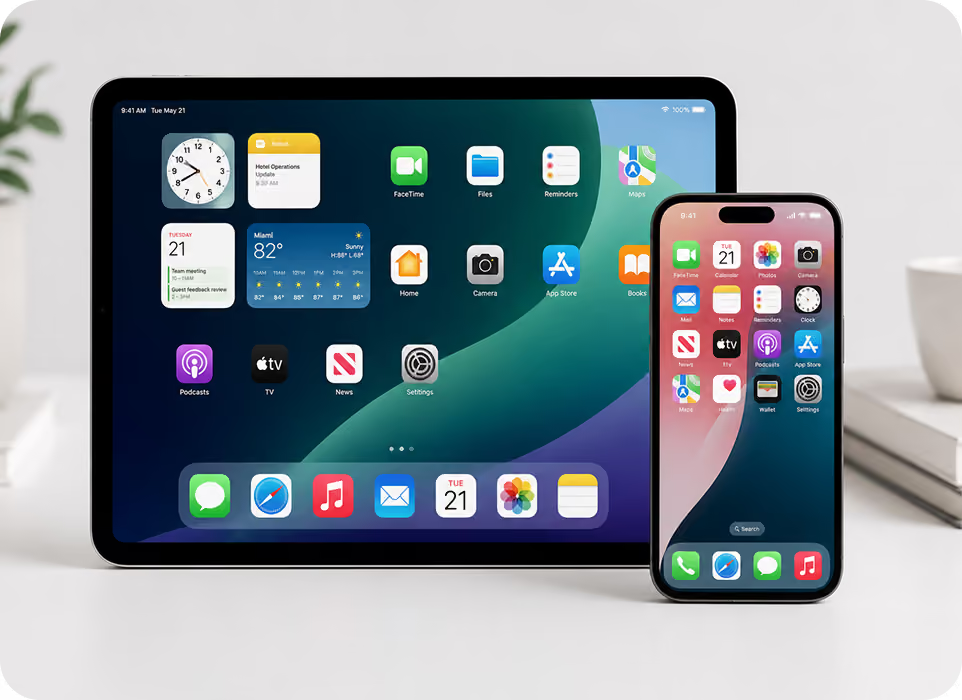
Manage iPads and iPhones used in classrooms with centralized control over applications and device settings. Ensure secure and compliant device usage across educational environments.
- Support Apple Business Manager and Apple School Manager.
- Enable single and multi-app kiosk mode.
- Manage App Store, VPP, and private applications.
- Create application allowlists and blocklists.
- Configure custom device policies and restrictions.
Centralized Management for Every Classroom Device
Simplify deployment, security, and classroom device management with a modern
MDM solution for schools.
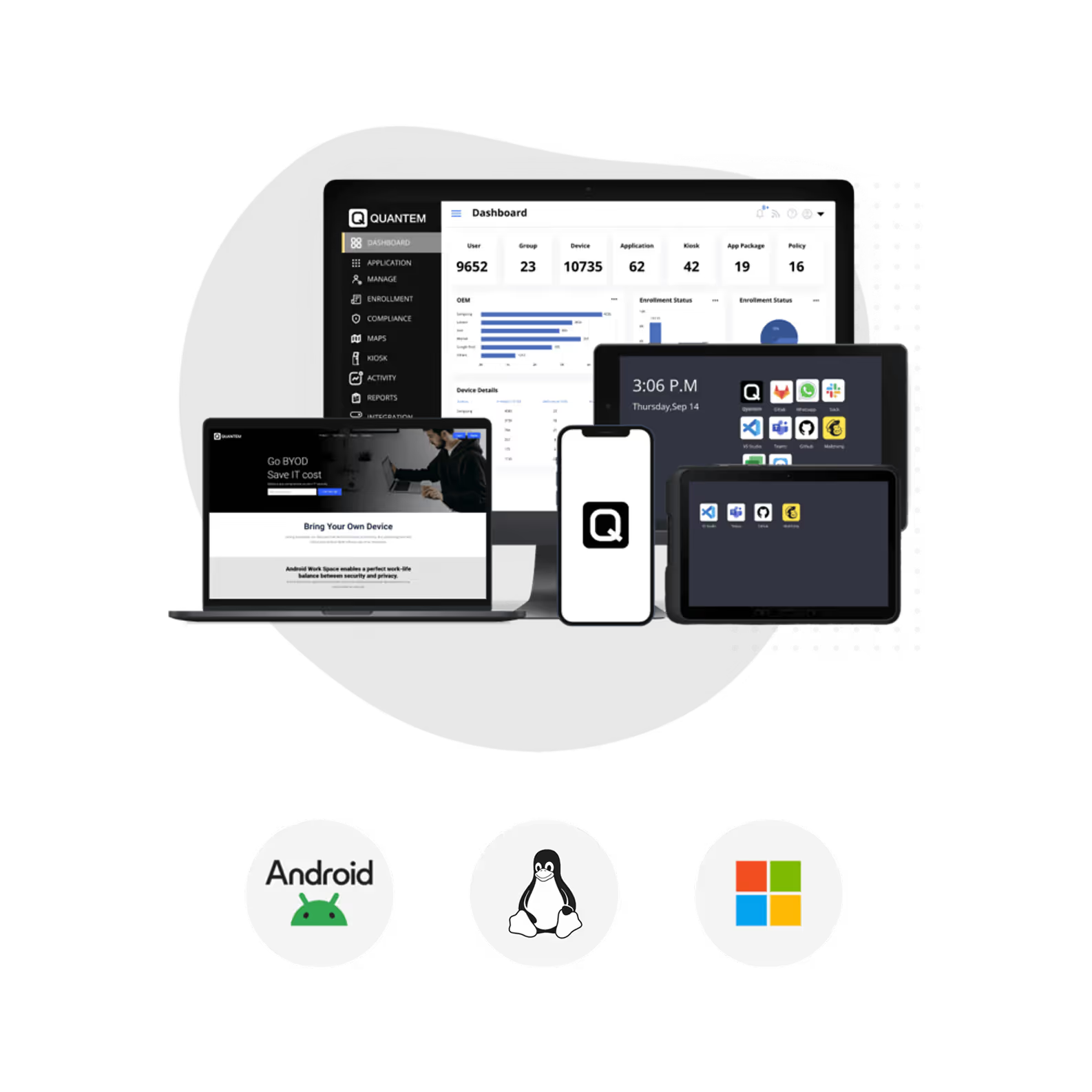
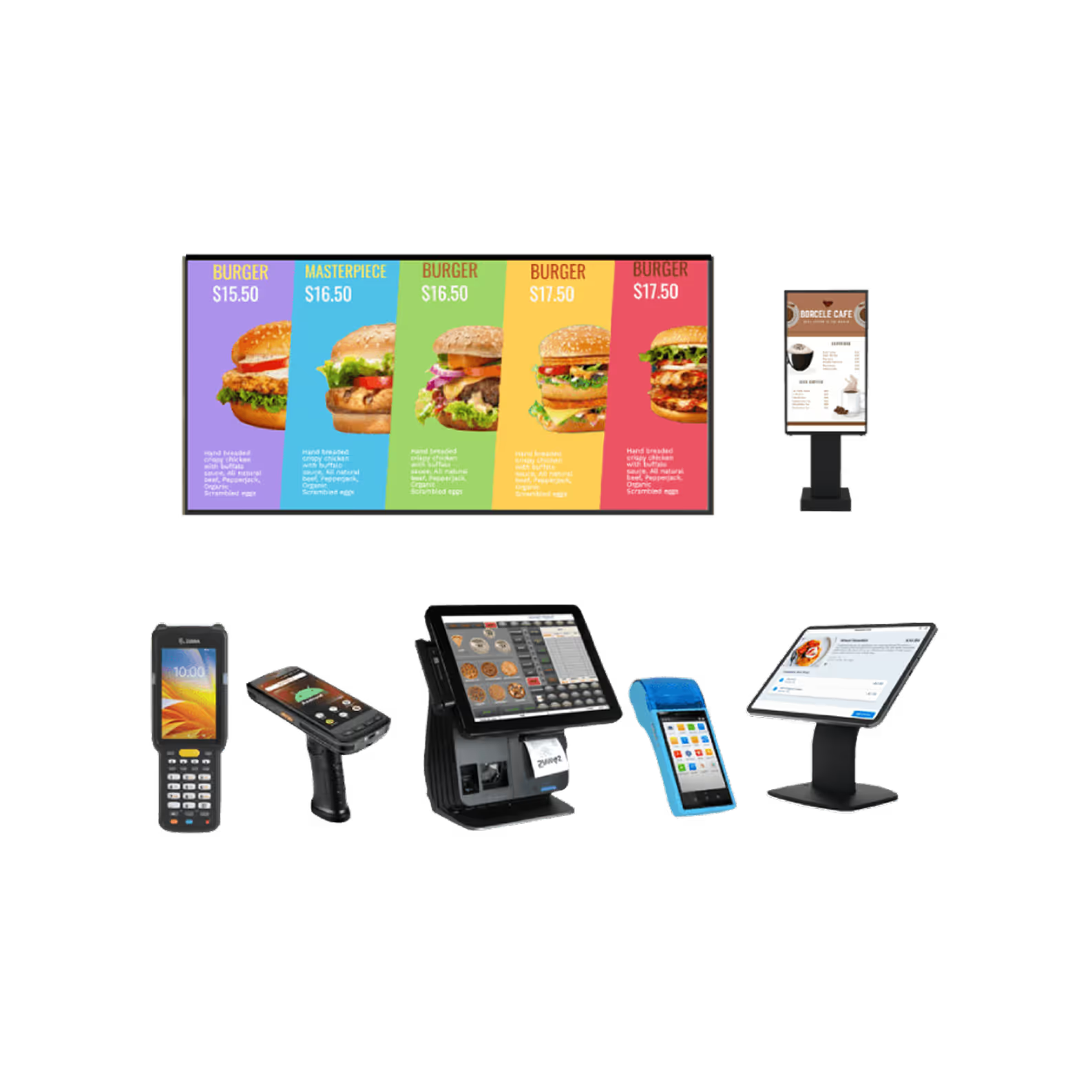
One Platform for Every Device Your School Runs On
Every device type across your fleet, visible and under control from one dashboard.
01
Enrollment
Enroll student and staff devices quickly using automated and bulk enrollment methods. Reduce setup time and eliminate manual configuration efforts.
02
Provisioning
Configure devices with required applications, policies, and settings during initial setup. Ensure devices are ready for use from the moment they are powered on.
03
Deployment
Assign and distribute devices to students, classrooms, or staff based on specific requirements. Simplify large-scale deployments across educational environments.
04
Management
Monitor device activity, manage applications, and enforce security policies from a central dashboard. Maintain complete visibility across all managed devices.
05
Retirement
Retire devices securely by removing school data, policies, and organizational access. Prevent unauthorized access when devices are replaced or reassigned.

Focused Learning Starts with Kiosk Mode
Create distraction-free learning environments by locking devices to approved educational applications and websites.
- Lock devices to a single learning application for focused classroom sessions.
- Provide controlled access to multiple approved educational apps.
- Restrict unauthorized applications, websites, and device settings.


Zero-Touch Enrollment for Faster Classroom Readiness
Automate device setup and onboarding to deliver classroom-ready devices with minimal IT effort.
- Provision devices automatically without manual configuration.
- Deliver pre-configured devices to students and teachers.
- Reduce deployment time across classrooms and campuses.
Remote Support That Keeps Learning Uninterrupted
Troubleshoot student and teacher devices remotely without disrupting classroom activities.
- Remotely diagnose and resolve device issues in real time.
- Minimize learning disruptions by reducing device downtime.
- Provide instant support without requiring in-person intervention.


Secure Browsing & App Management for Focused Learning
Control application access and web usage to create distraction-free learning environments.
- Allow only approved educational applications on student devices.
- Block distracting or inappropriate websites and applications.
- Enforce safe browsing policies across all managed devices.
Time-Based Policies Built for School Schedules
Automate device restrictions and policies based on school schedules and learning hours.
- Apply policies automatically during class hours and exams.
- Schedule app and feature restrictions based on timetables.
- Enable flexible device usage outside school hours.


Location Tracking & Geofencing
Track school-owned devices and enforce location-based policies across campuses.
- Monitor device locations in real time from a central dashboard.
- Create geofences around schools, campuses, and designated areas.
- Receive alerts when devices move outside approved locations.
Advanced Capabilities for Smarter Classroom Device Management
Enhance classroom device management with advanced capabilities designed to simplify administration,
strengthen security, and support modern digital learning environments.
Quick & Easy Device Enrollment
Enroll devices quickly using Android Enterprise, Apple School Manager, and Windows School Profiles. Simplify onboarding and reduce the time required to prepare devices for students and staff.

BYOD Support
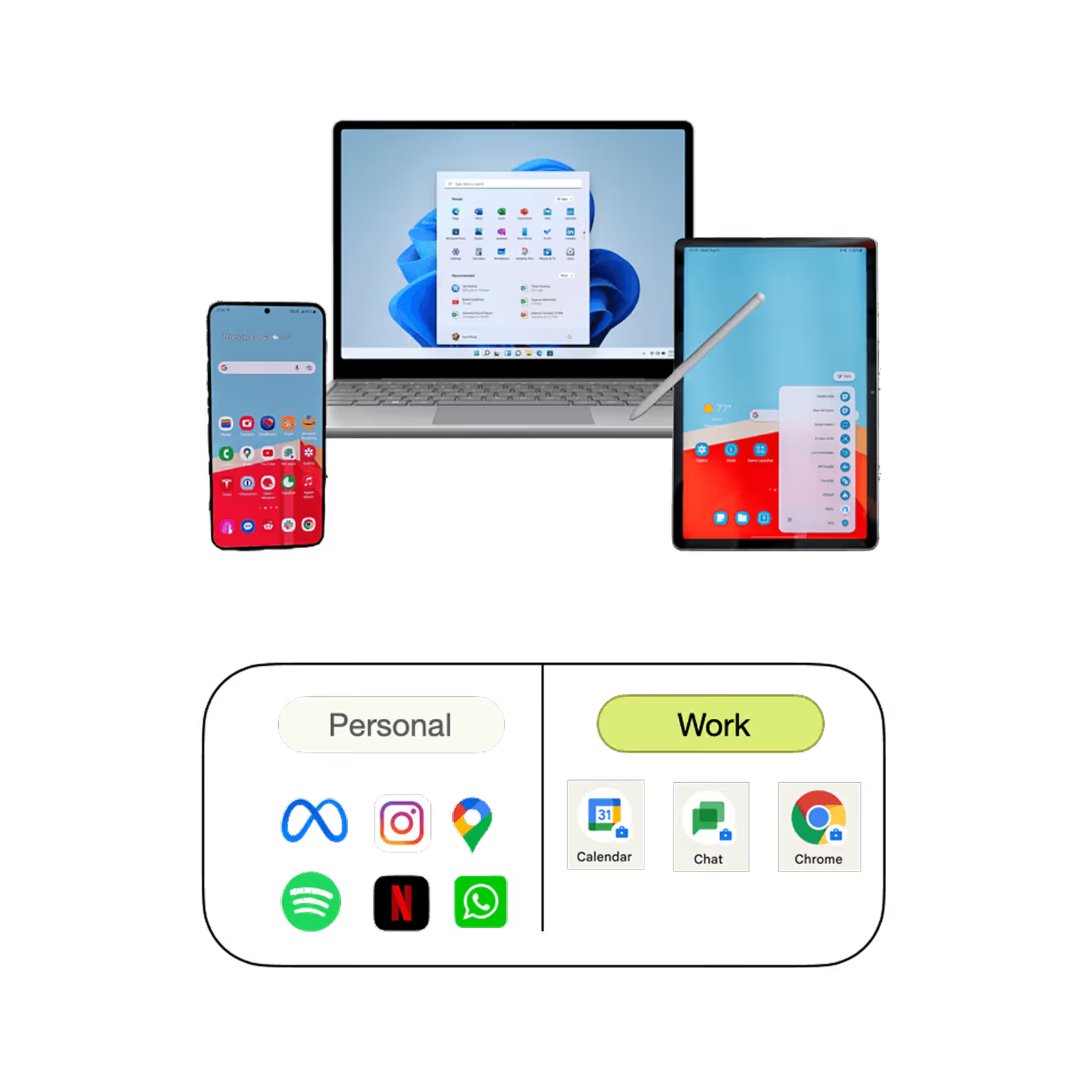
Enable secure BYOD programs without compromising student or staff privacy. Keep school data separate from personal content while ensuring secure access to learning resources.

Automated Workflows
Automate routine administrative tasks and policy enforcement across managed devices. Reduce manual effort and improve IT efficiency with policy-driven automation.

Groups and Subgroups
Organize devices, classrooms, and users into groups for simplified management. Apply policies, applications, and restrictions consistently across different classes and departments.

OS Update & Patch Management
Keep devices secure and up-to-date with automated operating system and patch management. Ensure students and staff always have access to secure and reliable devices.

Peripheral Management
Control access to device peripherals such as cameras, USB ports, Bluetooth, and external storage. Prevent misuse while allowing access only to approved device functions.

Content Management
Distribute educational content, assignments, and learning resources securely to student and teacher devices. Ensure the right content reaches the right users at the right time.

Alerts & Reporting
Receive real-time alerts for policy violations, security incidents, and device status changes. Generate detailed reports to gain insights into device usage, compliance, and overall device health.
Smarter Classroom Device Management Starts Here
Streamline classroom device management with automation, security controls, and centralized visibility.
MDM for Education Across Every Learning Environment
Support diverse educational environments with a flexible MDM solution designed for modern institutions.

Colleges & Universities
Manage large fleets of student and faculty devices across campuses from a centralized platform. Ensure secure access to learning resources while simplifying IT operations.

K-12 Schools
Create distraction-free learning environments and maintain consistent policies across classrooms. Secure student devices while supporting engaging digital learning experiences.

EdTech Platforms
Manage and secure devices used for digital learning programs and online education initiatives. Deliver seamless access to educational applications and content.

Coaching Institutes
Simplify device management for training centers and coaching institutes using shared or dedicated learning devices. Maintain secure and consistent learning environments.

Remote Learning
Support students learning from home by managing devices remotely from a single console. Ensure secure access to educational resources regardless of location.
Who has to manage your Device Fleet?
Quantem Device management platform is designed for everyone to handle, it adopts to the users language and requirement.

Ease of Use
Get started in minutes with an intuitive interface designed for educators and IT teams alike. Manage devices effortlessly with easy controls, detailed reports, and virtual support whenever needed.

Security Without Compromise
Protect student and institutional data with robust security controls and policy enforcement. Quantem supports SOC 2, GDPR, and CCPA compliance to help schools maintain a secure learning environment.

Value for Money
Access enterprise-grade device management with flexible and transparent pricing designed for education. Pay only for what you need and scale seamlessly as your institution grows.