
Kiosk Software to Lockdown Devices in Kiosk Mode
Transform smartphones, tablets, desktops, laptops, and digital displays into dedicated business devices with Quantem's Enterprise Kiosk Software. Lock devices into Single-App or Multi-App Kiosk Mode, prevent unauthorized access, and simplify kiosk management across your organization.
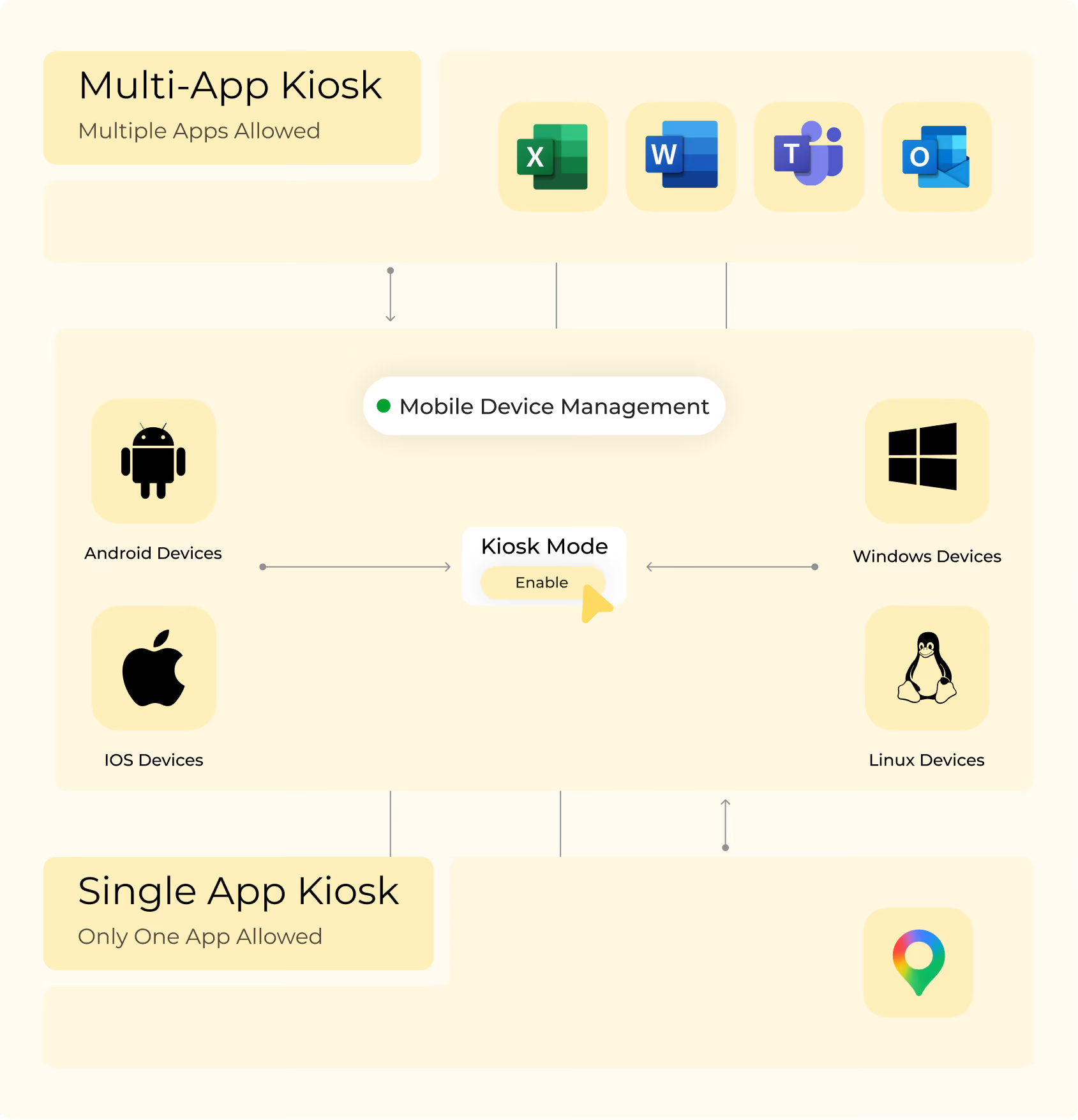
Multi-Platform Kiosk Management Made Simple
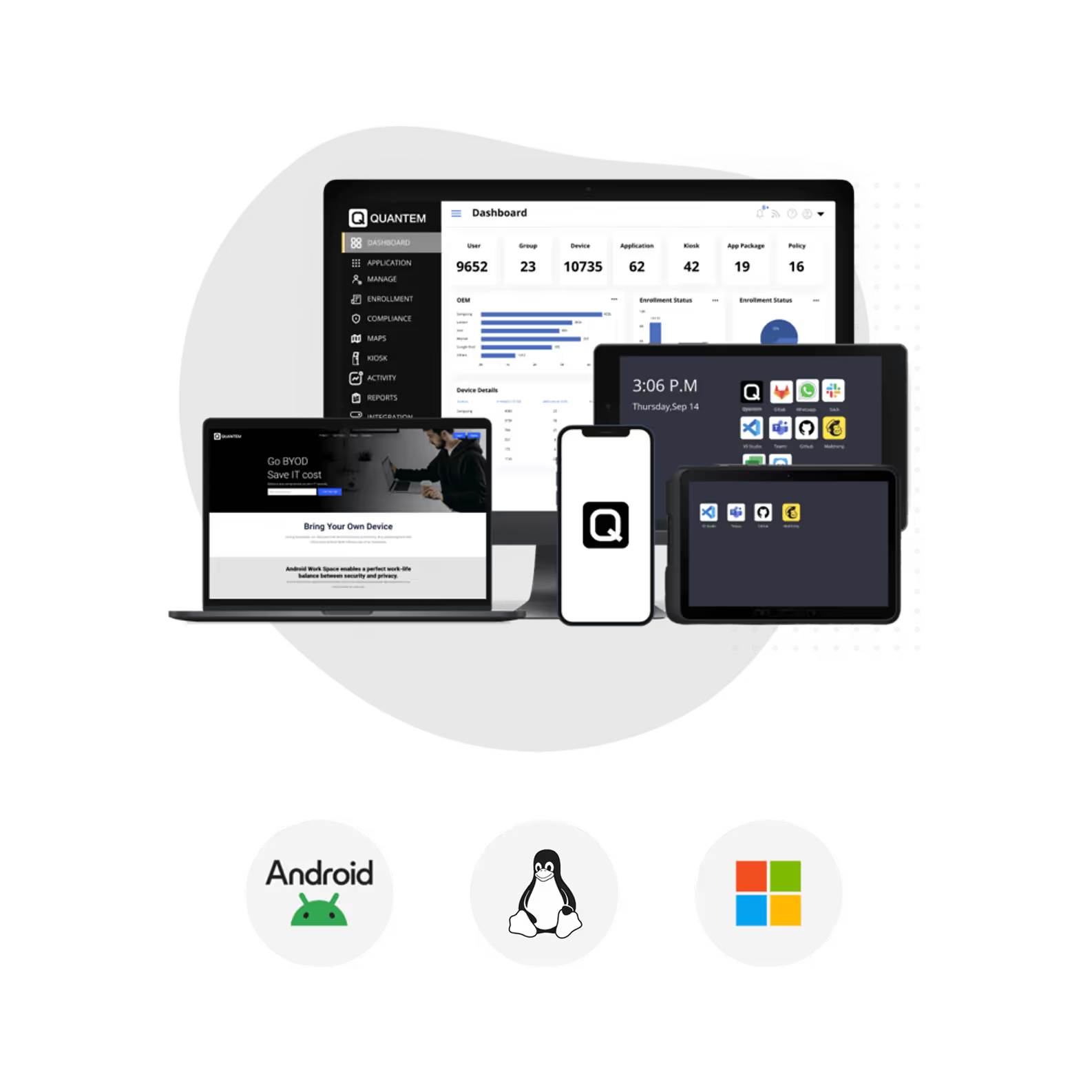
Deploy Single-App or Multi-App Kiosk Mode across Android, iOS, Windows, and Linux devices from a centralized dashboard.

Kiosk Software for Android
Transform Android phones, tablets, rugged devices, and digital signage into dedicated kiosks with secure device lockdown. Restrict users to approved applications or websites while blocking access to unauthorized apps, settings, and navigation controls.

Kiosk Software for iOS
Convert iPhones and iPads into secure interactive kiosks for customer engagement, self-service, and business operations. Deliver consistent user experiences while preventing access to unauthorized applications and device settings.

Kiosk Software for Windows
Lock Windows desktops, laptops, POS systems, and shared devices into dedicated kiosk experiences. Restrict users to approved business applications while improving security and reducing device misuse.

Kiosk Software for Linux
Deploy Linux devices in Single-App or Multi-App Kiosk Mode for digital signage, kiosks, POS systems, and dedicated business deployments. Deliver secure, distraction-free experiences by restricting device access to approved applications.
Lock Devices into Single-App and Multi-App Kiosk Mode
Configure devices with Single-App or Multi-App Kiosk Mode to deliver secure, distraction-free experiences while giving IT complete control over device usage.
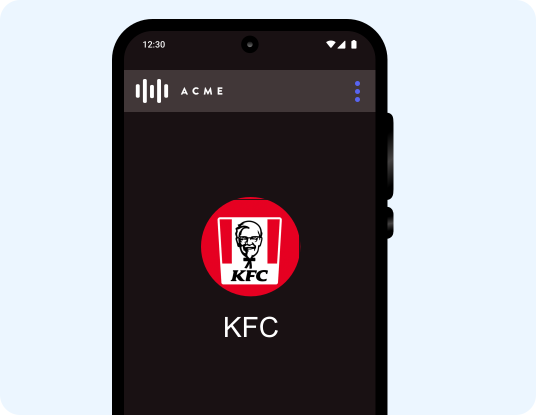
Single-App Kiosk Mode
Lock devices to a single business application or website to create dedicated-purpose kiosks. Keep the selected app running at all times while preventing users from exiting, switching apps, or accessing device settings.
- Launch the selected application automatically after every device reboot.
- Prevent users from closing or switching away from the approved application.
- Block hardware buttons and navigation controls to enforce kiosk usage.
- Configure launch delays to optimize application startup.
- Enable full-screen mode for an immersive kiosk experience.
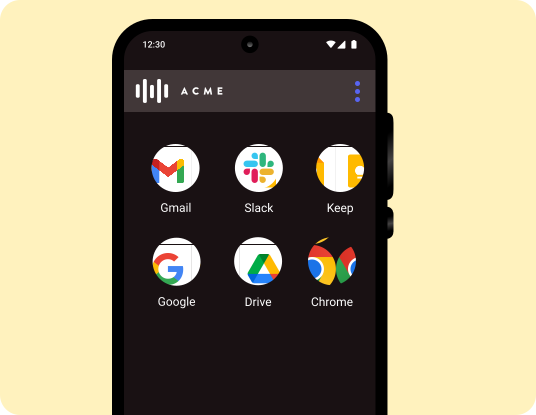
Multi-App Kiosk Mode
Allow access to only approved business applications while
blocking everything else on the device. Give employees the flexibility to use multiple work apps without compromising security or productivity.
- Restrict devices to a predefined set of approved applications.
- Customize kiosk branding with wallpapers, themes, and
layouts. - Protect devices with Factory Reset Protection (FRP).
- Hide navigation bars for a cleaner user interface and
experience. - Deliver secure multi-app workflows for shared business
devices.
Flexible Kiosk Enrollment Methods
Deploy kiosk devices quickly using multiple enrollment methods designed for businesses of every size.

Out-of-the-Box Enrollment
Accelerate deployments with Android Zero-touch Enrollment, Apple Automated Device Enrollment (ADE), and Windows Autopilot. Configure devices automatically so they're ready for use right out of the box.

Bulk Enrollment
Enroll large numbers of devices by uploading IMEI numbers or serial numbers through the Quantem dashboard. Reduce manual effort while speeding up enterprise-wide kiosk deployments.

QR Code Enrollment
Provision devices in minutes by scanning a QR code during setup. Simplify enrollment without requiring complex manual configurations.

EMM Token (AFW#) Enrollment
Enroll company-owned Android devices during initial setup or after a factory reset using Android Enterprise provisioning. Complete enrollment quickly with a simple QR code scan after activating the enrollment flow.

Samsung KME Enrollment
Automate Samsung device enrollment with Knox Mobile Enrollment (KME) for faster rollouts. Apply kiosk policies and configurations automatically as devices are activated.
Deploy Enterprise Kiosk Software in Minutes
Set up, secure, and manage kiosk devices across Android, iOS, Windows, and Linux from a centralized dashboard built for enterprise scale.
Key Features of Quantem Kiosk Software
Simplify kiosk management from one centralized dashboard with application deployment, content management, remote support, and OS updates.
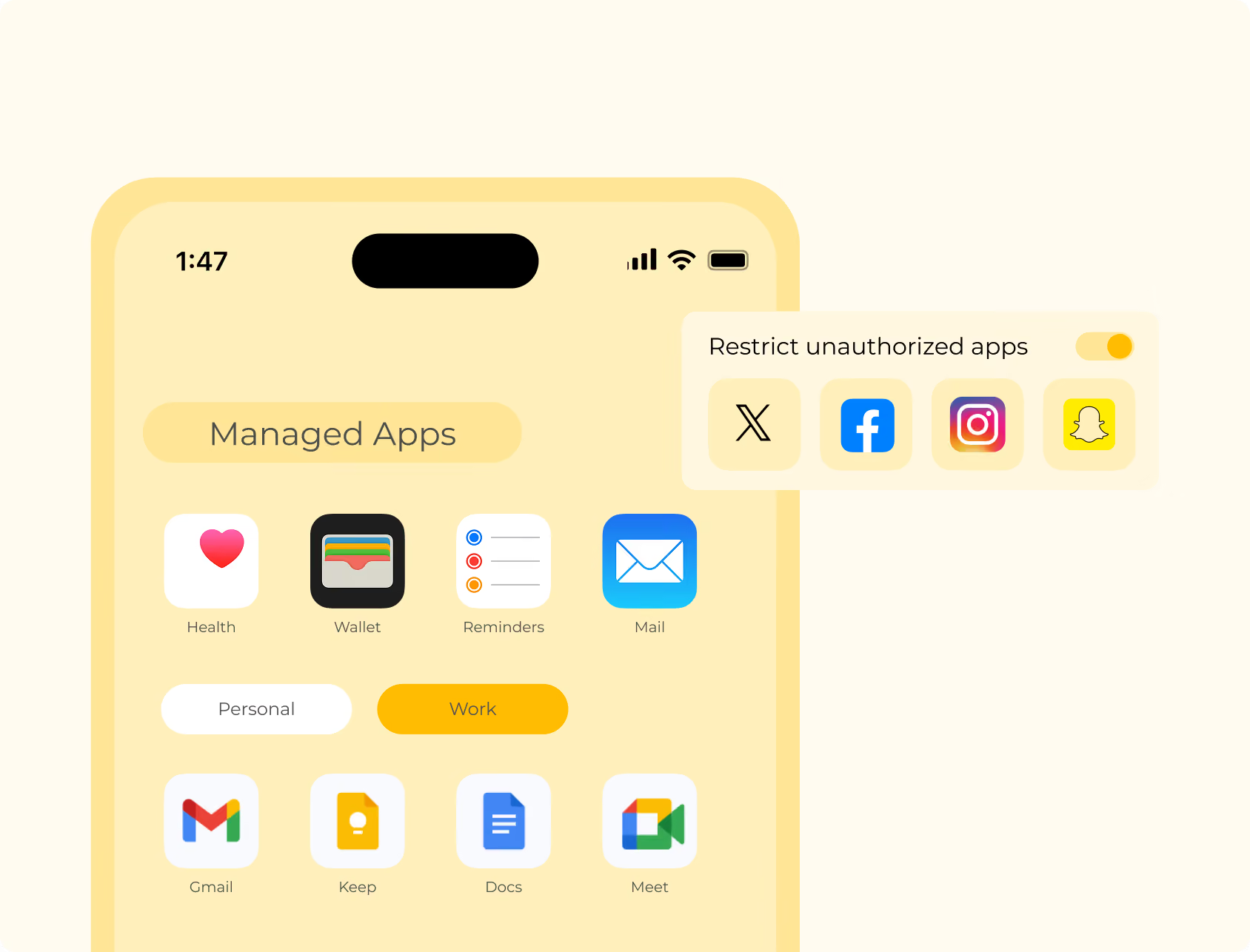
Application Management
Deploy, update, and manage kiosk applications from a centralized dashboard without interrupting business operations. Ensure every kiosk device runs the right applications with automated deployments and update policies.
- Install applications remotely from Google Play, the App Store, and Microsoft Store.
- Upload and deploy private applications across managed kiosk devices.
- Schedule application updates to minimize operational disruptions.
- Configure application settings based on user groups or device profiles.
- Silently install and update applications without end-user intervention.
Content Management
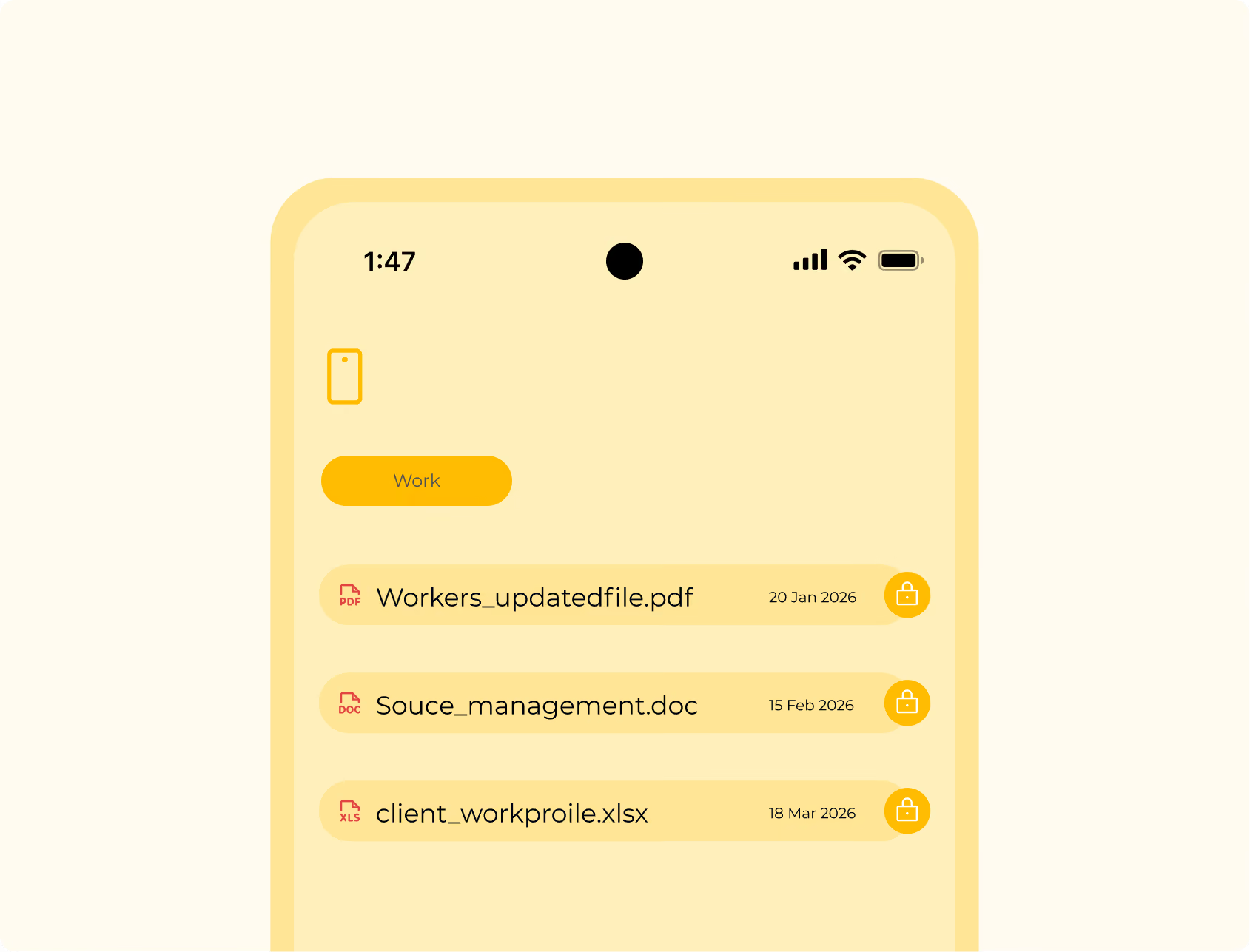
Deliver business content to kiosk devices from a single platform to keep information accurate and up to date. Publish presentations, videos, documents, and digital signage content remotely without requiring physical access.
- Publish documents, videos, images, and presentations across multiple kiosk devices.
- Organize content into folders for easier management and distribution.
- Upload file links to optimize storage and simplify content updates.
- Create engaging presentations with multimedia content for digital signage.
- Schedule content updates to keep displays current across every location.
Remote Management
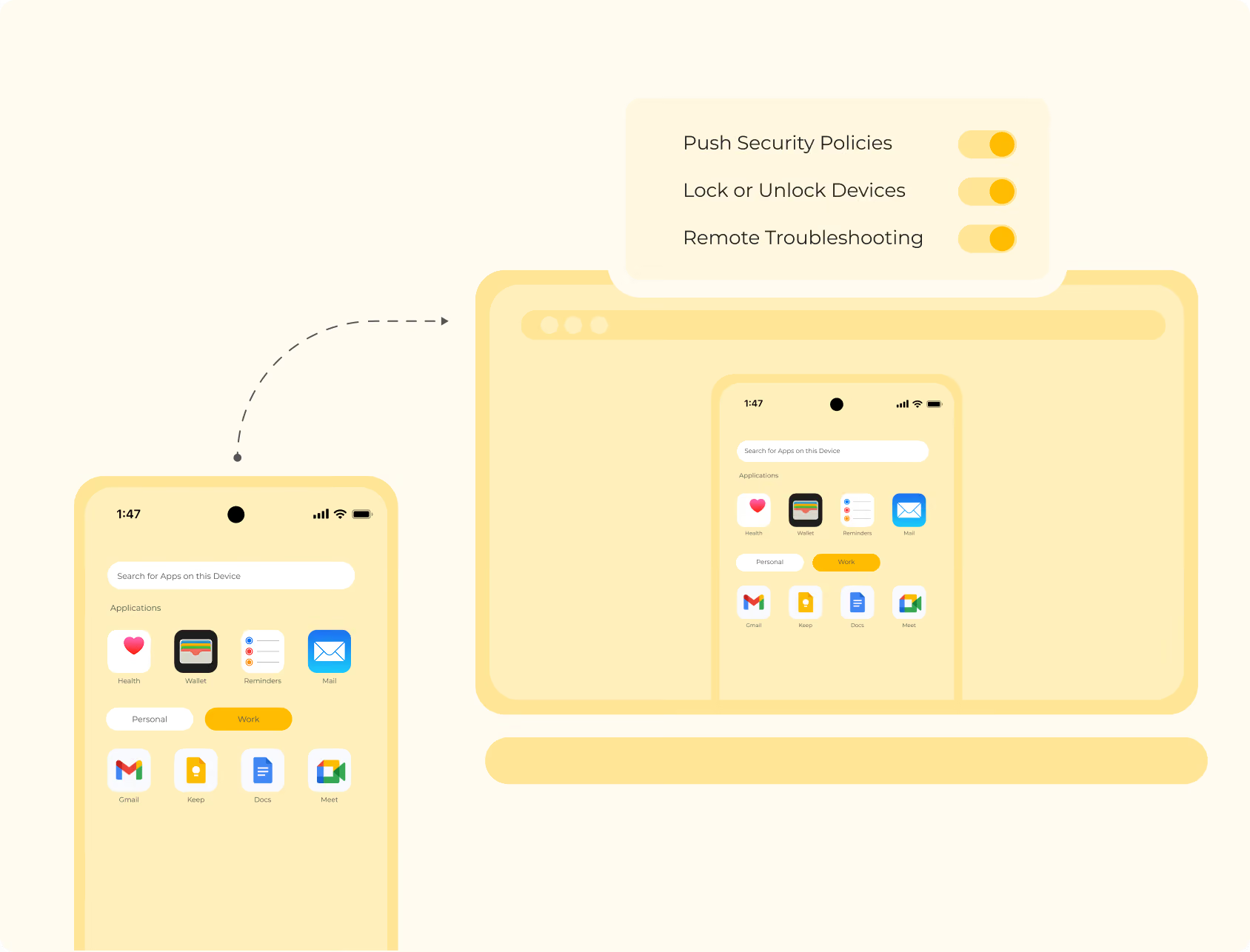
Manage kiosk devices remotely with centralized policies, automation, and real-time visibility into device performance. Reduce IT workload by automating routine administrative tasks and monitoring device health from anywhere.
- Automate recurring device management tasks with scheduled policies.
- Receive alerts when devices violate compliance or security policies.
- Monitor administrator activities with detailed audit logs.
- Track device health and performance from a centralized dashboard.
- Generate reports to gain insights into kiosk fleet performance.
OS Update Management
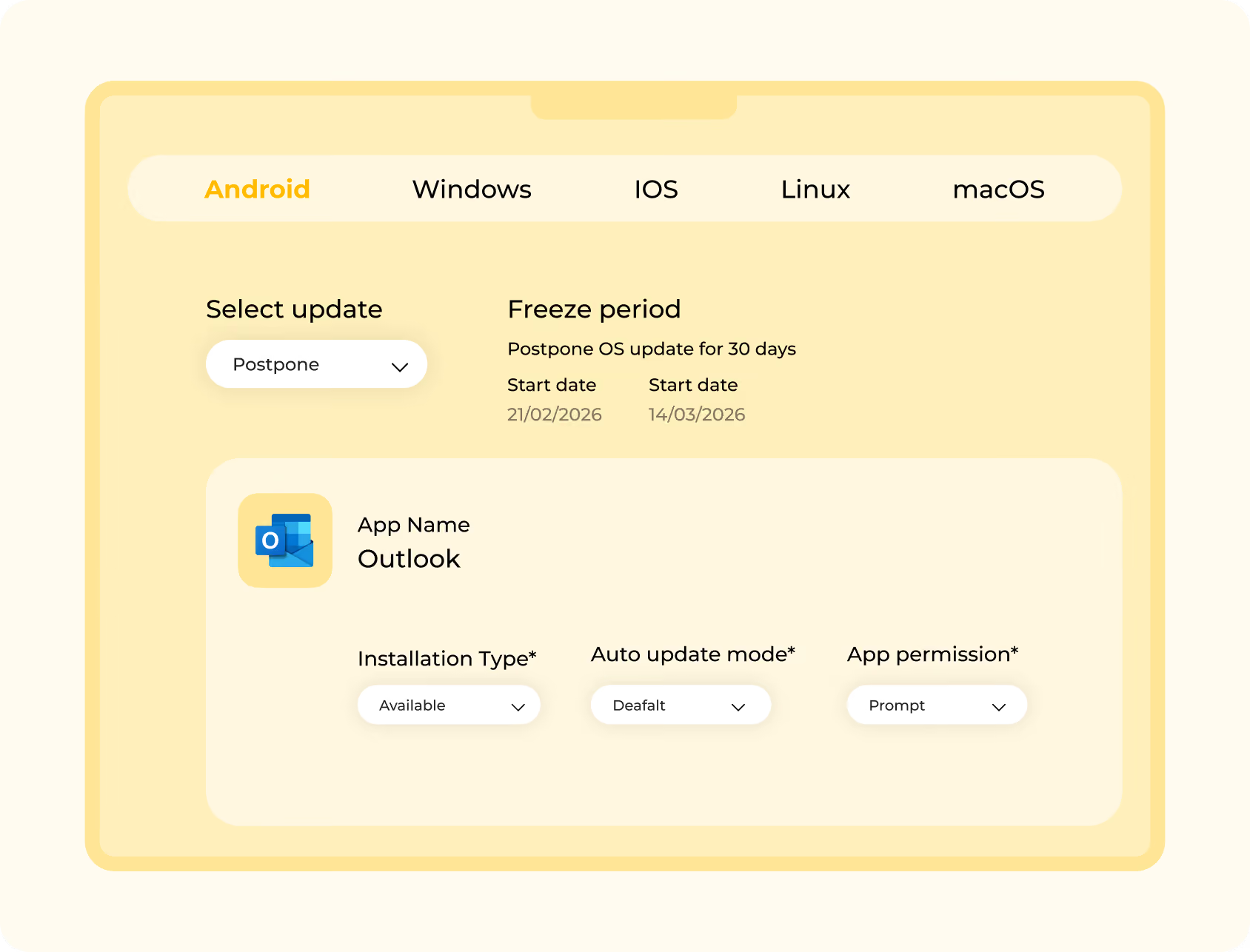
Keep kiosk devices secure and compliant by managing operating system updates from a centralized dashboard. Schedule updates, monitor available releases, and minimize downtime across your device fleet.
- Monitor available operating system updates across managed kiosk devices.
- Schedule updates during maintenance windows to reduce business disruptions.
- Configure update sync intervals based on operational requirements.
- Apply update policies to specific device groups or locations.
- Improve security and compliance with automated OS update management.
Simplified Remote Support
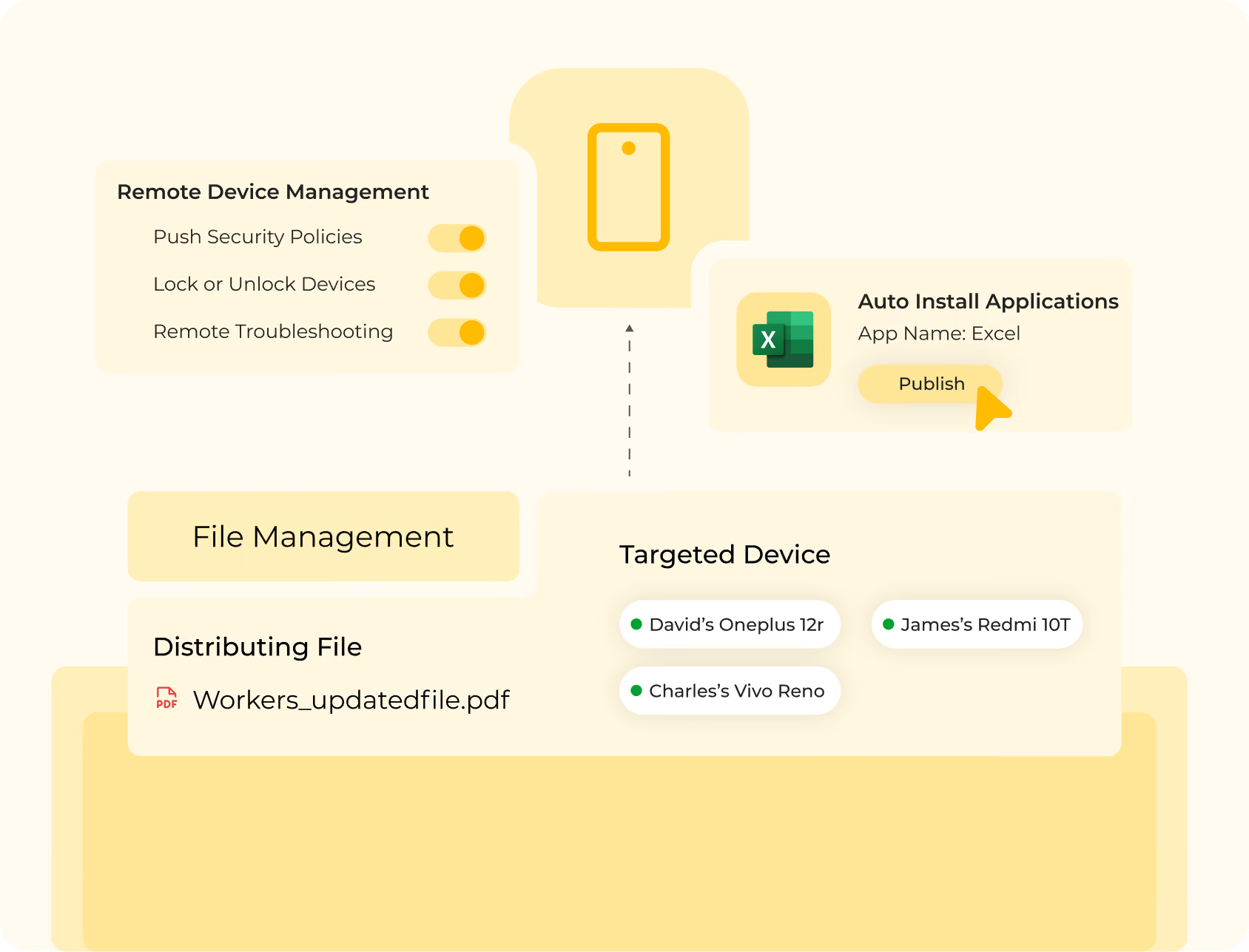
Resolve kiosk issues quickly with secure remote support tools that reduce downtime and improve operational efficiency. View device screens, troubleshoot problems, and assist users remotely without requiring on-site visits.
- View live kiosk screens remotely for faster issue diagnosis.
- Troubleshoot devices without requiring physical access.
- Capture screenshots and record remote support sessions.
- Generate context-aware ITSM support tickets directly from the dashboard.
- Minimize downtime with faster issue resolution across every kiosk deployment.
Manage Every Kiosk Device from One Platform
Simplify kiosk management with centralized application deployment, remote support, content management, and enterprise-grade security.
Advanced Security Features for Enterprise Kiosk Deployments
Protect kiosk devices with enterprise-grade security controls that prevent unauthorized access, safeguard business data, and simplify compliance across your organization.

Remote Wipe
Protect sensitive business data by remotely wiping lost, stolen, or compromised kiosk devices. Perform full or selective wipes to maintain security while minimizing operational risks.

Factory Reset Protection (FRP)
Prevent unauthorized users from factory resetting kiosk devices and bypassing security controls. Keep devices protected and ready for secure redeployment after resets.

Passcode Policy Enforcement
Strengthen device security by enforcing strong passcode requirements across all managed kiosk devices. Configure password complexity, expiration, and lock settings to meet organizational security policies.
Certificate Management
Secure device authentication by deploying and managing digital certificates remotely from one dashboard. Simplify certificate distribution and renewal while enabling trusted access to enterprise resources.

VPN Configuration
Protect network communications by configuring secure VPN connections across kiosk devices. Ensure encrypted access to internal applications and corporate resources from any location.

USB Device Management
Control how USB peripherals interact with kiosk devices to reduce unauthorized access and data transfer risks. Allow only approved USB devices while blocking unsupported accessories and external storage.

Block Screen Capture
Prevent users from capturing screenshots on kiosk devices to protect sensitive business information. Restrict screen capture across managed applications to reduce the risk of data exposure.

Data Sharing Restrictions
Prevent users from copying, sharing, or transferring business data to unauthorized applications or external services. Keep sensitive information within approved applications to strengthen data security and compliance.

Location & Geofencing
Track kiosk device locations in real time and define geofences to ensure devices are used only within approved areas. Automatically trigger alerts or security actions when devices move outside designated locations.
Kiosk Software for Every Industry
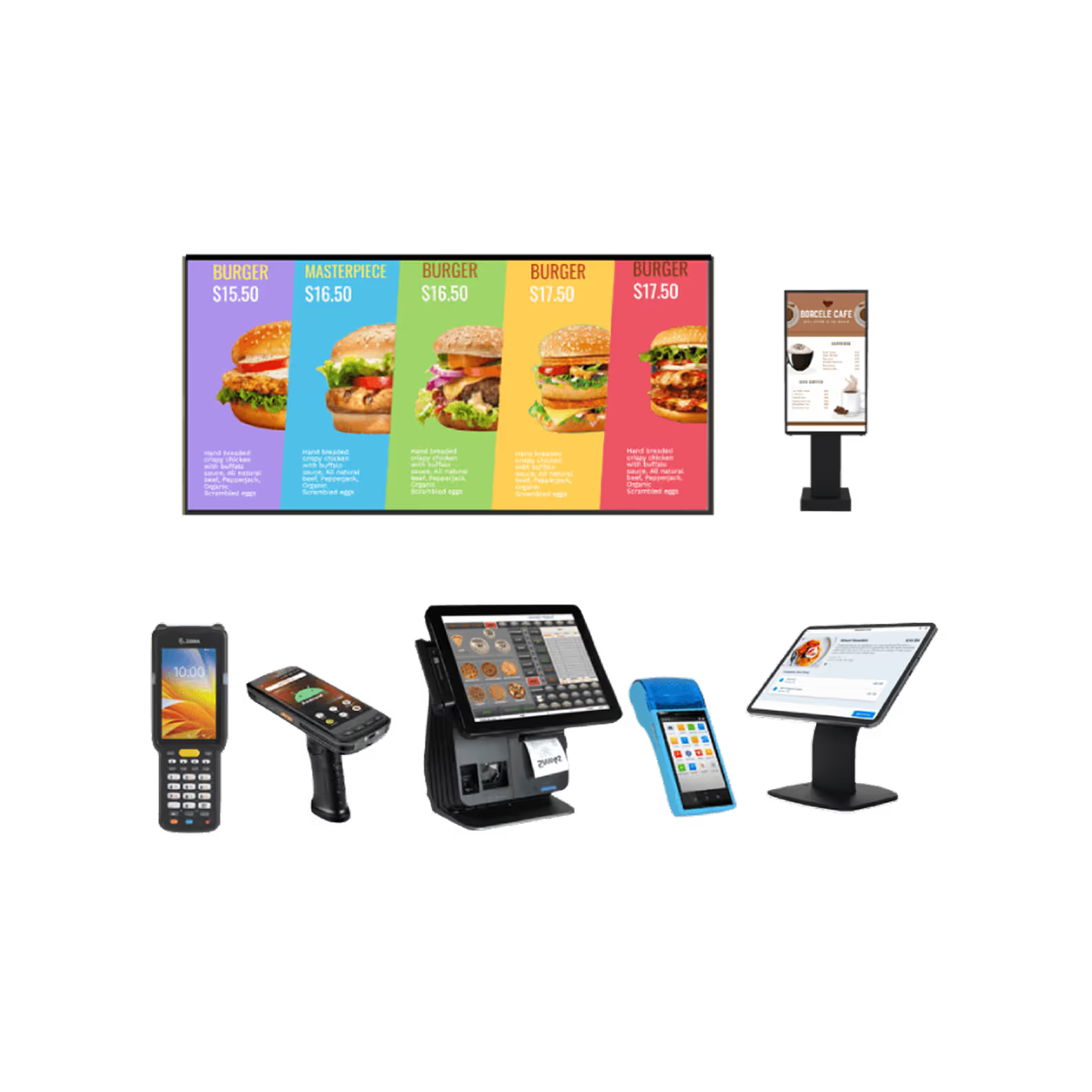
Enable secure, purpose-built kiosk experiences across industries with centralized management, application controls, and enterprise-grade security for every device.

Transport and Logistics
Lock tablets and handheld devices to route planning, proof-of-delivery, barcode scanning, and fleet management applications. Keep drivers focused on assigned workflows while preventing access to unauthorized apps and device settings.

Retail
Transform laptops, PCs, POS systems, self-service kiosks, and digital displays into dedicated retail devices for daily operations. Restrict access to non-business applications while delivering secure and consistent customer experiences.

Education
Secure tablets, laptops, and interactive flat panel displays (IFPDs) with access to only approved educational applications and websites. Reduce classroom distractions while simplifying device management across campuses.

Healthcare
Protect shared tablets and kiosks used for patient check-ins, clinical workflows, and telehealth services with secure access controls. Safeguard sensitive patient data while supporting compliance and uninterrupted care delivery.

Hospitality
Manage front desk systems, guest check-in kiosks, staff laptops, desktops, and service request devices from one dashboard. Deliver secure seamless UI and guest experiences while simplifying device management across every hospitality location.

BFSI
Secure branch devices, self-service kiosks terminals, tablets, and employee workstations for digital banking and customer service workflows. Limit user access to approved financial applications while protecting sensitive customer information.
Why Choose Quantem Kiosk Management Software?
Choose Quantem Kiosk Management Software to streamline kiosk deployments, strengthen device security, and manage every kiosk from one centralized dashboard.

Ease of Use
Get your kiosk deployments up and running quickly with an intuitive platform designed for effortless device management. Configure policies, monitor devices, generate reports, and manage your entire kiosk fleet from one centralized dashboard with minimal IT effort.

Pay as you grow
Whether you are managing a handful of devices or thousands across multiple locations, Quantem scales alongside your business without adding unnecessary complexity. Flexible licensing ensures predictable costs, so you pay only for the devices and capabilities your organization needs.

Compliance Ready
Protect business-critical devices with enterprise-grade security controls designed to support modern compliance requirements. Quantem helps safeguard sensitive data while aligning with industry standards, including SOC 2, GDPR, and CCPA.