
Mobile Content Management (MCM) Solution
Simplify how your organization manages, shares, and secures business content with a powerful Mobile Content Management (MCM) Solution. Quantem enables IT teams to organize, distribute, and synchronize business files across Android, iOS, Windows, macOS, and Linux devices while ensuring employees always have secure access to the latest content.
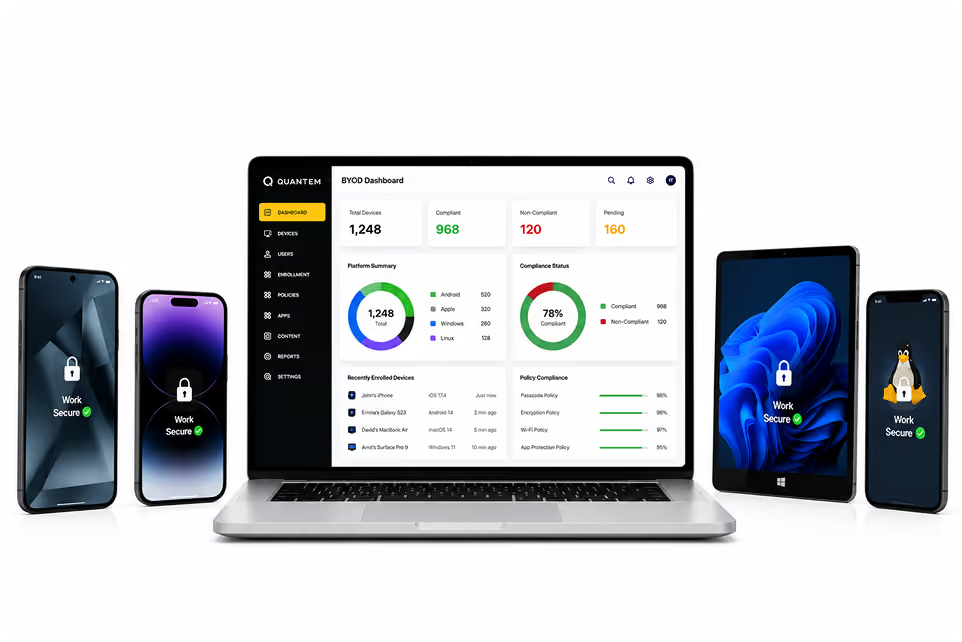
Secure Distribution of Content Across Every Operating System
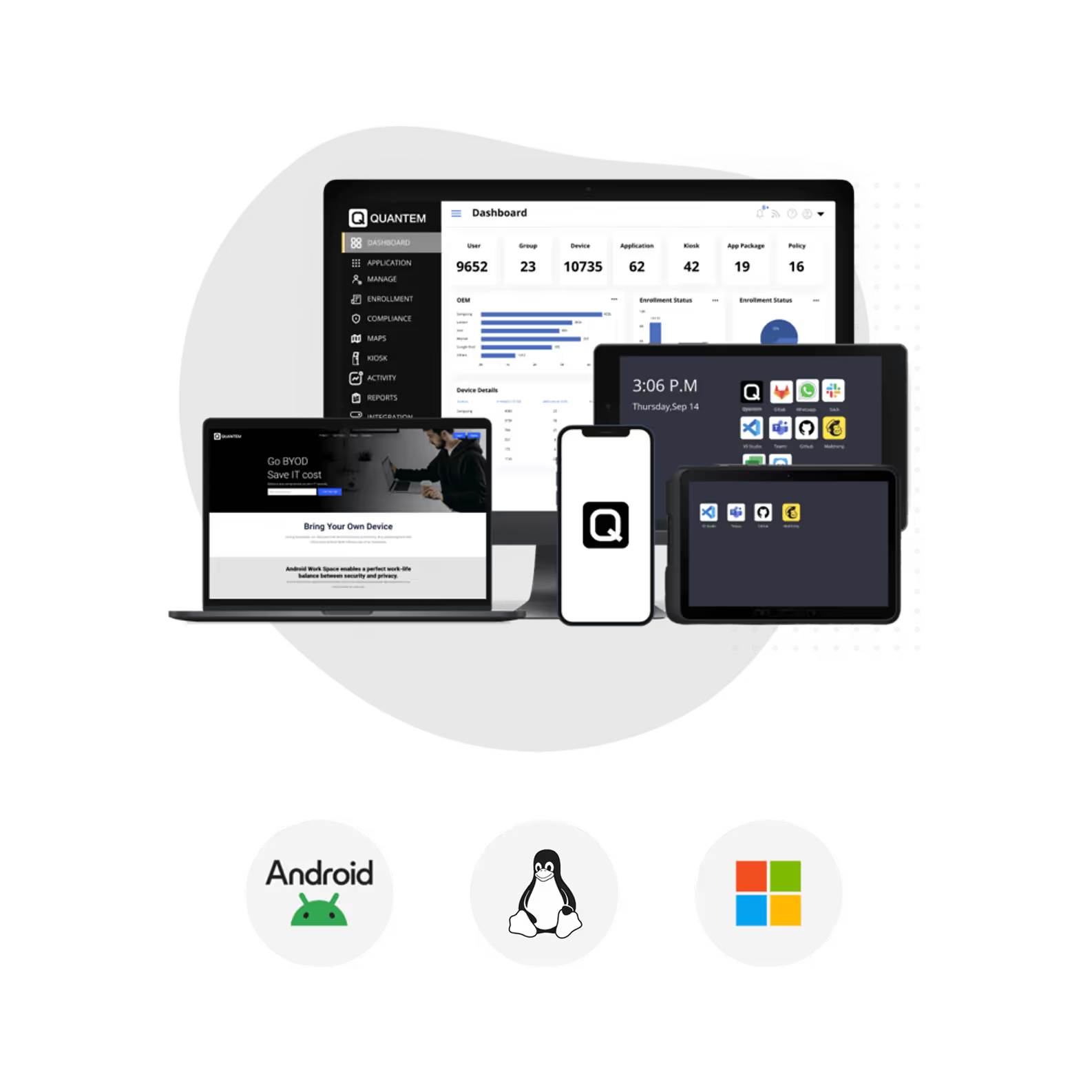
Manage and distribute business content securely across Android, iOS, Windows, macOS, and Linux devices from a centralized Mobile Content Management platform.
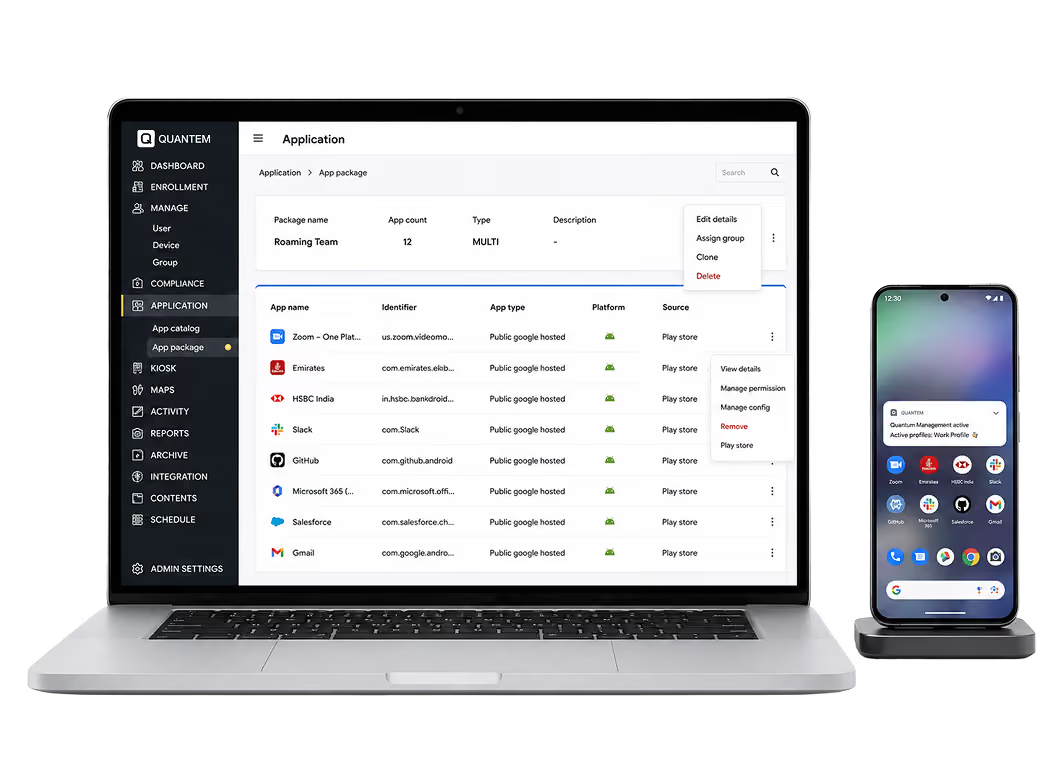
Android MCM Software
Securely distribute business files across Android smartphones, tablets, rugged devices, and digital signage from a centralized platform. Keep content synchronized so employees always have access to the latest business information.
Learn More →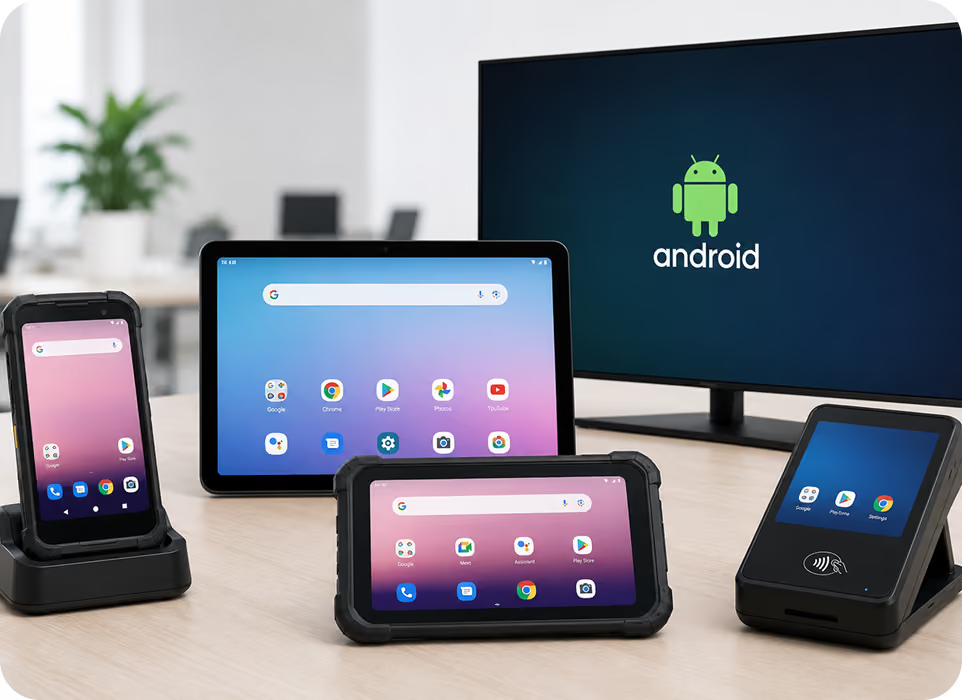
Windows MCM Software
Simplify Windows device management across desktops, laptops, and hybrid work environments. Deploy devices faster, maintain security compliance, and manage applications, updates, and configurations without increasing IT workload.
Learn More →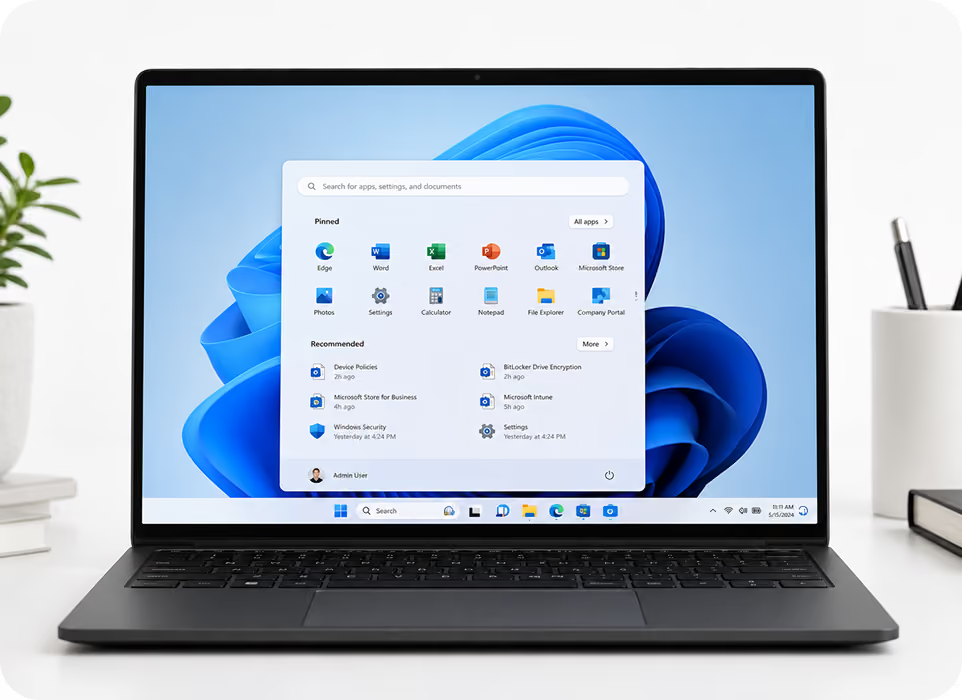
iOS MCM Software
Deliver and manage corporate content securely across iPhones and iPads used throughout your organization. Ensure employees can access updated business documents while maintaining centralized content control.
Learn More →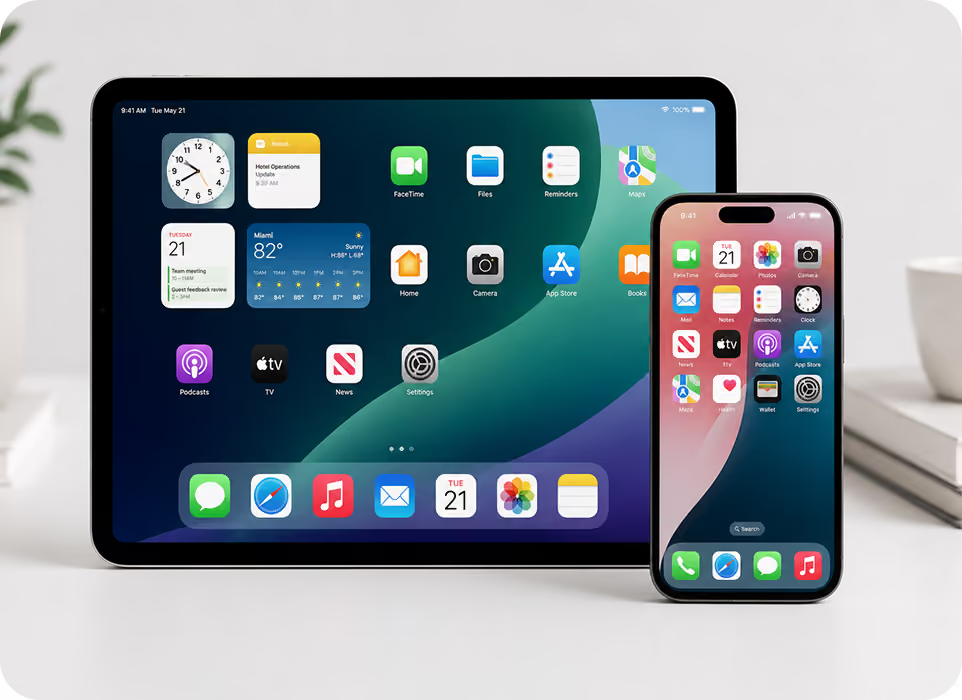
macOS MCM Software
Manage and synchronize business files across MacBooks, iMacs, Mac Mini, and Mac Studio devices with ease. Keep enterprise content organized, up to date, and readily available for every Apple desktop user.
Learn More →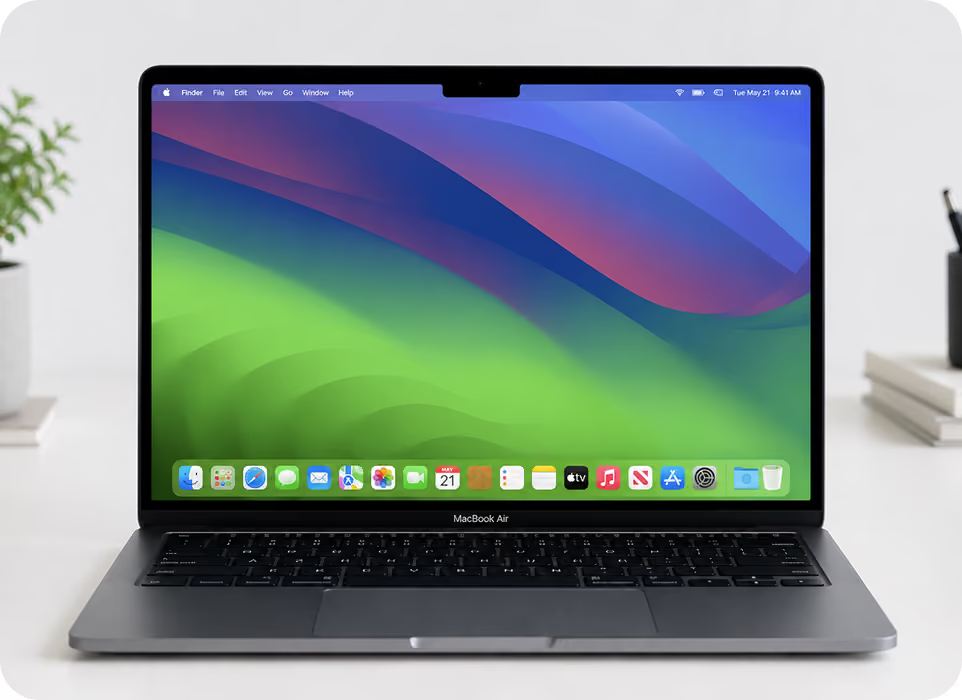
Linux MCM Software
Deliver and manage enterprise content securely across Linux devices used within your organization. Keep files synchronized and accessible while maintaining centralized control over content distribution.
Learn More →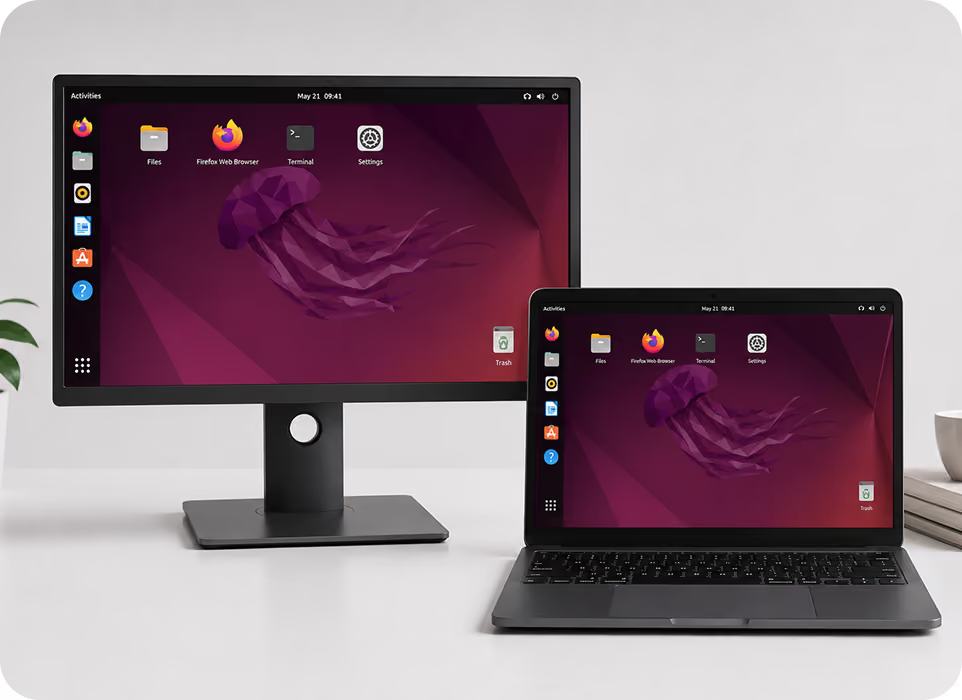
Why Do Modern Enterprises Need Mobile Content Management System?
Simplify how business content is managed, distributed, and protected across devices, teams, and locations with a centralized Mobile Content Management solution.

Remote Content Management
Enable employees to securely access business documents wherever they work without relying on email or manual file sharing. Keep important content synchronized across managed devices to improve productivity and collaboration.

Support Secure BYOD
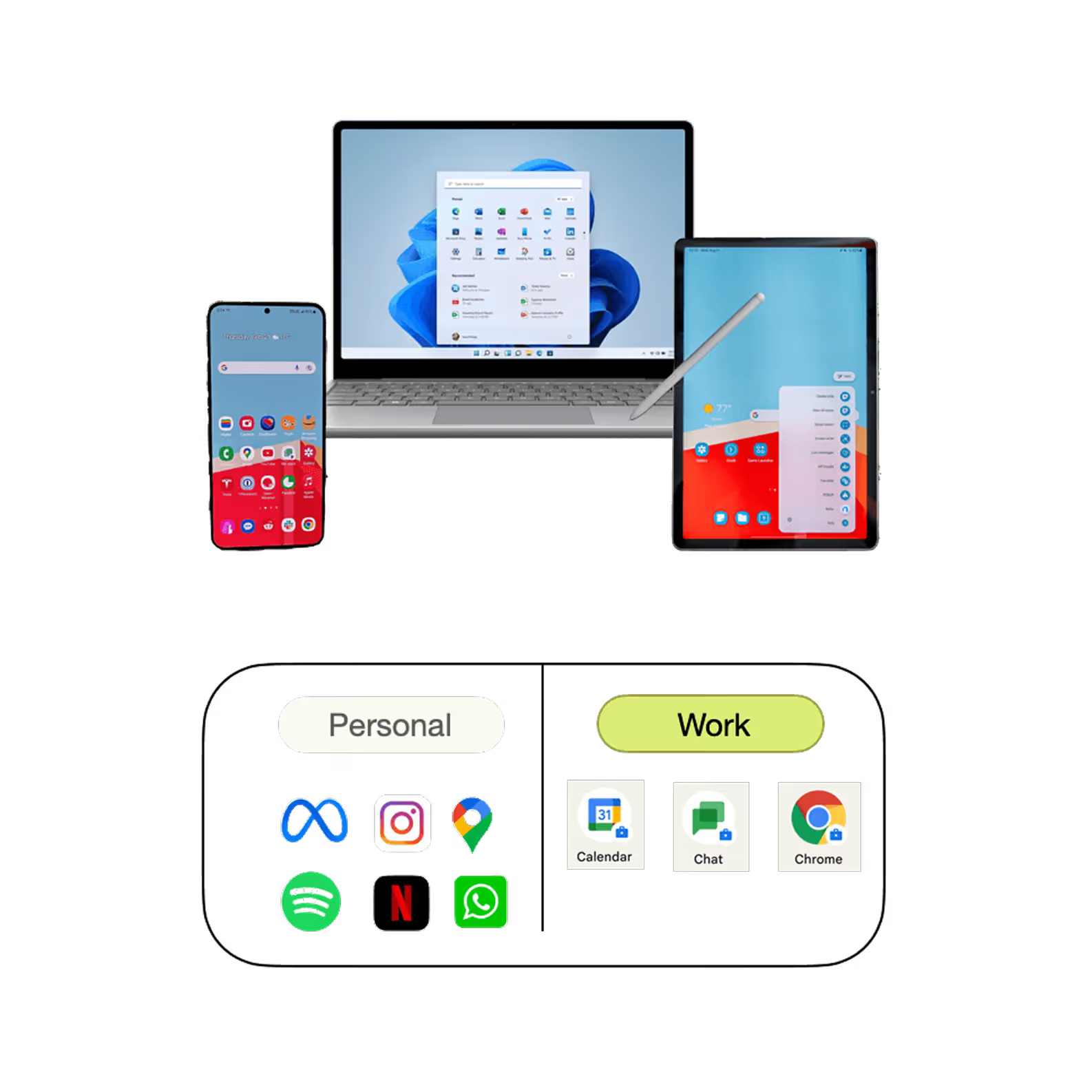
As employees increasingly use personal devices for work, protecting business content becomes more important than ever. Mobile Content Management keeps corporate files secure while allowing employees to work from their preferred devices.

Centralized File Distribution
Distribute business documents from a single platform instead of sending files manually to individual users. Ensure every employee receives the correct content quickly and consistently across all managed devices.

Automated Group-Based Distribution
Organize users and devices into groups based on departments, teams, or locations for simplified content management. Automatically distribute relevant documents to the right users without repetitive administrative work.

Real-Time Content Synchronization
Update files once from the admin console and automatically synchronize changes across every managed device. Eliminate outdated documents and ensure employees always work with the latest business information.

Protect Sensitive Business Content
Prevent unauthorized access and reduce the risk of data exposure with centralized content security policies. Control how business documents are accessed, shared, and stored across your enterprise mobility environment.
Secure Business Content Delivery with a Mobile Content Management Solution
How Quantem Mobile Content Management Software Works?
Upload, distribute, update, and remove business content from a centralized Mobile Content Management solution designed to simplify enterprise content distribution.

Upload
Upload and organize business documents, presentations, videos, images, and other files into structured folders from a centralized dashboard. Keep content organized so employees can quickly access the resources they need.

Deploy
Distribute files and folders to selected users, devices, or groups in just a few clicks. Deliver business content securely while ensuring the right employees receive the right information.

Manage
Update, replace, or edit files centrally without requiring manual distribution. Automatically synchronize changes across managed devices to eliminate outdated or duplicate content.
.svg)
Remove
Remove business content remotely when files become outdated or are no longer required. Maintain content accuracy while preventing unauthorized access to obsolete documents.
Key Features of Mobile Content Management (MCM) Solution
Manage, distribute, and protect business content with powerful features designed to simplify enterprise content management.
Upload Files from Any Source
Upload business documents, presentations, videos, images, and other files from a centralized dashboard without relying on multiple storage platforms. Keep enterprise content organized and readily available across managed devices.
- Upload files directly from your local system.
- Organize content into centralized folders.
- Support multiple business file formats.
- Simplify enterprise content management.
- Make content available across managed devices.
Save Enterprise Storage
Reduce storage consumption by eliminating duplicate copies of business content across devices and systems. Centralized content management ensures employees always access the same approved files.
- Eliminate duplicate file storage.
- Reduce enterprise storage requirements.
- Centralize business content management.
- Improve storage efficiency across devices.
- Maintain a single source of truth.
.avif)
.avif)
Remote File Updates & Deletion
Update business files remotely and automatically synchronize changes across managed devices. Remove outdated or sensitive content instantly to maintain content accuracy and security.
- Update files remotely from one dashboard.
- Synchronize content automatically.
- Delete obsolete files instantly.
- Keep employees on the latest version.
- Protect sensitive business information.
Interactive Presentations
Deliver engaging presentations, product videos, announcements, and digital content directly to managed devices. Keep employees and customers informed with visually engaging business content.
- Display presentations on managed devices.
- Publish videos and promotional content.
- Improve employee communication.
- Support customer-facing displays.
- Deliver engaging visual experiences.
.avif)
.avif)
Transform Devices into Digital Signage
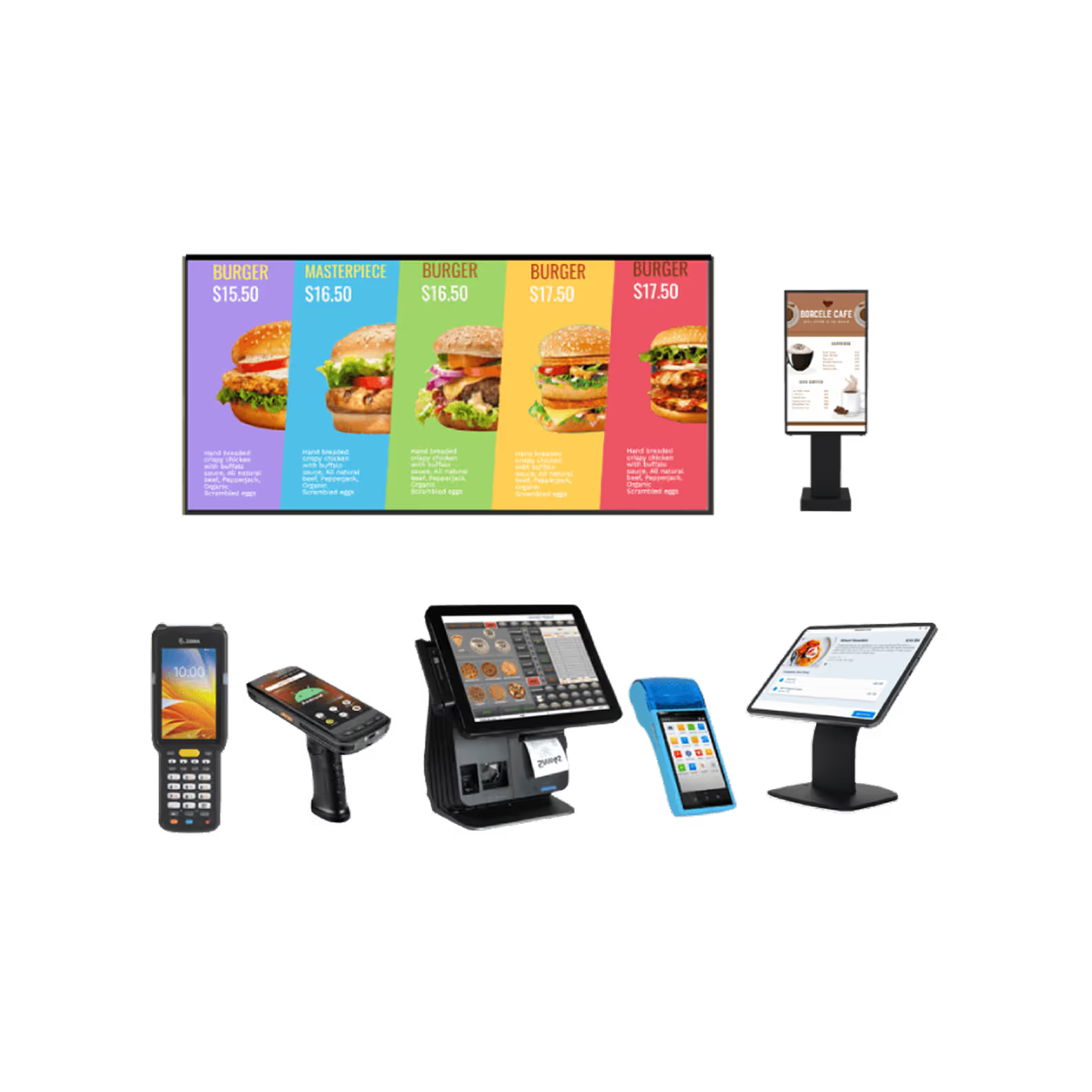
Turn smartphones, tablets, kiosks, and displays into digital signage that showcases business content, promotions, announcements, and presentations. Deliver engaging visual experiences while managing every display remotely from a centralized Mobile Content Management platform.
- Turn devices into digital signage displays.
- Loop videos, images, and presentations continuously.
- Enforce landscape mode for consistent viewing.
- Configure screensavers with business content.
- Display shortcuts for on-demand presentations.
- Edit, update, or unpublish content remotely.
Why Choose Quantem for Mobile Content Management?
Simplify enterprise content management with a Mobile Content Management solution built for secure content distribution, centralized control, and effortless scalability.

Ease of Use
Get started quickly with an intuitive interface designed for both IT administrators and business users. Reduce the learning curve and simplify business content management with an easy-to-use platform.

Cost-Effective Sharing
Manage business content from a centralized platform instead of relying on multiple file-sharing tools and apps. Reduce operational costs while simplifying enterprise-wide content distribution.

Compliance Ready
Protect sensitive business information with enterprise-grade security and compliance controls. Quantem is SOC 2, GDPR, and CCPA compliant, giving you confidence that your business content is managed securely.
Simplify Business Content Management with Quantem Mobile Content Management Solution
Frequently Asked Questions (FAQs)
content distribution across smartphone and tablets?
than other mobile apps for managing content?