Android Location Tracking: Key MDM Features for Business Devices
When employees spend their workday on the road, in warehouses, or across multiple business locations, knowing where company devices are can make a real difference. A delivery driver may need a managed phone for navigation and delivery updates, while a field technician may use an Android tablet to access work orders at different sites. Without reliable visibility into these devices, IT teams can struggle to monitor their movement, enforce location-based policies, and investigate missing equipment.
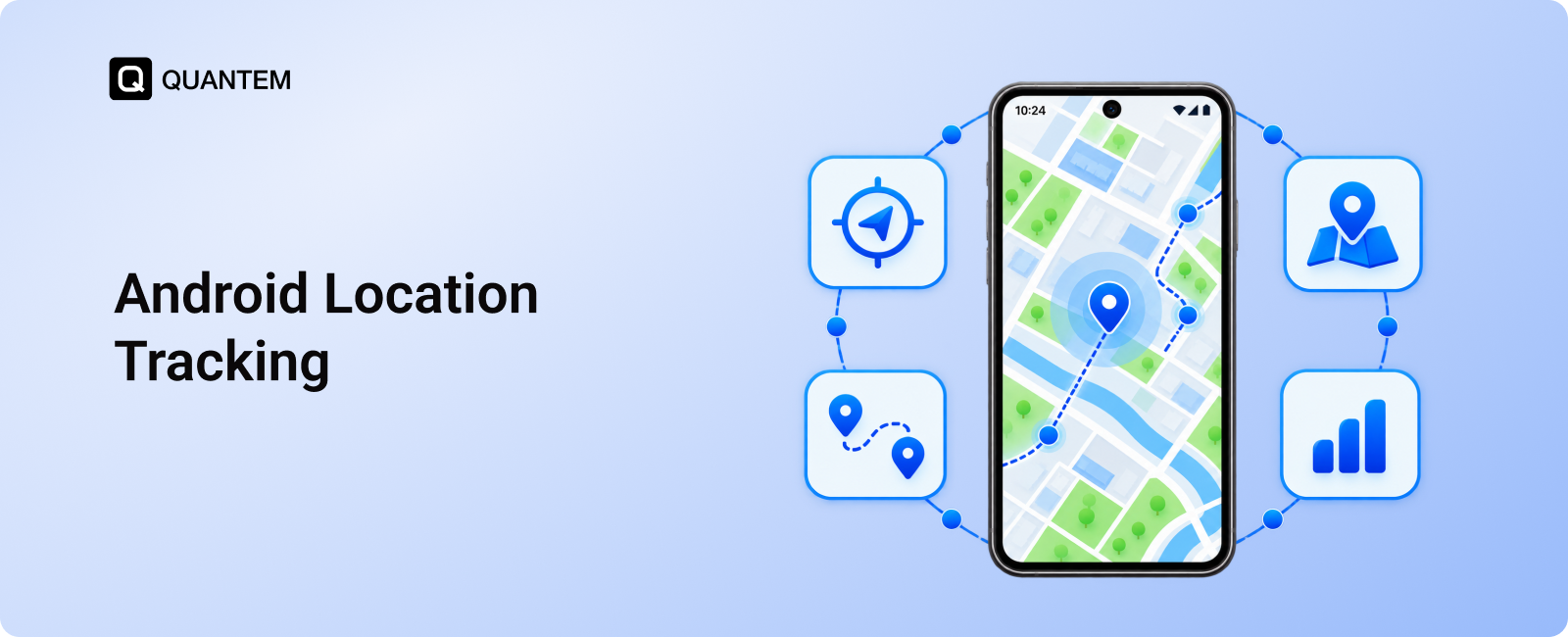
Android location tracking helps businesses maintain visibility into their managed device fleet. With a mobile device management (MDM) solution, IT administrators can monitor device locations, review movement history, define virtual boundaries, and configure location settings from a centralized dashboard. These capabilities help organizations manage company-owned Android devices across distributed teams without relying on manual check-ins.
However, effective enterprise device location tracking involves more than viewing a device on a map. Businesses may need to configure GPS settings, establish geofences around specific locations, automate policy changes based on device location, and generate reports to understand travel patterns. The right capabilities depend on the organization's operational needs and the MDM platform's supported features.
In this blog, we will explore the key MDM features for Android location tracking, explain how they work, and examine how businesses can use them to manage devices and support mobile workforce operations more effectively.
Why is Android Location Tracking Important for Businesses?
Businesses that rely on mobile devices outside a fixed office need a reliable way to monitor their device fleet. From delivery teams traveling between customer locations to retail staff using handheld devices across multiple stores, location visibility helps IT administrators understand where company devices are and manage them more effectively.
Android location tracking through an MDM platform supports several business needs:
- Improved Device Visibility: IT administrators can view the reported locations of managed Android devices from a central dashboard. This helps them locate devices deployed across offices, warehouses, retail outlets, and field operations.
- Better Asset Management: Location information helps businesses keep track of company-owned smartphones, tablets, and other Android endpoints. If a device goes missing or is moved unexpectedly, administrators have additional information to support an investigation.
- More Efficient Field Operations: Businesses can review device movement and travel history to understand how mobile devices are used throughout the workday. This information can help identify operational patterns and support better resource planning.
- Location-Based Security Policies: Geofencing allows administrators to define virtual boundaries around selected locations. Depending on the MDM solution, they can trigger alerts or apply specific device policies when a managed device enters or leaves a designated area.
- Centralized Device Administration: Instead of relying on individual users to report device locations, IT teams can manage supported tracking settings and review available location information through a single management console.
- Greater Accountability: Location records and activity reports can help businesses review device movements when investigating missing equipment or checking whether devices have remained within expected operational areas.
For organizations managing a distributed Android fleet, Android MDM provides more than location visibility. It connects device tracking with security controls, operational oversight, and centralized Android device management.
Key MDM Features for Android Location Tracking
Effective Android location tracking involves more than checking a device's current position. Businesses need MDM features that help them monitor device movement, define location-based boundaries, automate policies, and review historical activity. These tools give IT administrators better visibility into company-owned Android devices and help them manage a distributed fleet from one place.
Let's look at the key MDM features that support Android location tracking and explain how businesses can use them.
1. Real-Time Android Device Location Tracking
Real-time Android location tracking helps IT administrators view the reported location of managed devices remotely. This is particularly useful for businesses with delivery teams, field employees, and mobile assets that move between different locations throughout the day.
With an MDM solution such as Quantem, administrators can configure location tracking settings for enrolled Android devices and view available location information through a centralized dashboard.
Key capabilities include:
- Remote Location Monitoring: View the reported coordinates of managed Android devices without needing to access each device physically.
- Location Update Frequency: Configure how frequently device locations are collected and synchronized with the management console, depending on the available tracking settings.
- Location Accuracy Settings: Choose supported tracking configurations based on the level of location precision and battery usage required for business operations.
- Fleet-Wide Visibility: Monitor the location of multiple managed devices from one dashboard, making it easier to oversee devices distributed across different teams and locations.
For example, a logistics company can use Android GPS tracking to check the reported locations of company-issued devices used by delivery personnel. This gives administrators a centralized view of their device fleet and helps them investigate missing devices or unexpected location changes.
2. Android Geofencing for Location-Based Monitoring
Android geofencing allows businesses to define virtual boundaries around specific physical locations and monitor when managed devices enter or leave those areas. With MDM location tracking, IT administrators can use these boundaries to improve device oversight and apply location-based policies where supported.
For example, a retail business can set up geofences around its stores and warehouses. If a company-owned Android device moves outside a designated area, administrators can receive an alert and investigate whether the movement was expected.
Key Android geofencing capabilities include:
- Custom Geofence Creation: Define virtual boundaries around business locations, such as warehouses, retail outlets, offices, and distribution centers.
- Entry and Exit Alerts: Receive notifications when a managed device enters or leaves a configured geofence, subject to the platform's supported alert settings.
- Location-Based Monitoring: Track devices in relation to designated business locations and identify unexpected movements that may require attention.
- Multiple Location Boundaries: Configure geofences for different business sites to support device monitoring across a distributed fleet.
Quantem supports custom geofencing, allowing administrators to create circular boundaries by selecting a location on the map and defining the radius. They can also draw the geofence directly on the map to mark the required area. The minimum supported radius is 100 meters.
By combining Android device location tracking with geofencing, businesses can monitor device movement around important locations and respond more quickly to unexpected changes. This is particularly useful for organizations managing mobile devices across logistics, retail, field services, and other location-dependent operations.
3. Location-Based Profile Switching
Businesses often need different device settings depending on where an Android device is being used. Location-based profile switching allows IT administrators to configure device profiles that automatically apply when a managed device enters or leaves a defined geofence.
With Quantem, administrators can configure profiles to switch when a device enters or exits a designated geofenced area, regardless of the profile currently applied to the device. This helps businesses adjust device access and restrictions according to the device's location.
Key capabilities include:
- Automatic Profile Switching: Apply a configured device profile when a managed Android device enters or exits a designated geofence.
- Location-Based App Access: Enable or restrict access to supported applications based on the device's location and the policies assigned to the relevant profile.
- Dynamic Policy Enforcement: Adjust device configurations as devices move between designated areas, without requiring administrators to change profiles manually.
- Context-Based Security Controls: Apply stricter restrictions in locations where access to certain business applications or data should be limited.
For example, a company may use kiosk management to restrict Android devices to specific operational applications while they are within an authorized facility. When a device leaves the designated geofence, a different profile can apply to adjust application access or device restrictions, depending on the configured policies.
By connecting device profiles with Android geofencing, businesses can automate supported configuration changes based on location. This helps IT teams maintain consistent device policies across different work environments while reducing the need for manual intervention.
4. Android Location History and Route Tracking
Knowing a device's current location provides a useful snapshot, but businesses may also need to understand where a device has traveled throughout the day. Android location history tracking helps IT administrators review recorded movements, identify stops, and analyze travel patterns for managed devices.
With Quantem, administrators can access location reports from a centralized dashboard to review device movements and gain a clearer picture of mobile workforce activity.
Key capabilities include:
- Device Route History: Review recorded routes to understand how a managed Android device moved between locations during a reporting period.
- Distance Traveled: View the total and average distance traveled by a device per day to analyze its movement over time.
- Movement Duration: Review the total and average time a device spent in motion during the reporting period.
- Stop Analysis: Examine the total and average number of stops recorded per day to better understand device movement patterns.
- Scheduled Location Reports: Schedule location and distance reports for periodic delivery to an administrator's email inbox, reducing the need to generate them manually.
For example, a field service company can review location history to understand the movement of Android devices assigned to technicians visiting multiple customer sites. The reports can help administrators examine travel patterns, investigate discrepancies, and support operational planning.
By combining current-location visibility with historical route data, MDM location tracking gives businesses a more complete view of device movement. This information can support asset oversight and mobile workforce management without requiring administrators to monitor each device individually throughout the day.
5. GPS Configuration and Location Permissions
GPS configuration is an important part of Android location tracking because devices need appropriate location settings to report their positions. For businesses that rely on location visibility throughout the workday, manually checking these settings on individual devices can become difficult as the fleet grows.
An MDM solution helps IT administrators manage supported location settings centrally and configure devices according to operational requirements.
Key capabilities include:
- Centralized GPS Configuration: Manage supported location settings for enrolled Android devices through the MDM console.
- Always-On Location Settings: Enforce GPS to remain enabled on supported devices where the Android version, enrollment configuration, and device policies permit it.
- Consistent Location Policies: Apply the required location configuration across applicable devices, reducing the need for manual adjustments.
- Reliable Location Monitoring: Maintain the required settings for business devices that depend on location tracking, subject to device permissions, connectivity, and GPS availability.
For example, a logistics company may need location visibility for Android devices assigned to drivers throughout their shifts. By configuring supported GPS settings centrally, IT administrators can reduce the risk of location tracking being interrupted because of changes to device settings.
Configuring GPS through MDM helps businesses maintain consistent location settings across their managed Android fleet. However, the controls available to administrators depend on the device's Android version.
6. Location Reports, Alerts, and Activity Logs
Tracking device locations is only part of managing a distributed Android fleet. Businesses also need a way to review location-related activity, monitor geofence events, and maintain records that help administrators investigate unexpected device movements.
MDM reporting features bring this information together, making it easier for IT teams to review device activity without checking each endpoint individually.
Key capabilities include:
- Geofence Activity Reports: Generate reports related to configured geofences to review device activity around designated business locations.
- Location Event Alerts: Receive notifications for supported events, such as a managed device entering or leaving a defined geofence.
- Device Activity Records: Review available location-related records to investigate unexpected movements and assess device activity.
- Scheduled Reports: Automate the delivery of supported reports so administrators can review location data at regular intervals.
- Centralized Reporting: Access available reports and location information from the MDM dashboard to simplify device oversight.
For example, a business operating multiple warehouses can use geofence reports to review whether managed Android devices are moving beyond designated areas. If an unexpected movement is reported, administrators can examine the available records and follow up with the relevant team.
By combining location reports and alerts with Android GPS tracking, businesses can improve visibility into their device fleet and make more informed decisions about asset management and operational security.
Simplify Android Location Tracking for Business with Quantem
Managing Android devices across field teams, delivery operations, warehouses, and retail locations requires consistent visibility and centralized control. Quantem helps businesses manage Android location tracking through a centralized MDM dashboard, bringing device location information and supported tracking controls into one place.
With Quantem, IT administrators can configure location tracking settings, create custom geofences, automate profile switching based on device location, and review location history reports. These features help businesses monitor device movements, manage location-based policies, and maintain better oversight of company-owned Android devices.
Quantem also supports configurable GPS settings and geofence reporting, helping IT teams align device tracking with their operational requirements. By combining Android GPS tracking with centralized device management, businesses can simplify fleet oversight and respond more effectively to unexpected device movements.
Track and Manage Your Android Fleet with Quantem
1. What is Android Location Tracking in MDM?
Android location tracking in MDM allows IT administrators to monitor the reported locations of managed Android devices through a centralized dashboard. Depending on the solution, administrators can also configure GPS settings, define geofences, review location history, and generate reports to support enterprise device management.
2. Why is MDM Better Than Google Find Hub for Business Android Location Tracking?
Google Find Hub (formerly Find My Device) helps individuals locate lost Android phones, typically through a Google account. MDM is designed to manage business Android fleets, offering centralized location tracking, geofencing, location history, and device management without relying on employees' personal Google accounts or phone numbers. IT administrators can also remotely lock or wipe managed devices when necessary, helping protect sensitive business data and maintain privacy if a device is lost or compromised.
3. How Does Android GPS Tracking Work for Businesses?
Android GPS tracking uses location data from compatible devices to determine their geographic positions. An MDM solution can collect and display supported location information remotely, helping businesses monitor company-owned devices used by delivery teams, field workers, and other mobile employees.
4. Can MDM Track Android Device Locations in Real Time?
Yes, compatible MDM solutions can provide near-real-time Android location tracking by collecting and synchronizing device location data. Update frequency and accuracy depend on GPS availability, location permissions, network connectivity whether online or offline, device settings, and the MDM platform's configuration.
5. Can Businesses View Android Device Location History?
Yes, some MDM solutions provide location history reports that show recorded device movements over a selected period. Depending on the platform, these reports may include route history, distance traveled, movement duration, and the number of recorded stops.
6. What is Android Geofencing?
Android geofencing creates virtual boundaries around physical locations, such as offices, warehouses, and retail stores. An MDM solution can monitor managed devices in relation to these boundaries and trigger supported alerts or location-based policy changes when devices enter or leave designated areas.
7. Can an MDM Solution Prevent Users From Turning Off GPS?
Certain MDM platforms can enforce supported location settings on managed Android devices, including keeping GPS enabled where permitted. The available controls depend on the Android version, device manufacturer, enrollment configuration, and management policies supported by the solution.
8. What Industries Benefit From Android Location Tracking?
Industries that rely on mobile devices across multiple locations can benefit from Android location tracking. Common examples include logistics and transportation, retail, field services, warehousing, and last-mile delivery, where location visibility helps businesses oversee company devices and support operational planning.



Get the latest blogs directly delivered to your mail fly arrow