How to Enroll Android Devices with MDM?
Android is the world's most widely used mobile operating system, powering billions of smartphones, tablets, and rugged devices. Businesses in logistics, healthcare, retail, and field services rely on Android for its flexibility and affordability.
However, managing a growing Android fleet can be challenging without centralized controls. IT teams need to enforce policies, deploy apps, protect business data, and maintain compliance without configuring devices individually.
This is where Mobile Device Management (MDM) comes in. An Android MDM solution lets administrators manage devices remotely, enforce policies, distribute apps, monitor device health, and troubleshoot endpoints from a centralized console. Before using these capabilities, devices must first be enrolled.
In this blog, we will explain what Android device enrollment is, how to enroll Android devices with MDM, the prerequisites, and the different Android device enrollment methods available in Quantem MDM.
What is Android Device Enrollment?
Android device enrollment is the process of registering an Android device with an MDM platform so it can be managed according to an organization’s policies. It establishes the relationship between the device and management console, allowing IT teams to configure and manage devices remotely.
Once enrolled, administrators can deploy apps, apply security policies, configure network settings, restrict device features, monitor device status, and troubleshoot issues from a centralized console.
The enrollment method depends on device ownership and how the device will be used. Android Enterprise supports several deployment scenarios, including:
- Fully managed devices for comprehensive management of company-owned devices.
- Dedicated devices for kiosks and other purpose-built endpoints.
- Corporate-owned devices with a Work Profile for separating work and personal usage.
- BYOD devices for employees using personal Android devices for work.
Choosing the right enrollment method ensures devices receive the appropriate level of management while meeting the organization’s requirements.
Android Device Enrollment Methods in Quantem MDM
Android provides several enrollment options to accommodate different business and deployment needs. The right method depends on factors such as:
- Device ownership
- Deployment scale
- Device type
- Management requirements
For instance, an organization deploying thousands of company-owned devices may benefit from Zero-touch Enrollment, while businesses allowing employees to use personal devices can opt for BYOD Enrollment.
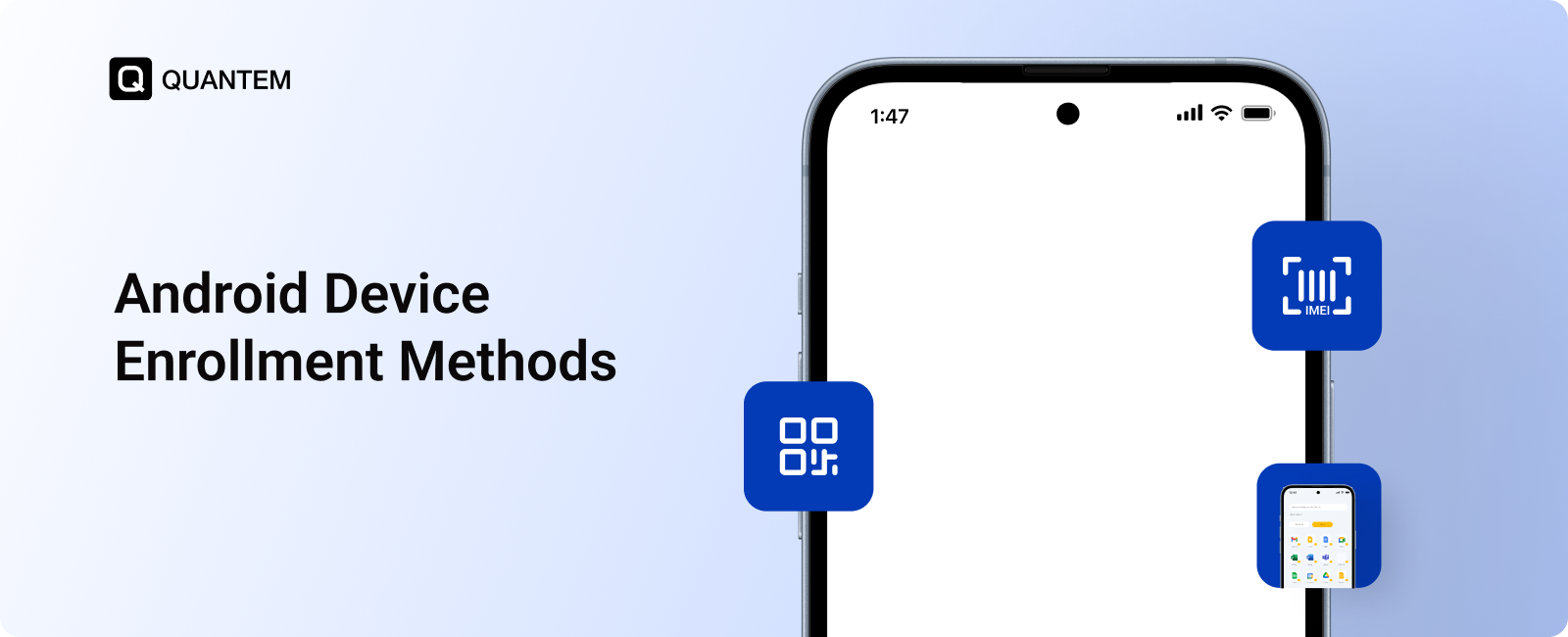
Quantem MDM supports multiple enrollment methods, giving IT teams the flexibility to choose the approach that best fits their Android deployment:
- Android Zero-touch Enrollment
- EMM Token Enrollment
- QR Code-Based Enrollment
- BYOD Enrollment
- IMEI/Serial Number-Based Enrollment
- ROM-Based Enrollment
- Samsung KME-Based Enrollment
Android Enrollment Methods Comparison
Not every Android deployment needs to be enrolled in the same way. The ideal approach depends on whether the device is company-owned or personal, how many devices are being deployed, and how much involvement IT wants during setup.
1. Android Zero-touch Enrollment
Android Zero-touch Enrollment takes much of the manual work out of setting up company-owned Android devices. Instead of having IT configure every device individually, the organization can assign devices to its MDM environment before they are distributed.
After the device is powered on and connected to the internet, Android retrieves the organization's assigned management configuration and starts the enrollment process. Quantem MDM can then deliver the required policies, apps, and device settings as part of the setup.
This makes zero-touch a strong option for large deployments. For example, a logistics organization sending rugged Android devices to drivers in different locations can prepare the entire fleet centrally rather than asking IT staff to configure devices one by one.
2. EMM Token Enrollment
With EMM Token Enrollment, an administrator uses a token generated by the MDM portal to identify the device and initiate its management setup. Entering the token during provisioning directs the device to the appropriate MDM environment and configuration.
This method is particularly useful when devices are intended for a specific business purpose rather than a single employee. Retail kiosks, shared tablets, and frontline devices are good examples. A retailer, for instance, can use the enrollment token to provision Android kiosks with the applications and restrictions they need before putting them into service.
3. QR Code-Based Enrollment
QR Code-Based Enrollment provides a simple way to get an Android device into MDM during its initial setup. Instead of manually entering enrollment information, the administrator scans a QR code containing the necessary provisioning details.
This can be especially convenient for small and mid-sized deployments where a fully automated zero-touch process isn't available. For example, an IT team preparing Android tablets for field employees can scan the enrollment QR code on each device and let the MDM configuration take over the rest of the setup.
4. BYOD Enrollment
BYOD Enrollment is designed for situations where employees use their own Android phones or tablets to access company resources. Rather than managing the entire personal device, the organization can establish an Android Work Profile that separates work applications and data from the employee's personal environment.
This gives employees access to the business resources they need while keeping personal content outside the organization's management scope. It is well suited to remote and hybrid work environments, where employees may need to access corporate email, documents, or applications from their own devices.
5. IMEI/Serial Number-Based Enrollment
IMEI/Serial Number-Based Enrollment uses a device's unique hardware identifier to help IT teams organize and prepare Android devices for enrollment. Administrators can upload device identifiers, such as IMEI numbers or serial numbers, and associate them with the relevant groups or configurations.
This approach can simplify preparation when an organization is working with a large inventory of Android devices. Instead of identifying and organizing each endpoint manually during deployment, IT can prepare the device list in advance and assign the appropriate management settings.
6. ROM-Based Enrollment
ROM-Based Enrollment takes place at the OEM level, with the MDM software and required configuration incorporated into supported devices during manufacturing. Quantem's OEM partnerships make it possible for the MDM application and relevant settings to be included before devices are delivered to the customer.
As a result, devices can begin the enrollment process when they are first powered on, without requiring the end user to perform a lengthy setup. This is particularly valuable for organizations ordering large volumes of devices, as they can receive endpoints that are already prepared for enterprise deployment.
7. Samsung KME-Based Enrollment
Samsung KME-Based Enrollment uses Knox Mobile Enrollment (KME) to streamline enrollment for supported Samsung devices. IT administrators can assign the appropriate enrollment profile and connect the devices to their MDM environment before distributing them to employees.
When a registered Samsung device is turned on and gets online, KME can initiate the enrollment and deliver the assigned management configuration. This makes it a practical choice for organizations deploying Samsung devices in bulk, reducing the amount of hands-on setup required from IT admin.
Simplify Android Device Enrollment and Management with Quantem MDM
Getting Android devices enrolled is the foundation for managing them effectively. Whether your organization uses corporate smartphones, rugged endpoints, dedicated kiosks, or employee-owned devices, the right enrollment approach can make deployment faster and ongoing management easier.
Quantem MDM brings multiple Android device enrollment methods into one platform, helping IT teams onboard devices according to their enterprise mobility management needs. Once enrolled, administrators can distribute applications, enforce device policies, monitor compliance, protect business data, and remotely manage devices from a centralized console.
With capabilities such as Android Enterprise, Work Profiles, Kiosk Mode, and advanced device controls, Quantem helps organizations manage Android fleets efficiently as they scale.
Enroll and manage your Android fleet with Quantem MDM
1. What is the difference between Zero-touch and KME?
Both methods automate Android device enrollment, but they are designed for different device ecosystems. Android Zero-touch Enrollment supports compatible Android Enterprise Recommended (AER) devices across multiple manufacturers, while Samsung Knox Mobile Enrollment (KME) is built specifically for supported Samsung devices. Zero-touch offers broader OEM coverage, whereas KME is tailored to Samsung deployments.
2. Is BYOD enrollment secure?
Yes. BYOD enrollment can protect corporate information without giving IT control over an employee's personal content. With an Android Work Profile, business apps and data remain separated from personal apps and files, allowing employees to use their own devices while maintaining a clear boundary between work and personal use.
3. Which is best: EMM token enrollment or ROM-based enrollment for enterprises?
The better option depends on how devices are procured and deployed. ROM-based enrollment is well suited to organizations purchasing devices through participating OEM partners, as the MDM software can be integrated during manufacturing. EMM token enrollment offers more flexibility when IT teams need to enroll corporate owned devices during setup, particularly after a factory reset.
4. Can I enroll Android devices without a factory reset?
Yes, depending on the enrollment method and deployment scenario. BYOD enrollment allows employees to enroll personal devices with Work Profile without a reset, to keep business data separate. For full device management, however, certain enrollment methods may require a factory reset before provisioning. The exact requirement depends on the enrollment method and device ownership.
5. What is the best enrollment method for large-scale deployments?
For large Android deployments, Zero-touch Enrollment and ROM-based enrollment can significantly reduce manual provisioning. Zero-touch is useful for compatible devices purchased through authorized resellers, while ROM-based enrollment can be valuable when devices are sourced through supported OEM partnerships and need to arrive preconfigured for enterprise use.
6. What is a managed Google Play account in BYOD enrollment?
A managed Google Play account lets organizations provide employees with access to approved work apps through the Google Play Store without managing their personal apps or data. It is separate from the employee’s personal Google account and helps IT teams control which business applications are available within the Work Profile.



Get the latest blogs directly delivered to your mail fly arrow