What is Android Application Management? A Complete Guide for Businesses
Android devices power a wide range of business operations, from retail transactions and warehouse inventory to field services and healthcare workflows. As organizations rely on more mobile applications to get work done, keeping those apps secure, updated, and accessible to the right people becomes increasingly important.
Android app management helps businesses control how applications are deployed, configured, updated, restricted, and removed across managed Android devices. Instead of relying on employees to install the right apps and update them manually, IT teams can manage these tasks centrally through a mobile device management (MDM) solution.
But app management involves more than installing software. Organizations must also control app permissions, protect business data, distribute internal applications, and support employees who use personal devices for work.
In this blog, we will explain what Android app management is, explore its key features and benefits, and show how businesses can use Quantem MDM to simplify application management across corporate-owned and employee-owned Android devices.
What is Android App Management?
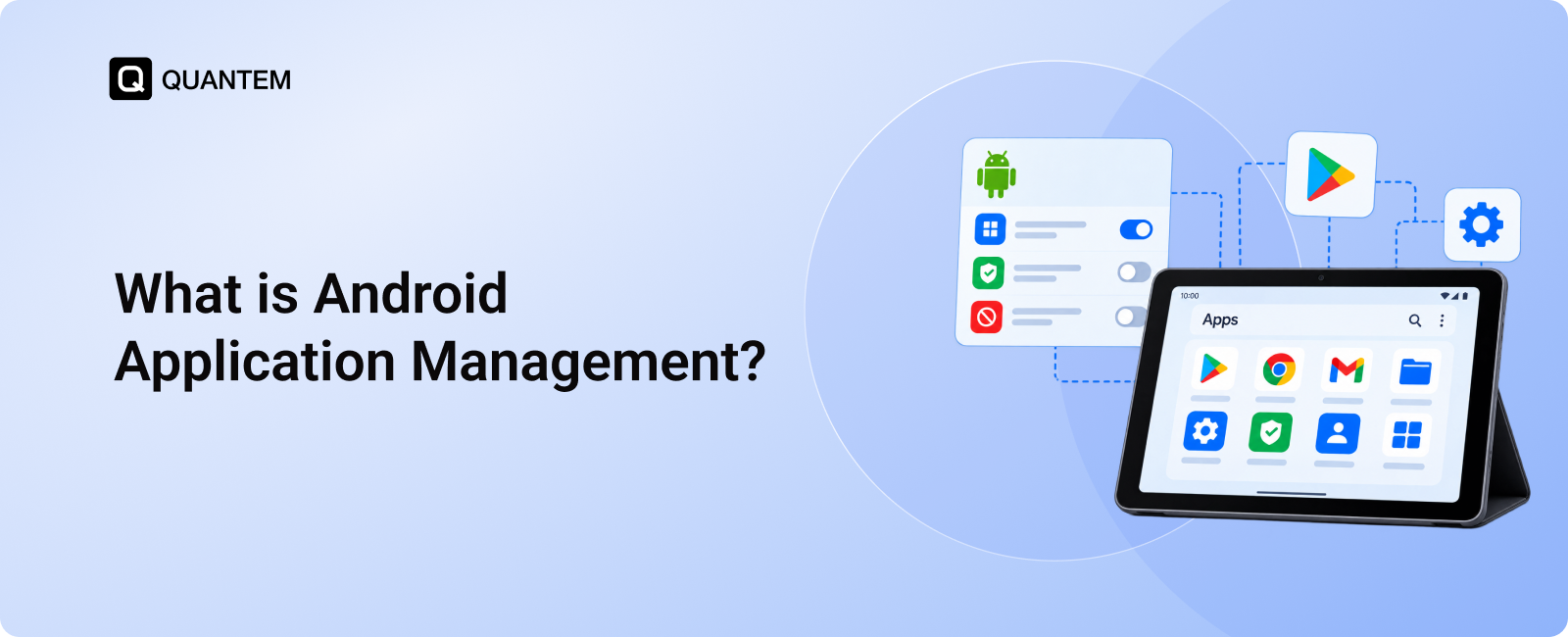
Android app management is the process of deploying, configuring, updating, monitoring, and removing applications on Android devices while controlling their access to business data and resources. It helps IT administrators manage applications centrally, enforce organizational policies, and ensure employees have access to the apps they need.
Android app management is particularly useful when employees rely on business applications to access company resources, process transactions, communicate with customers, or complete field tasks. IT teams can distribute the right apps to the right users and apply consistent controls across supported devices.
Key Features of Android Application Management with Quantem MDM
Managing applications across a growing number of Android devices becomes difficult when every installation, update, and configuration requires manual intervention. Quantem MDM helps IT teams centralize these tasks and manage applications according to organizational requirements.
Here are the key features of Android application management.
1. Android App Deployment
IT administrators need a reliable way to distribute applications without asking employees to download and configure each app themselves. Android app deployment through Quantem MDM helps administrators publish applications to managed devices and assign them according to device profiles or organizational needs.
Businesses can manage different types of applications.
a. Managed Google Play Apps
Through its integration with Android Enterprise, Quantem supports the management of approved applications from Managed Google Play. IT administrators can select the apps employees need and deploy them to supported managed devices. Depending on the enrollment mode and configuration, applications can be installed automatically or made available for users to install.
This helps organizations control which public Play Store apps are approved for business use.
b. Private Enterprise Applications
Some businesses use internally developed Android applications that are not publicly listed on Google Play. These apps may support inventory management, employee communication, field operations, or other specialized workflows.
Quantem's app catalog allows organizations to upload APK files for supported internal applications and distribute them to selected managed devices or device profiles. This gives IT teams a way to manage private Android app distribution alongside public applications.
2. Remote App Configuration and Permissions
Installing an application is only the first step. Businesses may also need to configure its settings, control access to device resources, and apply restrictions that align with their security requirements.
Quantem supports remote app configuration for compatible applications, allowing administrators to manage supported settings centrally rather than relying on users to configure them individually.
Depending on the application and device configuration, IT teams can manage settings and permissions related to resources such as the camera, microphone, location, and storage.
Administrators can also use application allowlists and blocklists to control which apps are permitted on managed devices. For example, a company-issued tablet used for inventory management can be restricted to approved business applications, reducing distractions and limiting unauthorized app access.
These controls help organizations create application environments that match employees' roles and the purpose of each device.
3. Android App Update Management
Outdated applications can introduce security risks, compatibility issues, and operational problems. However, updating every application manually across hundreds of devices can consume considerable IT time.
Quantem MDM helps administrators manage application updates remotely and coordinate them with business requirements. IT teams can configure supported update settings and review application reports to understand deployment and update status.
For example, a retail business may need to ensure that its inventory application remains current across store devices. Centralized app update management helps IT teams oversee the process without visiting each location or asking every employee to update the application manually.
Where supported, administrators can configure update behavior and scheduling to reduce disruption during busy operational periods.
4. Remote App Uninstallation
Applications sometimes need to be removed because an employee changes roles, a business tool is retired, or an application is no longer approved for use. Lost or stolen devices may also require action to prevent continued access to corporate applications.
Quantem enables administrators to remotely uninstall managed applications on supported devices. This helps IT teams remove outdated software, clean up application inventories, and revoke access to business apps when necessary.
For instance, if a contractor finishes an assignment, an administrator can remove the managed applications associated with that work rather than relying on the contractor to uninstall them manually.
Removing an app alone does not guarantee that every copy of previously accessed data has been erased. Organizations should combine app removal with appropriate access revocation and data protection policies.
Benefits of Android Application Management
Android application management helps businesses reduce repetitive IT tasks while improving control over the software employees use. With centralized app administration, organizations can maintain more consistent application configurations, simplify updates, and support different device deployment models.
Here are some of the key benefits.
1. Flexible App Management
Different teams need different applications. A warehouse employee may use scanning software, while a sales representative needs customer relationship management tools and communication apps.
Android app management allows IT administrators to assign applications and supported configurations according to device profiles, user roles, or business requirements. This flexibility helps organizations provide relevant applications without distributing the same software to every employee.
Quantem MDM supports centralized management of applications on supported corporate-owned and employee-owned Android devices, helping IT teams adapt app access to different work environments.
2. Silent App Installation
Asking employees to download and configure business applications individually can delay onboarding and lead to inconsistent setups.
On supported managed Android devices, IT administrators can silently install applications without requiring users to complete the installation themselves. Availability depends on Android Enterprise enrollment, device ownership mode, application type, and the relevant management policies.
This capability helps employees get started with approved applications sooner. IT teams can also reduce repetitive support requests related to app installation and setup.
3. Improved Compliance Readiness
Organizations often have internal rules governing which applications employees can use, how business data is accessed, and how applications should be maintained.
Android app management helps enforce these rules through approved app lists, managed configurations, permission controls, and application update policies. Administrators can also review deployment reports to identify missing applications or devices that need attention.
These controls can support an organization's compliance efforts, but app management alone does not guarantee compliance with regulations such as HIPAA or GDPR. Businesses must also address broader requirements involving data handling, access control, monitoring, and internal processes.
4. Restricted Access to Unapproved Apps
Not every application is appropriate for a business device. Unapproved apps may introduce unnecessary distractions, create security concerns, or interfere with the device's intended purpose.
With application restrictions, IT administrators can allow only approved applications or block specific apps on supported managed devices. They can also configure single-app or multi-app kiosk deployments for devices intended to perform dedicated tasks.
For example, a tablet used for customer check-in can be configured to run an approved check-in application rather than giving users unrestricted access to the device.
On supported fully managed devices, administrators can also control which applications are available through the managed Google Play experience.
5. Automated App Installation and Reporting
Many application management tasks follow predictable patterns. New employees need the same core apps, devices in a particular department require a standard set of tools, and certain applications need regular maintenance.
Quantem Workflows can help automate supported recurring app installation tasks, reducing the need for administrators to repeat the same steps manually.
Application reports also provide visibility into deployment status and other available app information. This helps IT teams identify issues, verify whether applications have been distributed as intended, and make informed decisions about application management.
Automation and reporting become particularly valuable as an organization expands its Android deployments across multiple teams and locations.
How to Manage Android Apps on BYOD Devices?
Bring Your Own Device (BYOD) allows employees to use their personal Android smartphones or tablets for work. However, businesses need a way to manage work applications without taking unnecessary control of employees' personal devices.
Android application management with a Mobile Device Management (MDM) solution helps IT teams manage approved business apps within a BYOD environment. Here's how Android application management with MDM helps manage apps on BYOD devices:
1. Keep Work Apps Separate From Personal Apps
Android Enterprise work profiles create a dedicated space for work applications on compatible devices. This allows employees to keep using their personal apps while IT administrators manage applications within the work profile.
With Quantem MDM, organizations can manage supported work-profile deployments and keep business applications separate from personal apps, making it easier to maintain distinct work and personal environments.
2. Control Which Apps Employees Can Use for Work
Employees may need different applications depending on their roles and responsibilities. For example, sales teams may need CRM apps, while field employees may rely on business-specific applications.
Android app management allows IT teams to control the availability of approved applications in the managed work environment. This helps employees access the apps and corporate data they need while keeping work app selection aligned with organizational requirements.
3. Manage Work App Updates
Employees may not always update business applications promptly, which can lead to version inconsistencies across devices. Managing updates centrally helps IT teams maintain more consistent application versions.
With a compatible MDM solution, administrators can manage supported app update settings for work applications on enrolled BYOD devices. This reduces reliance on employees to handle every update manually.
4. Set Time-Based Access to Work Apps
Some organizations need employees to access specific work applications only during designated hours. For example, a business may want to limit access to certain apps outside scheduled shifts.
Time-based app access policies can help organizations align application availability with work schedules and operational requirements. Where supported by the MDM solution and device configuration, administrators can define when specific work apps are available to employees.
5. Remove Work Apps When They Are No Longer Needed
When employees change roles or leave an organization, they may no longer need certain business applications. IT teams need a way to remove those apps without unnecessarily affecting personal applications.
With supported Android Enterprise work-profile management, administrators can remove managed work applications as needed. This helps keep the work environment current while leaving employees' personal apps outside the scope of routine work app removal.
Simplify Android Application Management With Quantem MDM
Managing business applications across Android devices does not need to involve repeated manual installations, inconsistent settings, or separate update processes. Quantem MDM helps organizations centralize application deployment and administration while supporting broader device management requirements.
With Quantem, IT teams can manage supported Managed Google Play applications, distribute private enterprise apps, configure supported app settings, control access to approved applications, and oversee application updates. Workflows and reporting capabilities can also help reduce repetitive tasks and improve visibility into app deployment.
Whether your organization uses company-owned Android devices or supports BYOD, centralized application management helps employees access the tools they need while giving IT teams more control over business apps and their configurations.
Keep Your Android Apps Managed and Ready for Work with Quantem
1. What is Android app management?
Android app management is the process of deploying, configuring, updating, monitoring, and removing applications on Android devices. Businesses use it to control app access, manage supported permissions, distribute approved software, and protect access to corporate resources.
2. How does Android application management work?
IT administrators use an MDM or application management platform to select applications, assign them to managed devices or profiles, configure supported settings, and manage updates or removal. The exact capabilities depend on the Android version, enrollment method, application, and management solution.
3. Can I remotely install apps on Android devices?
Yes. An MDM solution can remotely distribute applications to supported managed Android devices. Depending on the device's enrollment mode and management policies, applications may install silently or be made available for users to install through Managed Google Play or MDM app store.
4. What is the difference between MAM and MDM?
Mobile Application Management (MAM) focuses on managing applications and their associated data. Mobile Device Management (MDM) covers broader device administration, including enrollment, device restrictions, security settings, and remote management. Some MDM platforms also include application management features.
5. Can Android app management be used for BYOD?
Yes. Android app management can support BYOD deployments through Android Enterprise work profiles and compatible management solutions. Work profiles separate managed business apps and data from personal apps and content, helping organizations manage work-related resources while respecting employee privacy.
6. Can IT administrators restrict apps on Android devices?
Yes. On supported managed devices, administrators can use application allowlists, blocklists, and other management policies to control which apps users can access. Single-app and multi-app kiosk configurations can further restrict devices to approved applications for dedicated business tasks.
7. Can Android apps be updated remotely?
Yes. Compatible MDM solutions can manage app updates remotely through supported Android application management capabilities. Administrators can configure available update settings and review reports to help track application deployment and update status.
8. How does Quantem help with Android app management?
Quantem MDM helps IT teams manage supported Android applications through centralized deployment, private app distribution, remote app configuration, application restrictions, update management, and remote uninstallation. It also supports broader device management capabilities that help organizations manage Android device lifecycle more efficiently.



Get the latest blogs directly delivered to your mail fly arrow