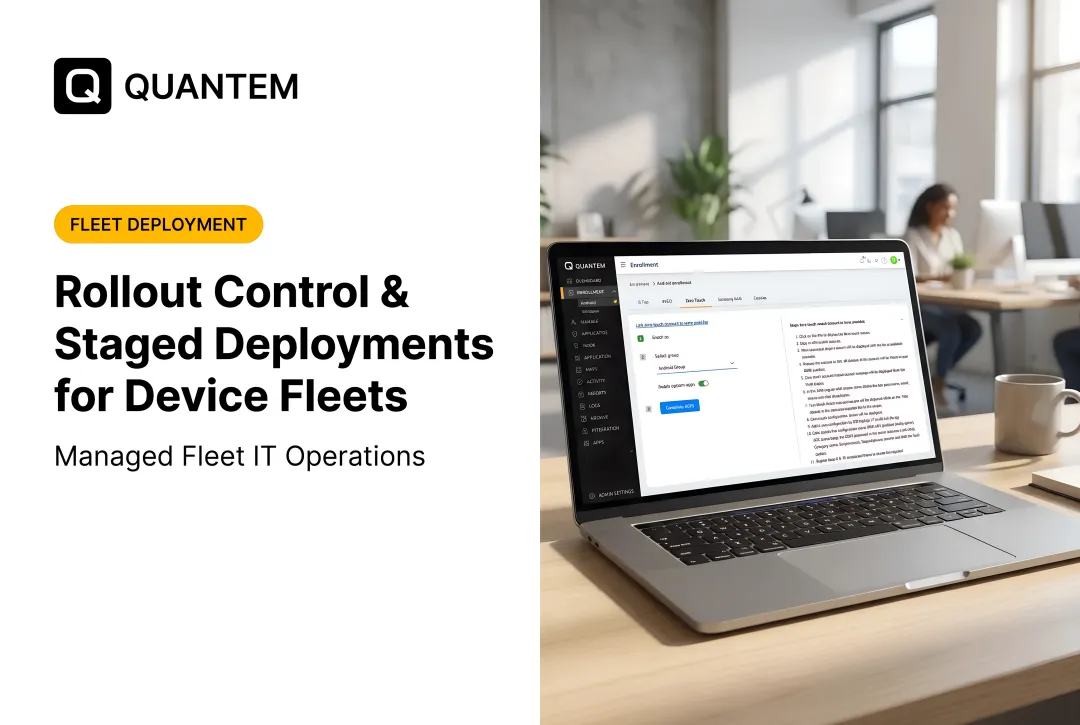
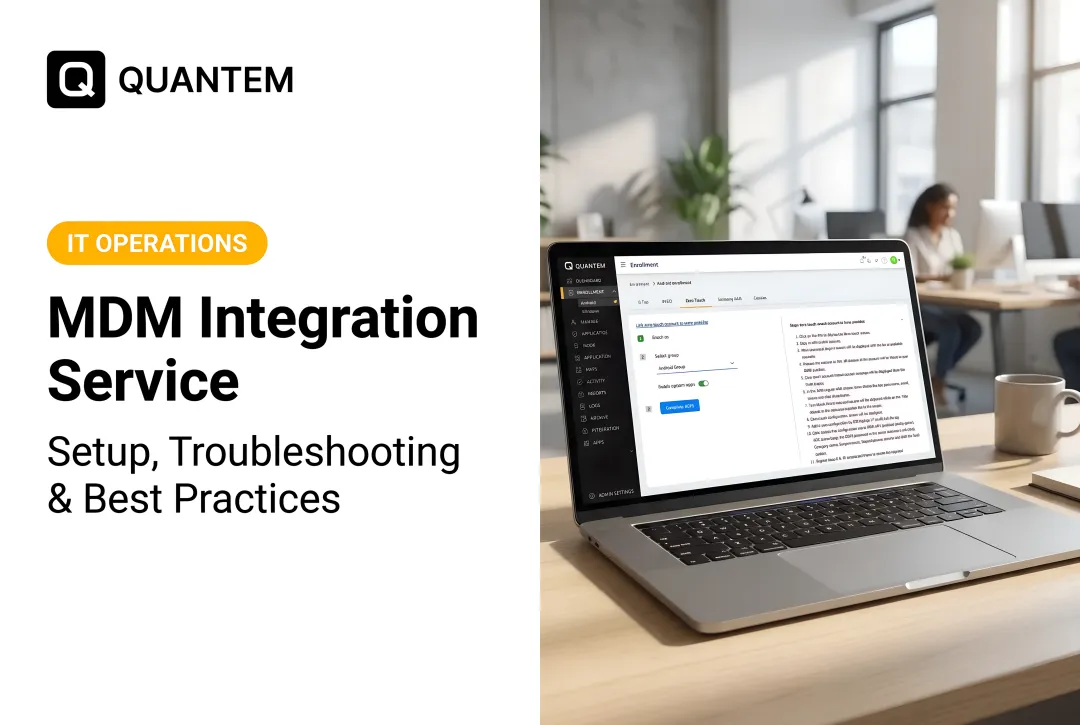
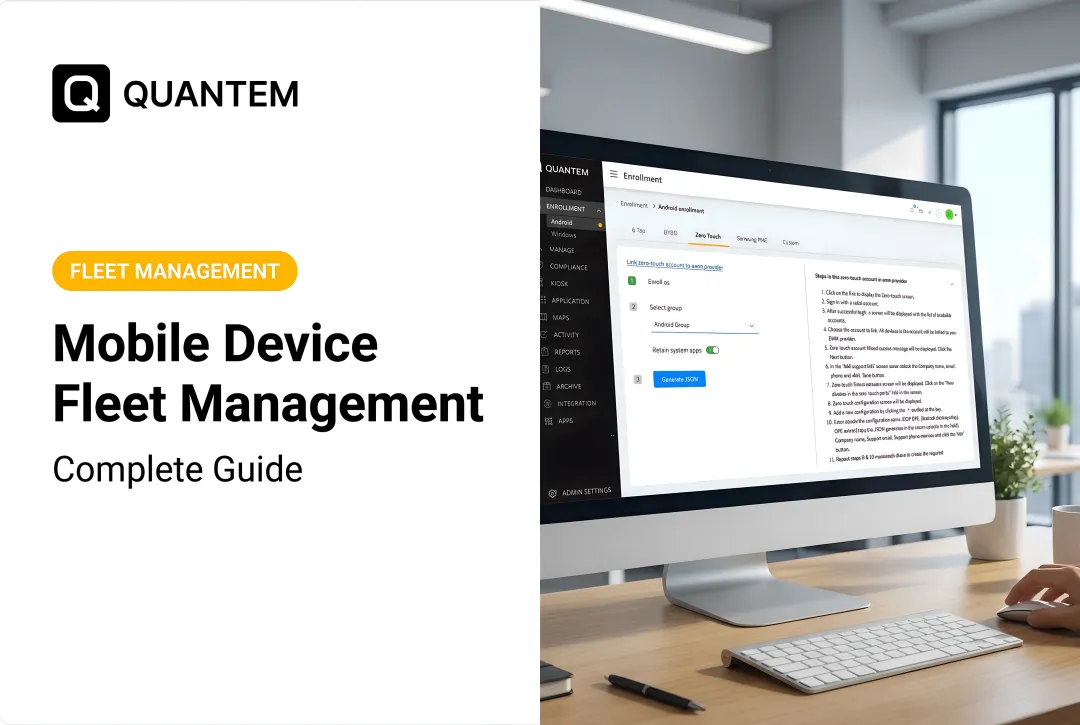
That's the operational reality behind staging, kitting, and deployment. These are three distinct but connected phases, and getting them wrong creates delays, security gaps, and support tickets that pile up fast. Modern MDM platforms like Quantem now automate much of this through zero-touch provisioning, cutting the manual burden dramatically.
This guide breaks down what each phase actually involves, why skipping steps backfires, and how automation changes the math.
Key Takeaways
- Staging, kitting, and deployment are separate phases: configure, bundle, then ship and activate
- Manual in-house rollouts raise error rates, security risks, and scalability limits as fleets grow
- Zero-touch enrollment lets devices auto-provision the moment they're powered on, no IT hands required
- Track your own fleet cost metrics; no verified industry-wide cost-per-device figure exists
What Is Mobile Device Staging, Kitting, and Deployment?
IT teams often use these three terms loosely, but they describe distinct stages of getting a device from the box to a productive employee.
Staging means pre-configuring a device before it reaches anyone. This includes:
- OS settings and update schedules
- Security policies (encryption, MFA requirements, app restrictions)
- Business apps, including private/internal apps tied to internal systems
- Network and Wi-Fi configuration
Kitting is the physical bundling step: pairing a staged device with its accessories (chargers, cases, styluses), asset labels, and any instructional material the end user needs. It's less about software and more about making sure the right physical package reaches the right person.
Deployment covers what happens next: shipping logistics, carrier activation, and the onboarding support a user needs on day one.
How the Phases Connect
These steps run sequentially to produce an "out-of-box ready" device:
- Staging locks in OS settings, security policies, and apps before the device leaves IT
- Kitting pairs the device with accessories, asset labels, and user instructions
- Deployment handles shipping, carrier activation, and day-one onboarding support

The real dividing line is manual versus zero-touch. In a manual workflow, a technician physically handles each device to apply settings. With zero-touch, corporate-owned Android, Windows, or iOS devices enroll themselves the moment they're powered on and pull assigned policies and apps automatically. No technician is required for the standard path.
Key Steps in the Staging, Kitting, and Deployment Process
A well-run rollout follows a repeatable sequence, regardless of fleet size.
Configuration and Testing
- Receiving and inventory logging: Verify device counts, serial numbers, and specs against purchase orders before anything else happens
- **Building a standard configuration profile**: Apply one consistent policy set across the fleet rather than configuring devices one-off. Platforms like Quantem let admins group devices by team, department, or location so the right apps, controls, and automations assign automatically
- Installing business apps with version control: Private or internal apps (say, an EMR companion app) need version freezing so a system update doesn't break a critical workflow overnight
- Running hardware and software tests: Confirm the device boots correctly, apps launch, and policies are actually applied before it leaves the staging queue
Physical Kitting and Security Sign-Off
- Asset tagging: Label devices and bundle accessories per role: a warehouse scanner needs a different kit than a nurse's tablet
- Applying and verifying security configuration: Encryption, MFA, and compliance policy checks should be confirmed, not assumed, before shipment
- Pack-out checklist: Include chargers, cases, SIM/eSIM details, and a one-page user quick-start so nothing critical is missing at the destination
Deployment and Handoff
- Ship or stage for pickup: Track outbound devices against the inventory log so every serial number has a clear destination
- Enroll and activate on arrival: Complete zero-touch or assisted enrollment, confirm network join, and verify the assigned profile landed
- User handoff: Deliver the kit to the right role owner and capture acknowledgment that the device is ready for work
- Post-deploy spot check: Sample a set of devices for policy compliance and app health within the first 24–48 hours

That full sequence only pays off if you measure it. One caution: no independent benchmark confirms a universal manual error rate for large mobile rollouts, so none should be quoted as fact. Track your own first-pass success rate: the share of devices that reach full compliance without manual rework.
Why Proper Staging and Deployment Matters
Poor staging doesn't just create inconvenience. It shifts controlled, batch-level work into one-off support tickets and rework hours.
Here's the honest picture on cost data: there's no verified US benchmark for "annual IT management cost per mobile device" that applies specifically to mobile rollouts. The HDI Cost per Ticket benchmark is the closest industry reference, but it covers general service-desk operations — not device deployment specifically.
Cost per ticket also varies by more than 100x depending on channel, staffing, and service quality. Build your own scorecard instead:
- First-pass enrollment success rate
- Configuration exceptions per 100 devices
- Support tickets in the first seven days post-deployment
- Time from handoff to productive use
Those metrics matter beyond the spreadsheet:
- Cut week-one "why won't this app open" tickets by shipping fully configured, tested devices
- Close security gaps on day one with encryption, MFA, and compliance policies applied before shipment
- Scale cleanly so a new location or hiring wave doesn't force a rebuilt rollout process
ATHMA Hospitals' IT manager described managing hundreds of Android devices without a proper system as "highly challenging" — a common story until centralized policy management is in place.
In-House vs. Outsourced/Automated Deployment
Common Challenges of Manual, In-House Staging
Manual staging hits a wall as fleets grow past what a small IT team can physically handle.
- A three-person IT team supporting 300+ devices can't touch every unit for every policy change
- Manual configuration across hundreds of devices invites inconsistency—one missed setting on device #47 of 200 is easy to overlook
- Physical staging space and technician hours don't scale linearly with device count

Shared-device fleets make the cracks wider. When nurses and clinicians rotate through shared tablets, it's hard to know which app was last used or whether patient data was wiped between users. That accountability gap shows up fast at audit time.
How Automation Closes the Gap
Outsourced staging partners can absorb the physical workload, but zero-touch automation removes most of the manual configuration entirely. The device auto-enrolls into its policy group the moment it boots for the first time—no technician needs to touch it.
What this looks like in practice:
- Devices are drop-shipped directly to the field location
- On power-on, the device provisions itself remotely and pulls its assigned policies
- Grouping by team, department, or location means a device added to "Ward 3" automatically gets that ward's apps and restrictions
Quantem's toggle-based policy controls fit this model. Instead of scripting, admins pick from 250+ pre-built controls—camera access, Wi-Fi settings, USB transfer restrictions, app installation rules—and flip them on or off. Non-technical IT staff can manage fleet-wide policy at scale without writing code.
Zero-touch enrollment and kiosk mode ship in every Quantem plan, starting at $1 per device/month. Geofencing and advanced kiosk settings land in Professional and Enterprise ($2 and $3 per device/month). Typical MDM vendors charge $3–$10+ per device monthly for similar capability and often gate geofencing behind premium contracts.
| Approach | Who handles setup | Scales with fleet growth | Best fit |
|---|---|---|---|
| In-house manual | Your IT team, device by device | Poor — space and hours bottleneck fast | Very small fleets, highly custom builds |
| Outsourced staging | Third-party staging partner | Moderate — still depends on partner capacity | Large one-time rollouts |
| Automated / zero-touch | Policy engine on first boot | Strong — add devices without added hands | Ongoing fleet growth, multi-site teams |

That shift is why teams move off manual staging quickly. Exhilar's IT manager put the adoption curve simply: "We got complete handle of the tool just in hours."
Best Practices for Streamlined Mobile Device Deployment
A few operational habits separate smooth rollouts from constant firefighting:
- Maintain a hot-spare pool. Keep a small number of pre-configured devices on hand so a defective unit doesn't stall onboarding for a new hire.
- Use consistent asset tagging. Tie labels to your inventory system so devices are traceable through their full lifecycle, from staging to retirement.
- Separate BYOD from corporate-owned policies. Work profile separation keeps Work and Personal spaces distinct, protecting employee privacy while isolating company data on any network.
This last point matters more than it seems. Trying to apply one policy set to both BYOD and corporate-owned devices creates confusing exceptions. Separating the rulesets up front simplifies staging logic considerably.
Frequently Asked Questions
What does mobile device management (MDM) do?
MDM centralizes configuration, security policy enforcement, app deployment, and monitoring across a device fleet from one console. It replaces manual, device-by-device configuration with group-level policy management.
What types of devices does mobile device management (MDM) cover?
MDM typically covers smartphones, tablets, rugged handhelds, and POS terminals, with growing support for laptops and Windows devices. Quantem supports Android, Windows, iOS, rugged devices, and POS terminal management across its platform.
What are examples of mobile device management (MDM)?
Common MDM features include zero-touch enrollment, remote wipe, app whitelisting, geofencing, and kiosk mode. These tools handle device provisioning, data protection, and app restriction during staging and ongoing use.
What measures should be taken to secure mobile devices?
Key security measures include encryption, multi-factor authentication, compliance policy enforcement, and work profile separation for BYOD devices. These should be applied and verified during staging, not added after deployment.
How long does mobile device staging and deployment typically take?
Timelines vary significantly by fleet size and complexity. Zero-touch enrollment and automation cut staging time versus fully manual setup, especially once enrollment profiles and app catalogs are ready.
Is mobile device staging necessary for small teams?
Yes. Even a handful of devices benefit from standardized staging to ensure consistent security and configuration. The process is lighter in scale (fewer groups, fewer policies), but the same principles apply.