A 2025 Kensington survey found that 76% of IT decision-makers in the US and Europe had dealt with device theft in the prior two years, with a third facing legal or regulatory fallout from the exposed data (Kensington, 2025). Add in the growing BYOD trend and hybrid work becoming permanent for millions of American employees, and remote data wipe software isn't optional anymore. It's baseline IT hygiene.
This guide breaks down the top remote wipe tools for US businesses, what makes each one worth considering, and how to pick the right one for your fleet.
TL;DR
- Remote data wipe software erases sensitive data from lost, stolen, or offboarded devices without physical access
- Rising BYOD adoption and hybrid work make this a core requirement, not a nice-to-have
- Best tools balance cross-platform support, automation, compliance certifications, and transparent pricing
- Top picks: Quantem, Microsoft Intune, Jamf Pro, ManageEngine MDM Plus, Scalefusion, and JumpCloud
- Pricing ranges from $1 to $13+ per device or user, per month, depending on the vendor and model
Overview of Remote Data Wipe Software
Remote data wipe software lets an administrator send a command that erases device data instantly, whether that device is across town or across the country. It's a core function inside broader Mobile Device Management (MDM) platforms, sitting alongside device provisioning, app distribution, and policy enforcement.
The US BYOD and enterprise mobility market hit $16.2 billion in 2024 and is projected to reach nearly $27 billion by 2029, growing at a 10.7% CAGR (MarketsandMarkets). Globally, the MDM market itself sits at $8.6 billion in 2024, with North America holding over a third of that share (Strategic Market Research).
Below, we cover the top remote wipe solutions for US businesses of every size — from small teams juggling a handful of tablets to hospital networks managing hundreds of devices across facilities.
Top Remote Data Wipe Software Solutions
Use these criteria to judge any remote wipe platform before you compare vendors:
- Cross-platform support across Android, iOS, and Windows
- Automation that doesn't require scripting knowledge
- Compliance certifications relevant to your industry
- Ease of use for IT teams without dedicated security staff
- Pricing transparency with no surprise per-feature charges
Quantem
Quantem is a cloud-based MDM platform built for zero-touch provisioning and real-time device visibility, with wipe controls that work through simple toggles instead of scripts. Devices can ship straight from the supplier and enroll automatically the moment an employee powers them on.
What makes Quantem stand out for remote wipe specifically:
- No scripting required: administrators toggle policies rather than write code
- Clean Sweep automation that wipes corporate data automatically when an employee is removed from the identity provider
- Work profile separation for BYOD, so personal apps and photos stay untouched while corporate data gets erased
- 50-70% lower pricing than typical MDM competitors
| Pricing | Key Features | Compliance |
|---|---|---|
| $1-$3/device/month, pay-as-you-go, no hidden fees | Zero-touch enrollment, geofencing, BYOD work profile separation, alert-and-action controls (Beep, Lock, Wipe) | SOC-2, GDPR, CCPA |

Quantem's strongest documented coverage is on Android and Windows fleets. If your organization is Apple-heavy, confirm current iOS support with their team before you commit.
Microsoft Intune
Intune is Microsoft's cloud-native MDM, built to work hand-in-hand with Azure AD (now Entra ID). If your organization already lives inside the Microsoft 365 ecosystem, this is usually the simplest fit.
Intune can trigger automatic wipes through Conditional Access policies, so a wipe can fire as soon as a device fails a compliance check instead of waiting on a manual admin click.
It also supports selective wipe of corporate data for iOS, Android, and Windows apps. Microsoft notes the action only runs when the user opens the app, sometimes up to 30 minutes after the command is sent (Microsoft Learn).
| Pricing | Key Features | Limitation |
|---|---|---|
| Bundled with Microsoft 365 (Intune Suite ~$10/user/month; E5 ~$60/user/month) | Cross-platform wipe, deep M365 integration, Conditional Access triggers | No HR-triggered automation or device-recovery logistics |
Jamf Pro
Built exclusively for Apple, Jamf Pro is the go-to for organizations running mostly Mac, iPhone, and iPad fleets. It's not trying to be everything to everyone, and that focus shows.
Jamf offers Lost Mode before a full erase, so IT can lock a device and show a custom message before a permanent wipe. Its EraseDevice command can immediately and permanently wipe a Mac, with fallback behavior that defaults to erasing rather than leaving a device in limbo.
| Pricing | Key Features | Limitation |
|---|---|---|
| Quote-based, per-device ($5.75-$12.50/device/month by product) | Smart Groups, Lost Mode, Apple Business Manager integration | No Windows or Android support |
ManageEngine Mobile Device Manager Plus
This one covers the most ground platform-wise: Windows, macOS, iOS, Android, and Chrome OS, with both cloud and on-premises deployment options.
ManageEngine supports immediate wipe commands plus scripting for teams that want custom automation on top. On Windows, only managed profiles are wiped, not full apps, which matters if your fleet is Windows-heavy.
| Pricing | Key Features | Limitation |
|---|---|---|
| Tiered — free up to 25 devices, then $64+/month or perpetual licensing | Hybrid deployment, scripting support, ISO 27001 certified | No HR-triggered offboarding automation |
Scalefusion
Scalefusion focuses heavily on kiosk, dedicated, and shared-device scenarios — think retail tablets, warehouse scanners, or hospital check-in kiosks.
Instant remote wipe pairs with lockdown policy automation. A lost device gets wiped, and lockdown policies already limited what an attacker could reach.
| Pricing | Key Features | Limitation |
|---|---|---|
| $2-$6/device/month, billed annually, 10-device minimum | Dedicated device mode, policy automation, SOC 2 Type 2 compliant | No global device-recovery logistics |
JumpCloud
JumpCloud takes an identity-first approach, bundling directory services, SSO, MFA, and device management into one platform.
Wipe actions tie directly to identity status. When HR deactivates a user account, JumpCloud can trigger the wipe automatically, without a separate manual step in the IT queue.
| Pricing | Key Features | Limitation |
|---|---|---|
| $13/user/month billed annually (or $15 monthly) | SSO + MFA + MDM unified, SOC 2 Type 2, ISO 27001 certified | No HR-triggered automation for device logistics or recovery |

How We Chose the Best Remote Data Wipe Software
We evaluated each platform against criteria drawn from NIST's mobile device management guidelines (NIST SP 800-124 Rev. 2), which cover the full device lifecycle from enrollment to disposal.
The most common mistakes we see IT teams make: picking a tool with narrow OS support that can't scale as the fleet diversifies, or missing hidden per-device fees buried in a quote-based pricing model.
What we weighted most heavily:
- Cross-platform coverage — does it match your actual device mix, not just today's fleet?
- Automation and zero-touch capability — can wipes trigger without manual intervention?
- Compliance certifications — does it hold SOC 2, GDPR, and CCPA credentials relevant to your industry?
- Audit logging — can you prove a wipe happened, and when?
- Total cost of ownership — are per-device vs. per-user fees, minimums, and add-ons clear up front?

Conclusion
There's no universal "best" remote wipe tool. The right choice depends on your fleet's OS mix, your compliance obligations, and how much you're willing to pay per device.
Apple-only shops should look hard at Jamf. Microsoft-centric organizations will find Intune's integration hard to beat. Mixed Android and Windows fleets that want simplicity without scripting have a strong case for Quantem.
Before signing anything:
- Map your device inventory against each platform's supported OS list
- Test automation triggers on a real offboarding scenario
- Read the pricing fine print for minimum device counts
Quantem offers a 21-day free trial with full platform access and no credit card required. It's a low-risk way to see whether toggle-based, no-scripting remote wipe fits your team before you commit budget.
Frequently Asked Questions
What does "remote wipe" mean?
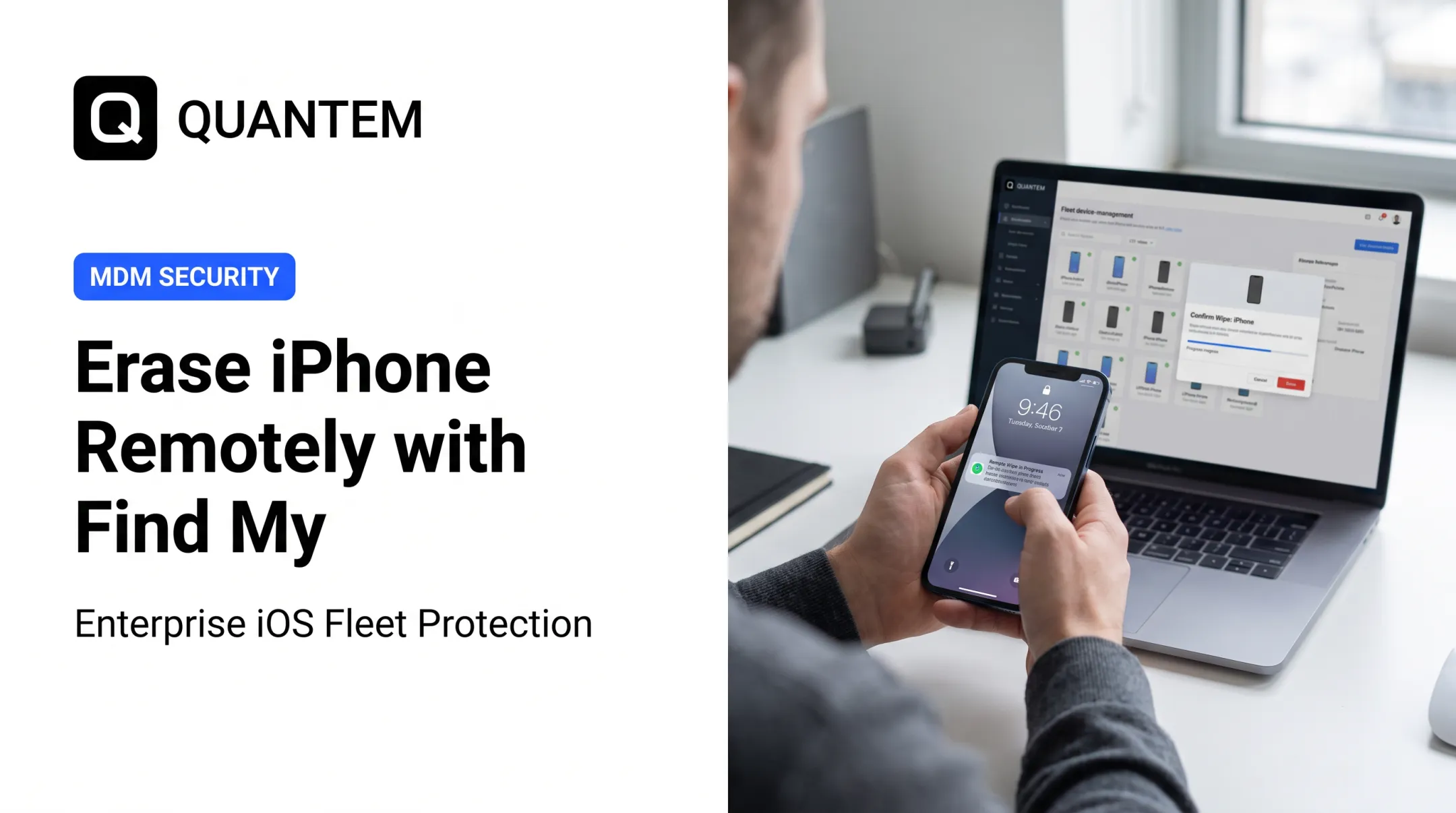
Remote wipe is the ability to erase data on a device by sending a command, without needing physical access. IT teams typically use it for lost, stolen, or offboarded devices to prevent unauthorized data access.
Can a phone be remotely wiped?
Yes, through MDM platforms or built-in tools like Find My Device (Android) or Find My iPhone (Apple). The phone must be powered on and connected to a network to receive the command.
What does a remote wipe application do?
It sends a command that erases some or all device data. This can range from removing only managed corporate apps and data to triggering a full factory reset, depending on the platform and policy.
What is the difference between full wipe and selective wipe?
A full wipe factory-resets the entire device, erasing everything. A selective wipe removes only managed corporate data, leaving personal apps and files intact, which is useful for BYOD setups.
How much does remote data wipe software typically cost?
Pricing ranges from $1 to $10+ per device or user, per month, depending on the vendor and pricing model. Per-device pricing tends to suit smaller fleets, while per-user pricing works better when employees manage multiple devices.
Is remote wipe effective if a device is offline?
No. The device must be powered on and connected to receive the wipe command. Some platforms queue the command and execute it automatically once the device reconnects, within a set compliance window.